


ColorMagic
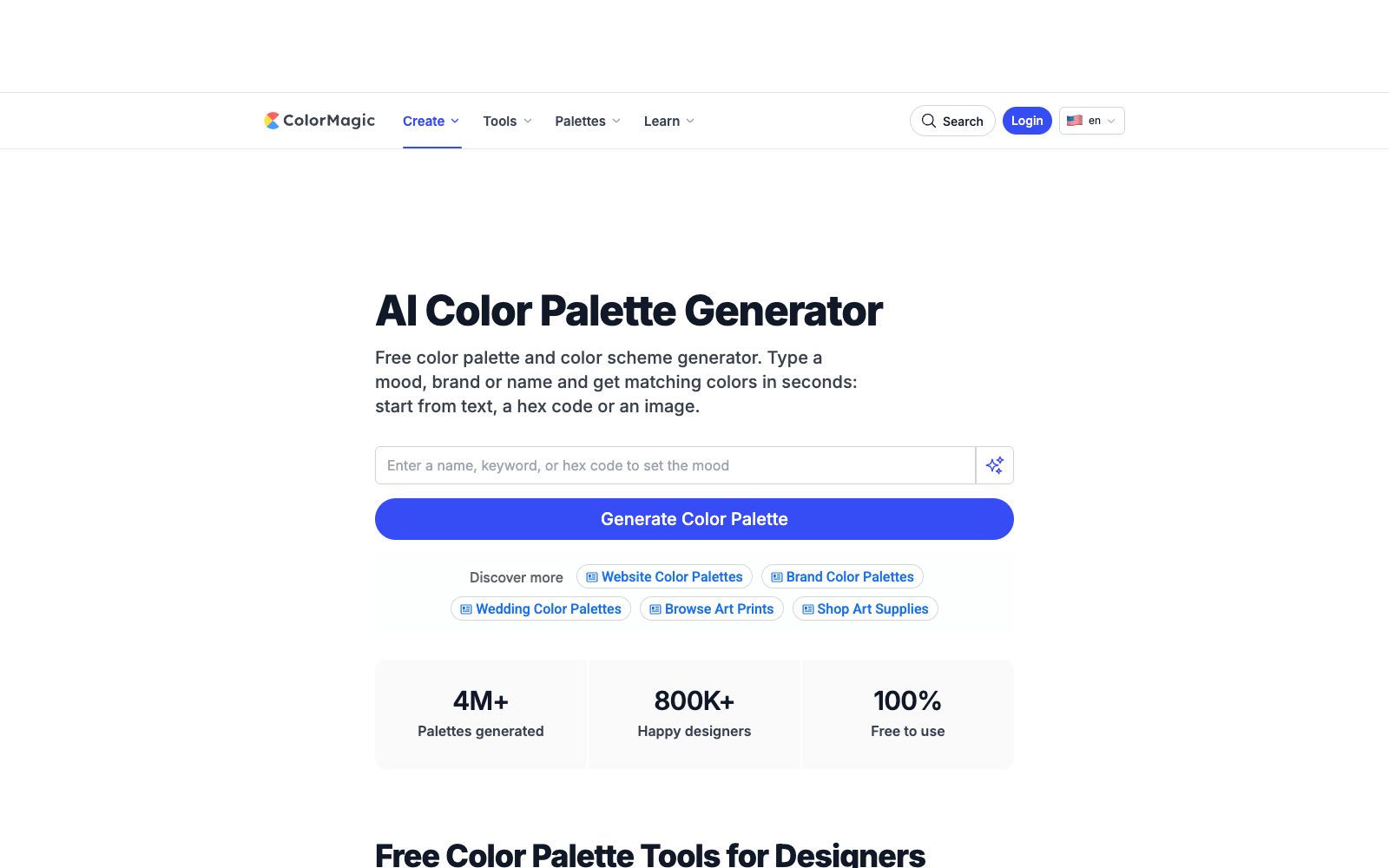
Free web-based AI color scheme generator. Enter a description, brand name, or color value to get a complete color scheme. You can also extract the main colors from images and export color scheme images and gradient codes.
Updated: 2026-10-27
What is ColorMagic?
ColorMagic is an AI color scheme generator that works directly in your web browser. Input a description, a brand name, or a hexadecimal color value, and it will provide a complete color scheme within seconds. It has a narrow and clear positioning: it doesn't create design drafts, it only solves the problem of what colors to use for this screen. The official website states that it has generated over 4 million color schemes in total, serving 800,000 designers, and it is completely free.
Who is it for?
- Independent developers: Quickly set up a decent interface color scheme for side projects.
- Marketers and Operations Teams: No need to wait for designers' schedules when creating posters and social media images.
- Illustration and character design: Generate color scheme references based on character names or setting words.
- Front-end engineers: Need ready-made gradient codes to directly paste into style sheets.
- Design teaching: Demonstrate color relationships and style differences in class.
- Brands and new media: Create a color palette that can be used for a long time for columns or events.
Key features
7Text-to-Color Generation
Write a sentence describing emotions, scenes, and textures, such as "a quiet morning by the sea, soft and hazy", and the model will provide a set of color palettes based on this; regenerating with the same description will yield different arrangements, making it easy to pick a satisfactory set.
Image Color Extraction
Upload a photo to extract the main colors, and the official website recommends using screenshots of social media profiles to infer the visual tone of the account.
Fixed Specified Color
Input the color code that must be retained in the description, and design the other colors around it. Suitable for projects with existing brand main colors.
Supporting Small Tools
Random color generator, color mixer and gradient generator. The gradient results can be directly copied as style codes; color schemes can be exported as images, and favorites require login.
Style Color Library
Built-in theme color palettes such as Soft, Neutral, Luxury, Japanese, Pop Art, Retro, and Minimalist, with the official providing applicable scenario descriptions for each category.
Additional Features
Coloring Book can convert photos into digital coloring pages for printing or online coloring.
Ready-to-use in browsers
No need to install a client; you can generate and copy results on both mobile and desktop browsers. An official desktop application is also available.
How to use ColorMagic
- 1Describe the feeling along with the location and time, which is more effective than directly writing color names; two or three details are enough, as too many will make the results conflict with each other.
- 2If you're not satisfied with the result, regenerate it with the same description, which is faster than repeatedly tweaking the words.
- 3Generation and export are free and do not require registration, while additional features such as favorites and the desktop version require an account.
- 4The generated results are just a starting point; you still need to check the contrast when implementing them, especially the combination of text and buttons.
- 5Confirm the conflict between the color values and existing brands before commercial use; the tool only guarantees good looks, not exclusivity.
Traffic & popularity
Data month Sep 2026
ColorMagic receives about 2.4M visits per month and ranks #31,028 worldwide.
Monthly visits
12 monthsTraffic sources
- Direct50.2%
- Search27.7%
- Referrals18.0%
- Social2.8%
- Display ads1.4%
Top countries
- United States50.5%
- Australia5.4%
- India4.4%
- United Kingdom2.7%
- Japan2.4%
Estimated from third-party traffic data.
Similar tools
 KhromaAn AI color matching tool for designers: first select your favorite colors to train the algorithm, then generate an unlimited number of color combinations. It supports filtering by hue and color value, and provides hexadecimal codes, CSS codes and WCAG contrast ratings.
 IconifyAIAI app icon generator for independent developers: describe objects and color schemes, then generate images in 11 styles. The official claims to deliver 1024×1024 high-definition images within 1 minute with attached color schemes, $1 generated images belong to the user.
 LogoAILogoAI is an AI brand generation tool for entrepreneurs. Enter a name and industry to generate logos, color schemes, fonts and social media materials, and it also comes with a brand video and image video editing workbench.
 LineSVGAn AI tool that converts text or images into editable SVG line drafts, officially claims to output real vector strokes, with adjustable line width, color and dashed lines after generation, and can be exported to Figma and Illustrator.
 Palette HuntPalette Hunt completes your personal color analysis with a single natural light selfie, providing your skin undertone, seasonal type, and a 30-color palette. It also allows you to preview hair colors, makeup, and outfits on your own photos, making it ideal for those who often choose the wrong colors.
 UltimapsUltimaps is an online data mapping tool that automatically maps tabular data onto over 200 vector maps and generates color schemes. It allows exporting as images or publishing as interactive maps embeddable in web pages, making it suitable for sales zoning and data reporting.