

Chroma Studio
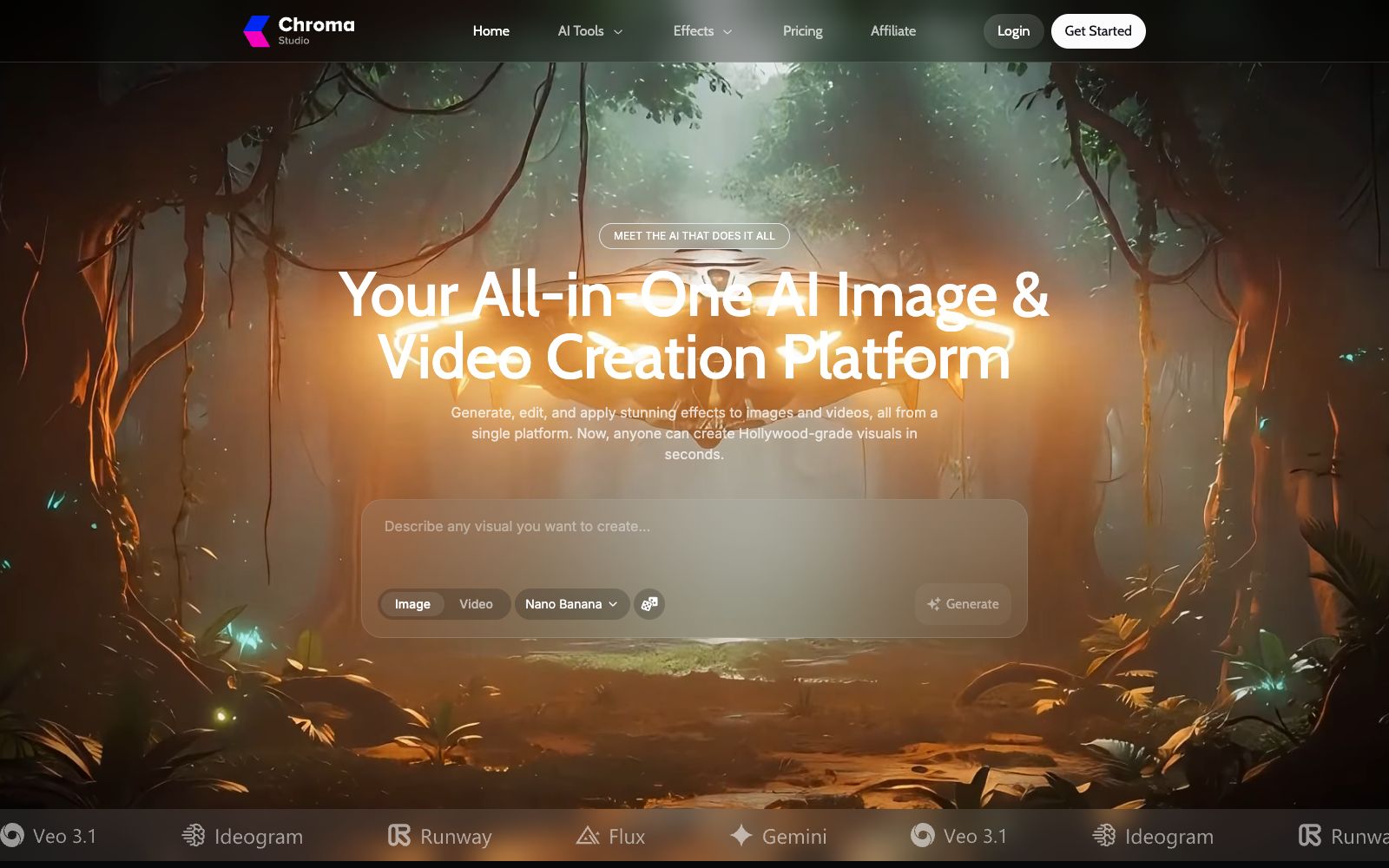
Chroma Studio is an AI creation platform that integrates image and video generation, editing, and stylization into a single browser. It comes with over 500 built-in special effects and aggregates multiple mainstream image and video models, all completed within the browser.
Updated: 2026-10-26
What is Chroma Studio?
According to its official website, Chroma Studio positions itself as "Your All-in-One AI Image & Video Creation Platform", integrating image generation, editing and stylization effects into a single browser workspace. Instead of training its own models, it aggregates various image models such as Flux, Nano Banana, and Midjourney, as well as video models including Veo, Sora, Runway, Kling, Hailuo, Wan, and Seedance in one place. The official states that the platform already offers over 500 image and video special effects. For users who do not want to switch back and forth between multiple subscriptions, the value of such aggregation platforms lies mainly in a unified workflow and unified quotas.
Who is it for?
- Individual creators making social media short videos: Those who want to quickly convert their materials into a unified style without wanting to install editing software.
- E-commerce and product marketers: Use image-to-video and style transfer to create product display and advertising materials.
- Designers who need batch image processing: Operations such as background removal, upscaling, relighting, and watermark removal are all centralized in one place.
- Professionals who want to compare the effects of multiple models side by side: With one account, they can switch between different models to run the same prompt.
Key features
6Image & Video Effect
It is claimed that over 500 video and image effects are available, with stylized results applied in one go.
All Models, One Place
Switch between multiple image and video models on the same interface without subscribing to each one separately.
Modify & Edit Instantly
Erase, replace, enhance or restyle parts of an image, for example, convert it to an anime style.
Add Reference Image
Use reference images for style, pose or composition to constrain the output results and reduce repeated trial-and-error generation.
Keyframe
Define keyframes, camera angles and transitions to control the start and end frames of the video.
Video Tools Series
Video-to-Video, video extension, background removal, image-to-video, video upscaling, style transfer and more.
How to use Chroma Studio
- First, use the free credits to run the same image through different models to confirm which one's style aligns better with your brand tone.
- For effects such as character face replacement, hairstyle and hair color change, first confirm that you have the usage authorization for the original image.
- The clearer the reference image and the closer its composition is to the target, the more controllable the output will be.
- pure text descriptions are prone to deviation, so it is recommended to provide both text and images together.
- Video generation is time-consuming and costly.
- First, test parameters with short durations and low resolutions to confirm the motion trajectory before rendering the final version.
- The scope of commercial use depends on the license terms of the called models.
- it is recommended to recheck with the official terms before launching advertisements.
- The official model list and the number of special effects change with access, and the effects you see are subject to the models available in the actual workspace.
Traffic & popularity
Data month Sep 2026
Chroma Studio receives about 310.0K visits per month and ranks #117,435 worldwide.
Monthly visits
12 monthsTraffic sources
- Search65.0%
- Direct28.2%
- Referrals2.5%
- Social2.1%
- Display ads1.6%
- Other0.6%
Top countries
- United States13.2%
- Taiwan, China12.0%
- France6.0%
- Italy4.9%
- Canada4.3%
Estimated from third-party traffic data.
Similar tools
 VidflyVidfly is an all-in-one AI video generation platform that aggregates multiple mainstream video and image models. It supports text-to-video, image-to-video, digital human lip sync, and short video clipping. The official claims that there are more than 300 popular special effect templates on the platform.
 VideoWeb AIAn all-in-one AI generation platform that officially claims to aggregate models such as Kling, Veo, Seedance, and Nano Banana, offering text-to-video, image-to-video, an AI Canvas workspace, and image and music generation, with usage billed in credits.
 VidAUAn AI generation platform focused on marketing videos, which can directly produce advertising films from product links, images or text. Meanwhile, it aggregates multiple mainstream image and video models. The official website states that more than 20,000 brands are using it to create delivery materials.
 Pollo AIAn AI creative suite that aggregates multiple mainstream video and image models. It enables the creation of text-to-video, image-to-video, digital human, audio, and marketing materials all within a single workspace, supports up to 4K output, and is ideal for creators who do not wish to be tied to a single model ecosystem.
 MageMage is a browser-based image and video generation platform. According to the official statement, it offers a free start with no creation restrictions. It is built with multiple models such as Stable Diffusion, FLUX, and Wan, as well as exclusive fine-tuned models, and generates content privately by default.
 OpenArtA one-stop AI creation platform, its official website states that it aggregates more than 100 models including Google, OpenAI, Seedance, etc., supports image, video and music generation, and has been used by more than 8 million creators.