

Otty
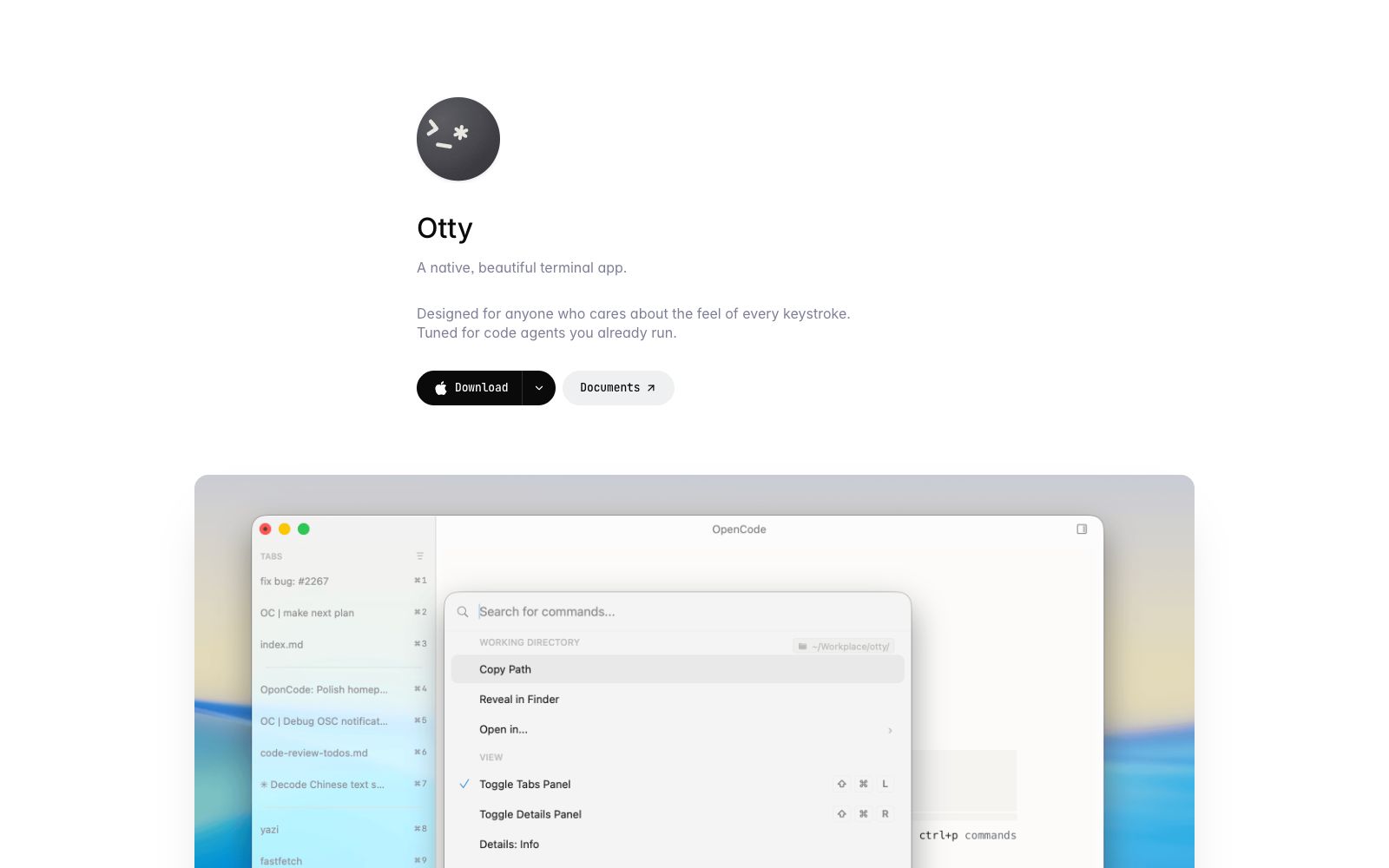
Otty is a native terminal application for code agents, featuring GPU acceleration and keyboard-first design. It supports multi-session threads, command shortcuts, and real-time preview, and is compatible with the AI coding agents you are already using.
Updated: 2026-10-26
What is Otty?
Otty is a native and elegant terminal application, officially positioned as "designed for those who care about the feel of every keystroke" and explicitly tuned for "the AI agents you already use". It sits between traditional terminals and full-fledged Agent development environments: it retains the keyboard-first interface you love, adds agent workflows, and avoids the complexity of panels and buttons found in IDEs. Unlike general-purpose terminals, Otty emphasizes GPU-accelerated rendering, multi-session thread management, and enabling coding agents to work directly in the terminal with real-time previews, positioning itself as lightweight and not bloated.
Who is it for?
- Developers who are used to terminals and using AI coding agents (such as code review and patch generation).
- Engineering teams that want to retain a lightweight keyboard-driven workflow but don't want to be burdened by the complex panels of an IDE.
- Solo developers who need to monitor multiple agent sessions simultaneously, compare changes, and run benchmark tests.
Key features
7Native GPU-Accelerated Terminal
A modern terminal rewritten from the ground up, offering smooth rendering and a user experience close to native applications.
Multiple Sessions and Threads
One window manages multiple sessions and agent threads, allowing you to centrally check the progress of different tasks.
Command Shortcuts
Access common commands with one click, maintaining a keyboard-first workflow habit.
Compatible with coding agents
Officially states "plays well with the agents you already run", allowing existing agents to run directly in Otty.
Real-time Preview
When the agent edits code, the preview updates with every change, making it easy to see the effects while making adjustments.
Keyboard-first experience
Adheres to complex interactions not driven by the mouse, preserving the operational habits and rhythm of terminal users.
Lightweight IDE Alternative
Serves as an intermediate development environment when you need an agent workflow but don't want the overhead of a full IDE.
How to use Otty
- 1First migrate your daily terminal work to Otty, experience GPU acceleration and multi-session management, and then connect your agents.
- 2Track agent changes with keyboard shortcuts and thread views, and quickly verify patches with real-time previews to reduce switching between multiple terminals.
- 3Download channels are subject to the official website: macOS (Apple Silicon / Intel) and Windows are available, while Linux and iOS are on the waiting list.
- 4Specific features and pricing are subject to the official website documentation.
Traffic & popularity
Data month Sep 2026
Otty receives about 17.7K visits per month and ranks #1,951,033 worldwide.
Monthly visits
7 monthsTraffic sources
- Search64.8%
- Direct27.9%
- Referrals4.7%
- Social1.9%
- AI assistants0.7%
Top countries
- China52.7%
- United States15.8%
- Singapore12.7%
- Hong Kong, China6.8%
- Taiwan, China4.3%
Estimated from third-party traffic data.
Similar tools
 opcodeA desktop client built for Claude Code, officially described as managing Claude sessions through a graphical interface, creating custom Agents, tracking usage, and transforming command-line operations in the terminal into visual panels.
 AgentMailAgentMail is an infrastructure that provides dedicated email inboxes for AI agents. With a single API call, you can create an inbox, send and receive emails, manage conversation threads and attachments, and trigger workflows. It is suitable for lead follow-up, customer service replies, and multi-agent collaboration.
 aiderAn AI pair programming tool that runs in the terminal, automatically maps codebases, supports over 100 languages and multi-model access, directly commits every change to Git, and is fully traceable throughout the process.
 UI to Code AIA tool that converts screenshots, images, PDFs, or PSDs into front-end code, outputs React, Vue, Next.js, or HTML/CSS with real-time preview, and allows downloading the entire project package or copying individual components.
 CodeMate.aiA private-focused AI programming assistant that provides in-editor coding agents, design-to-application conversion, automated PR reviews, and an AI terminal. The official emphasizes self-hosting and on-device architecture, ensuring code never leaves the local environment.
 CopilotKitEmbed the agent into the front-end framework of the product interface, providing dialogue components, generative interfaces and in-app operations, which can connect to multiple agent backends, and is suitable for adding AI assistants to existing products while retaining permissions and audits.