


Nexus Clips
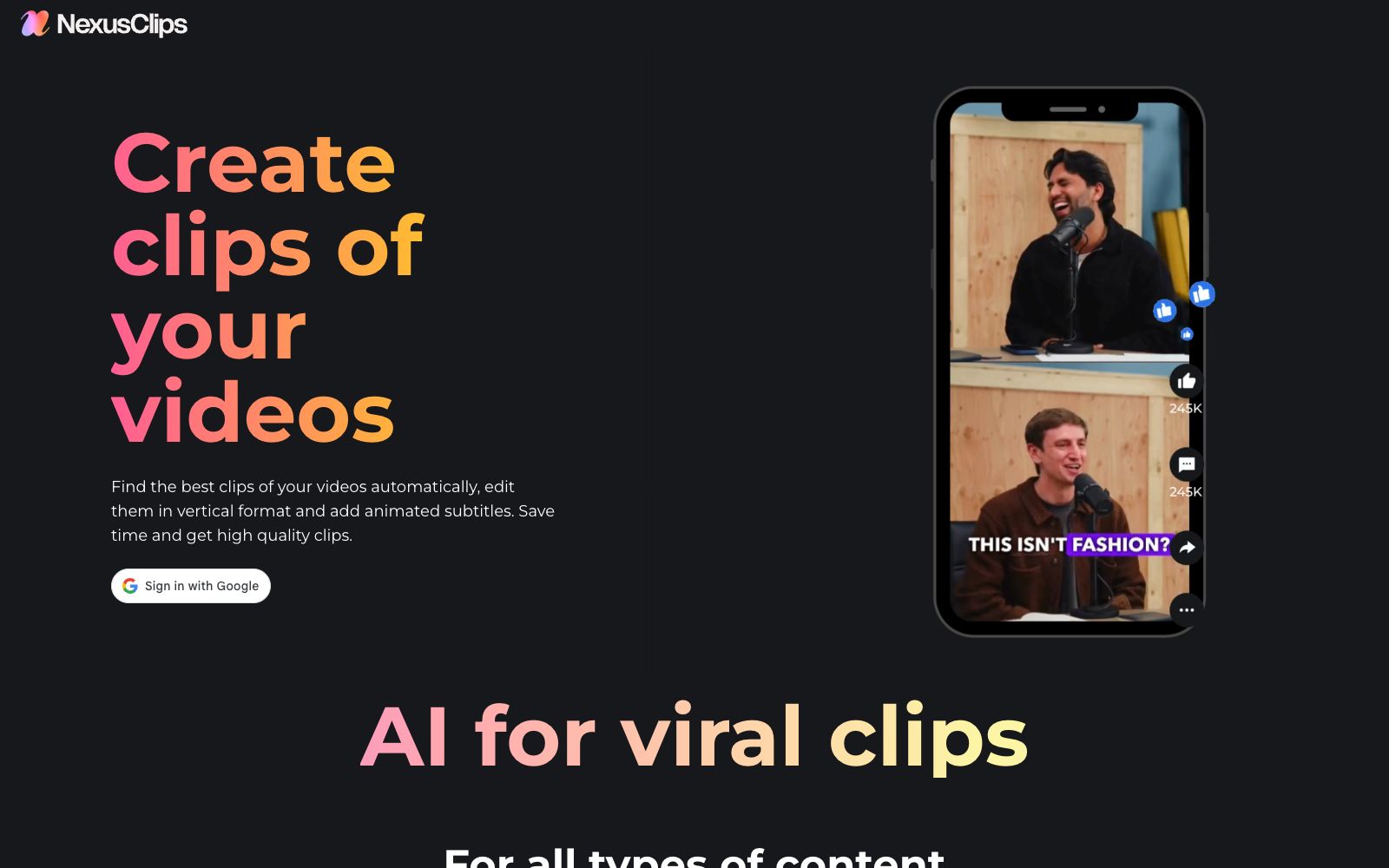
A tool that automatically selects clips from long videos to create vertical short videos. It can intelligently pick exciting clips and automatically add animated subtitles and stickers. The official website states that you don't need editing experience, and it can also help you publish directly.
Updated: 2026-10-26
What is Nexus Clips?
Nexus Clips addresses the problem of repurposing long-form videos: it automatically cuts live recordings, podcasts or tutorials into vertical short clips that can be posted on TikTok, YouTube Shorts and Reels. Its official website describes it as "turning your content into eye-catching dynamic clips" and emphasizes that it handles the three steps of editing, subtitling and publishing.
Who is it for?
- Livestreamers: The official website specifically lists scenarios such as direct editing for Twitch and Twitch-to-TikTok editing.
- Podcasts and talk shows: Cut one-hour recordings into multiple shareable clips of key viewpoints.
- Channels creating long-form tutorial, offline event, and sports videos that need to produce teaser and traffic-driving short clips.
- Solo creators who have no editing experience and don't want to learn editing software.
Key features
5AI Clip Selection
The official website states that its AI will automatically select the best clips from long videos without the need for manual timeline dragging.
Grab Hook Openings
The official website states that it selects hook segments that can attract new viewers, which is the key to retaining short video audiences.
Animated Subtitles
Automatically generate dynamic subtitles to adapt to silent playback scenarios.
Vertical Format Conversion
Automatically reconstructs the original horizontal video into vertical composition.
Custom Stickers & AI-Generated Covers
The official website states that you can add custom stickers and generate cover images using AI.
How to use Nexus Clips
- 1First, figure out if the original video is "clip-able": long videos with a clear structure and distinct viewpoints work well, while live streams focused on atmosphere need to be hand-picked manually.
- 2The official website's FAQ states that it supports content such as competitions, events, tutorials, games, and podcasts. Confirm that your content type is within the supported scope before subscribing.
- 3Be sure to review the auto-generated subtitles in full before exporting, as names, place names, and proper nouns are the most prone to errors.
- 4Automatic publishing means the content is directly released to the public. It is recommended to first use it as a draft machine, conduct manual review, and then determine the release plan.
- 5When using third-party copyrighted materials (such as game soundtracks, guest portraits, and event footage), first confirm whether secondary distribution is permitted.
- 6The package details, payment methods, and refund rules are subject to the official website's description. The official policies may be adjusted, so please double-check before making a payment.
- 7The official homepage emphasizes that no editing experience is required, but it's recommended to first try a few videos with the free or basic plan to avoid unnecessary monthly fees.
- 8It is recommended to first establish your own posting rhythm: a stable output of one to three videos per day will yield better results than a one-time bulk release.
- 9The official website supports fetching materials from sources such as YouTube and Twitch. Confirm the scope of account authorization before importing, and do not leave unused permissions enabled for a long time.
- 10Even after the clips are ready, it is still recommended to add opening and ending credits as well as guiding words in your own editing tools; purely auto-generated clips often lack the channel's unique personality.
Traffic & popularity
Data month Sep 2026
Nexus Clips receives about 63.6K visits per month and ranks #503,734 worldwide.
Monthly visits
12 monthsTraffic sources
- Direct46.8%
- Social24.3%
- Search23.9%
- Referrals3.8%
- Mail0.6%
- Other0.5%
Top countries
- United States40.2%
- Brazil6.9%
- India5.5%
- Mexico5.0%
- Colombia4.4%
Estimated from third-party traffic data.
Similar tools
 SsembleAn AI tool that cuts long videos into viral short videos. Paste a YouTube link or upload a file, and it automatically picks out highlight clips, adds subtitles, and tracks faces with the rule of thirds composition, then schedules and publishes them across multiple platforms.
 KattoThe official website of Katto positions it as an AI video editing tool: after pasting a long video link, it automatically finds the best moments, scores clips based on four dimensions, reconstructs them into vertical screens and adds multilingual subtitles. It also supports dubbing, scheduling and publishing to seven platforms.
 Spikes StudioAn AI long-video clipping tool that officially claims to automatically find highlights, add transitions, zooms, and subtitles. It supports multi-platform formats and scheduled publishing, has over 1 million users, works in more than 99 languages, and offers a free trial with a watermark.
 KlapAI short video clipping tool, the official said that by pasting a link or uploading a long video, it can automatically select highlight clips and reconstruct them into vertical screen short videos, automatically add subtitles and track composition, and can be scheduled and released to TikTok and YouTube.
 quso.aiquso.ai is an AI tool for converting long-form content to short videos. It can extract highlight clips from long videos, live streams and podcasts, score them based on virality, automatically generate word-for-word subtitles, and distribute them across multiple social platforms. It is suitable for creators and content teams engaged in short video distribution.
 WisecutWisecut is an AI editing tool for podcasts, YouTube and webinars. It automatically slices videos, adds subtitles, reframes content and adds background music. The official statement says that more than 1 million creators have used it.