


Narakeet
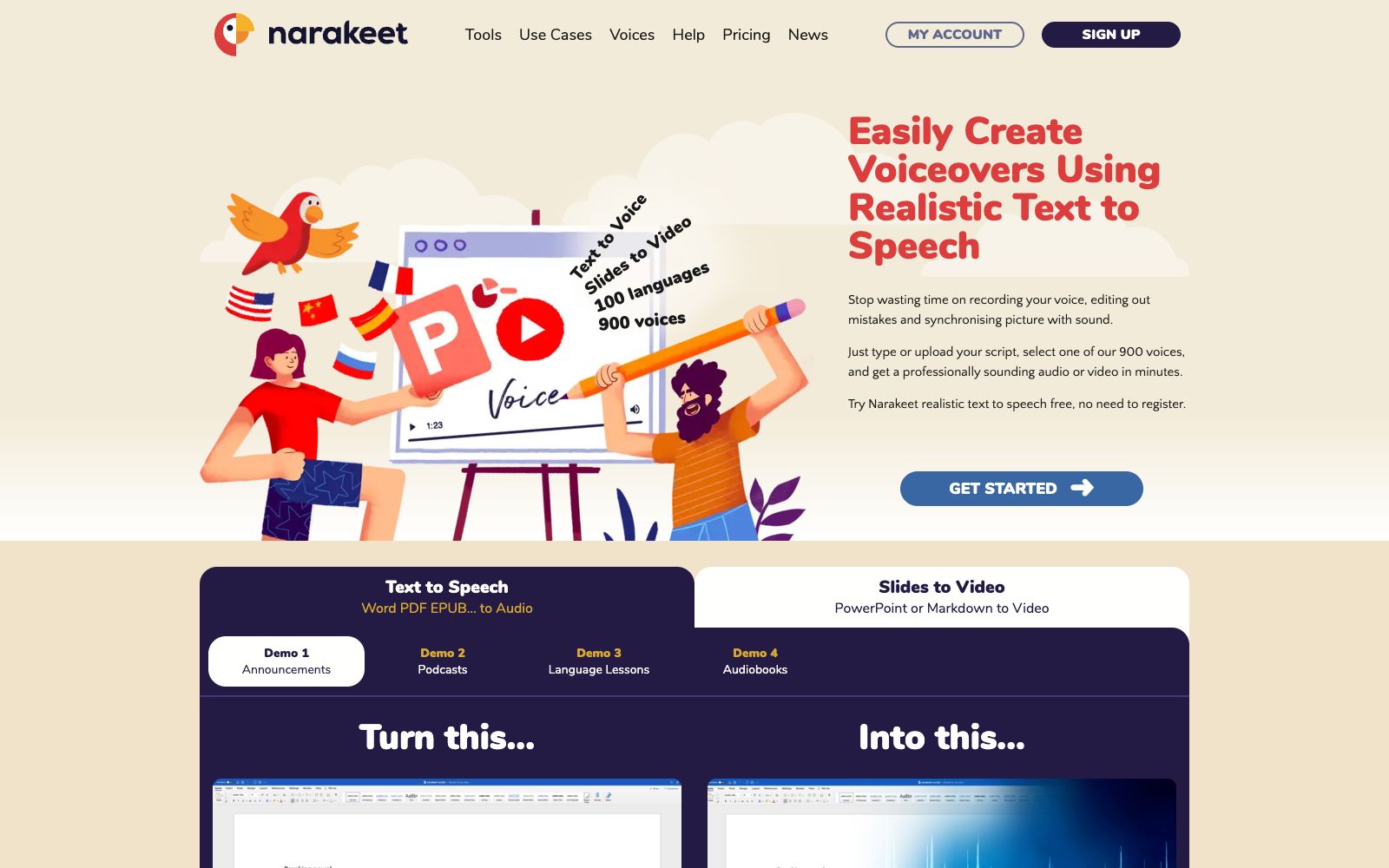
An online dubbing and voiceover video creation tool, the official website claims to offer 100 languages and 900 voices, supporting text-to-speech, subtitle-to-audio, and slide-to-video conversion, as well as API calls.
Updated: 2026-10-26
What is Narakeet?
Narakeet is an online tool for dubbing and voiceover videos. The official website describes itself as "Easily Create Voiceovers and Narrated Videos Using Realistic Text to Speech", and claims to support 100 languages and 900 voices. Its feature is to create a streamlined workflow of "text-audio-video": it can directly produce finished products with voiceovers from pure text, subtitle files, Markdown, and PowerPoint, and can also be called in batches through APIs and command lines.
Who is it for?
- Training and educational staff who need to batch convert courseware or presentation materials into explanatory videos.
- Operations teams that create multilingual product descriptions and tutorial videos.
- Content site owners who want to add audio versions to their blog posts.
- Developers who need to generate large volumes of narration audio in bulk using scripts.
Key features
6Convert Text To Speech
Converts text to speech. The official website states that it offers realistic and natural pronunciation, covering multiple languages and accents.
Convert Subtitles to Audio
Directly reads subtitle files to generate audio tracks, suitable for dubbing videos that already have subtitles.
Create Narrated Videos Quickly
Quickly generate videos with voiceovers, and the official website separately lists the usage method of "create video from images and audio".
Powerpoint to Video
Convert presentation slides into dubbed videos, and the official website also offers Markdown to Video.
API and command line tools
Provides APIs and command-line tools to facilitate batch and automated production.
Automate Video Production
A complete set of workflows centered around automated video production. The official website also provides tool pages for speech recognition and AI dubbing.
How to use Narakeet
- 1First, listen to a short text sample to select the voice and adjust the speaking speed, then apply it to the entire script to avoid redoing the whole thing.
- 2Starting from subtitles or Markdown is more hassle-free than writing a script from scratch, and timelines can also be directly reused.
- 3When producing in bulk via the API, start with a small batch to get the process right before scaling up, and keep an eye on concurrency and quota limits.
- 4For multilingual projects, conduct trial auditions for each language; the performance of the same voice may vary significantly across different languages.
- 5The scope of the commercial license is subject to the official website's instructions; please recheck the license terms and package benefits before launching.
Traffic & popularity
Data month Sep 2026
Narakeet receives about 532.9K visits per month and ranks #84,472 worldwide.
Monthly visits
12 monthsTraffic sources
- Search70.9%
- Direct20.7%
- Referrals3.5%
- Social2.5%
- AI assistants1.7%
- Other0.8%
Top countries
- United States12.8%
- India11.7%
- Indonesia5.9%
- Turkey4.0%
- Vietnam3.9%
Estimated from third-party traffic data.
Similar tools
 LuvvoiceA free online text-to-speech tool, its official website claims to support more than 70 languages and 200 voices. It allows online auditioning and downloading the results as MP3 files, and also provides document-to-speech conversion and voice cloning functions.
 Langlang DubbingAn online text-to-speech dubbing platform, the official claims it has built-in more than 1,100 AI anchors, supports more than 80 languages and more than 10 emotional styles, and can be used for audiobooks and short video dubbing.
 Lanzao AIThe AI dubbing and voice cloning platform launched by CloudMinds, according to the official, offers AI voice actors with different genders, accents and languages. It supports text-to-speech, AI copywriting and exclusive voice cloning, enabling quick dubbing for short videos and audiobooks.
 NaturalReaderA veteran text-to-speech tool, its official website claims over 10 million users worldwide. It uses AI voices to convert any text into natural audio, offering personal, commercial and educational versions. It is suitable for reading assistance, accessibility support and dubbing production.
 VoicemakerAn online text-to-speech tool, its official website claims to offer 2000+ AI voices covering 130 languages, supports exporting to MP3/WAV, suitable for scenarios like YouTube short videos, and also provides voice cloning, voice-to-voice conversion, and speech-to-text functions.
 iFlytek Intelligent CreationiFlytek's one-stop AI dubbing and digital human platform offers super realistic text-to-speech, cartoon digital human videos and images, and voice customization. Officially, it covers scenarios such as education and training, news media, and corporate marketing, serving over ten million creators.