


MagicPath
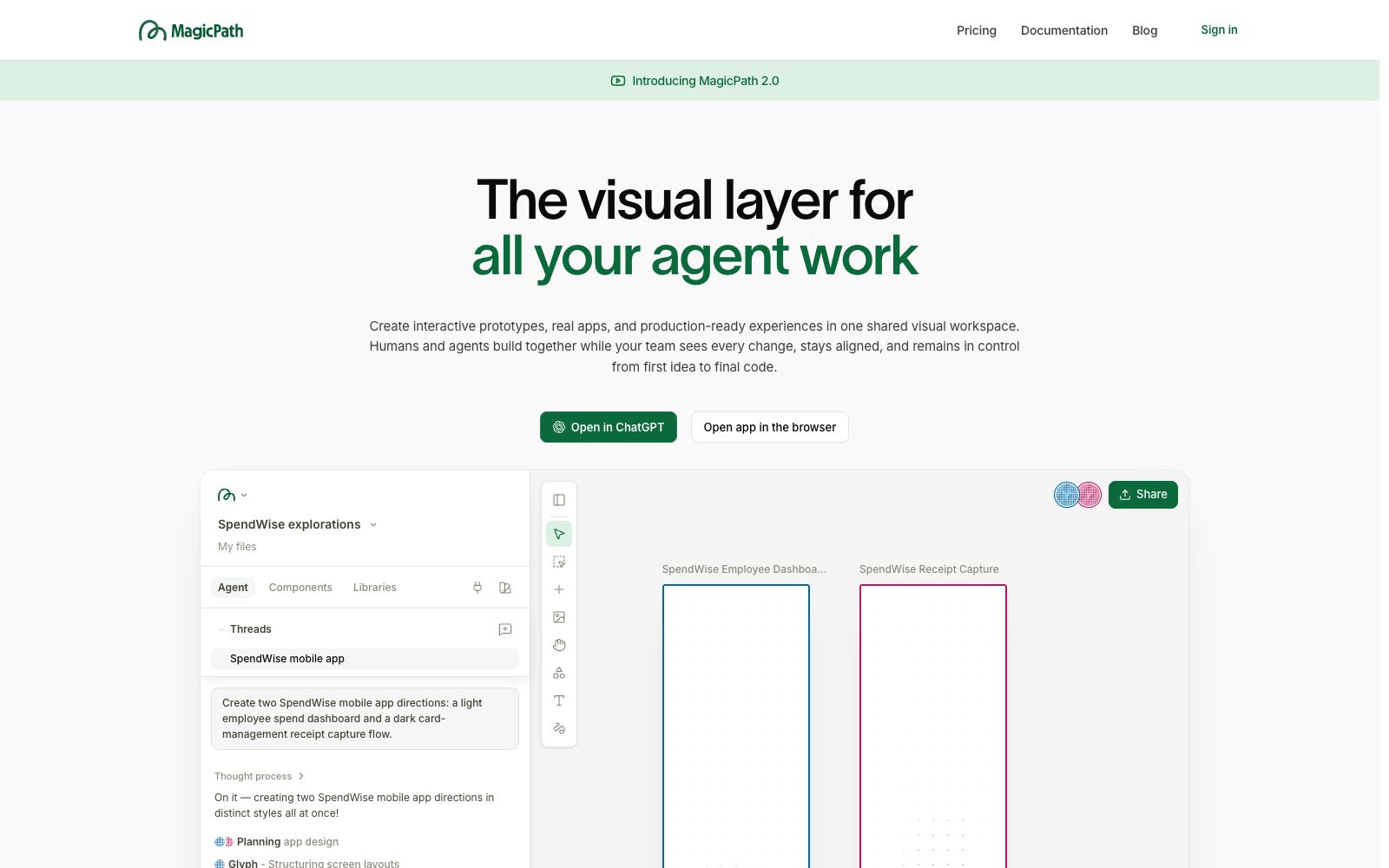
The official website of MagicPath positions itself as a collaborative workspace for humans and AI agents, focusing on design and coding scenarios. Its key labels are Design, AI and Programming. The website also has a product blog where you can learn about usage.
Updated: 2026-10-26
What is MagicPath?
MagicPath's official website is titled "The shared workspace for humans and agents". The abstract has only one sentence: "Create, refine, and explore with AI." The keywords are labeled as design, ai, magicpath, and coding. The official website's homepage serves as the application entry, with very little public copy, and there is also a product blog named Making Magic. This site only introduces content based on the visible information from the official website, and the functional details shall be subject to the latest pages on the official website.
Who is it for?
- Independent developers who want to integrate AI agents into their daily design and development workflows instead of opening a separate chat window.
- Small product teams that need humans and agents to repeatedly revise and jointly advance on the same deliverables.
- Design engineers who focus on the connection between design and coding and want to reduce switching between tools.
- Users who want to first understand the product concept through the official blog before deciding to sign up.
- Freelancers who are comparing AI design and development collaboration tools and want to try them at a low cost first.
Key features
6Shared Workspace
The official website positions itself as a shared workspace for humans and AI agents, rather than a one-stop chat tool.
Integration of Design and Coding
The official website keywords include both design and coding, pointing to collaborative scenarios related to design and code.
Create, Refine, and Explore
The official website summary condenses the product into three actions: Create, Refine, and Explore.
Project Collaboration Entry
The official website's page structure includes modules related to project access and invitations, pointing to a project form for multi-person collaboration.
Official Blog
The official website features the Making Magic blog, which is officially described as providing in-depth product analysis, design tutorials, and user stories.
Login and Subscription Portal
The official website page also provides a login entry and subscription management modules, indicating that the product is used via an account.
How to use MagicPath
- 1The official website's homepage serves as the application entry, with limited publicly available functional descriptions. It is recommended to read the Making Magic blog before registering for a trial.
- 2Since the official website has almost no external copy, it is recommended to use your own real task as a test sample for evaluation, which is more reliable than reading the introduction.
- 3Confirm your account and billing details before registering; a login portal is available on the official website, and it is recommended to try personal projects on a small scale first.
- 4If used by a team, first clarify how project invitations and access permissions are set to avoid exposing unfinished content to external parties.
- 5When connecting to code repositories and business data, first confirm whether the data leaves the local environment and how to authorize and revoke access.
- 6The official website copy and packages are subject to change; please refer to the latest pages on the official website before official commercial use.
Traffic & popularity
Data month Sep 2026
MagicPath receives about 157.0K visits per month and ranks #213,156 worldwide.
Monthly visits
12 monthsTraffic sources
- Direct52.5%
- Search24.0%
- Social13.4%
- Referrals6.5%
- AI assistants2.9%
- Other0.8%
Top countries
- United States39.6%
- India16.3%
- Mexico10.2%
- Italy6.7%
- Brazil6.2%
Estimated from third-party traffic data.
Similar tools
 SubframeSubframe is a design tool connected to the codebase, as well as a canvas-enabled coding agent. It allows infinite canvas design, previewing and editing online applications, and agent code modification all in one tool.
 MiriCanvasMiriCanvas is a free online design tool. Officially, it offers capabilities such as AI presentation creation, AI image generation, AI writing, and background removal. It is built with 800,000 templates and tens of millions of materials, covering presentations, social media, and posters.
 TeamBrainTeamBrain is a shared workspace for teams and their AI: documents, tasks, and decisions are all in one place. According to the official website, MCP-supported AI can read and update the same context and keep a record of the reason for each change.
 RendairRendair AI is an AI rendering workbench for architects and designers. According to its official website, it can convert sketches, floor plans, 3D models and elevations into realistic renderings, and provides editing, upscaling and video animation capabilities.