


Kilo
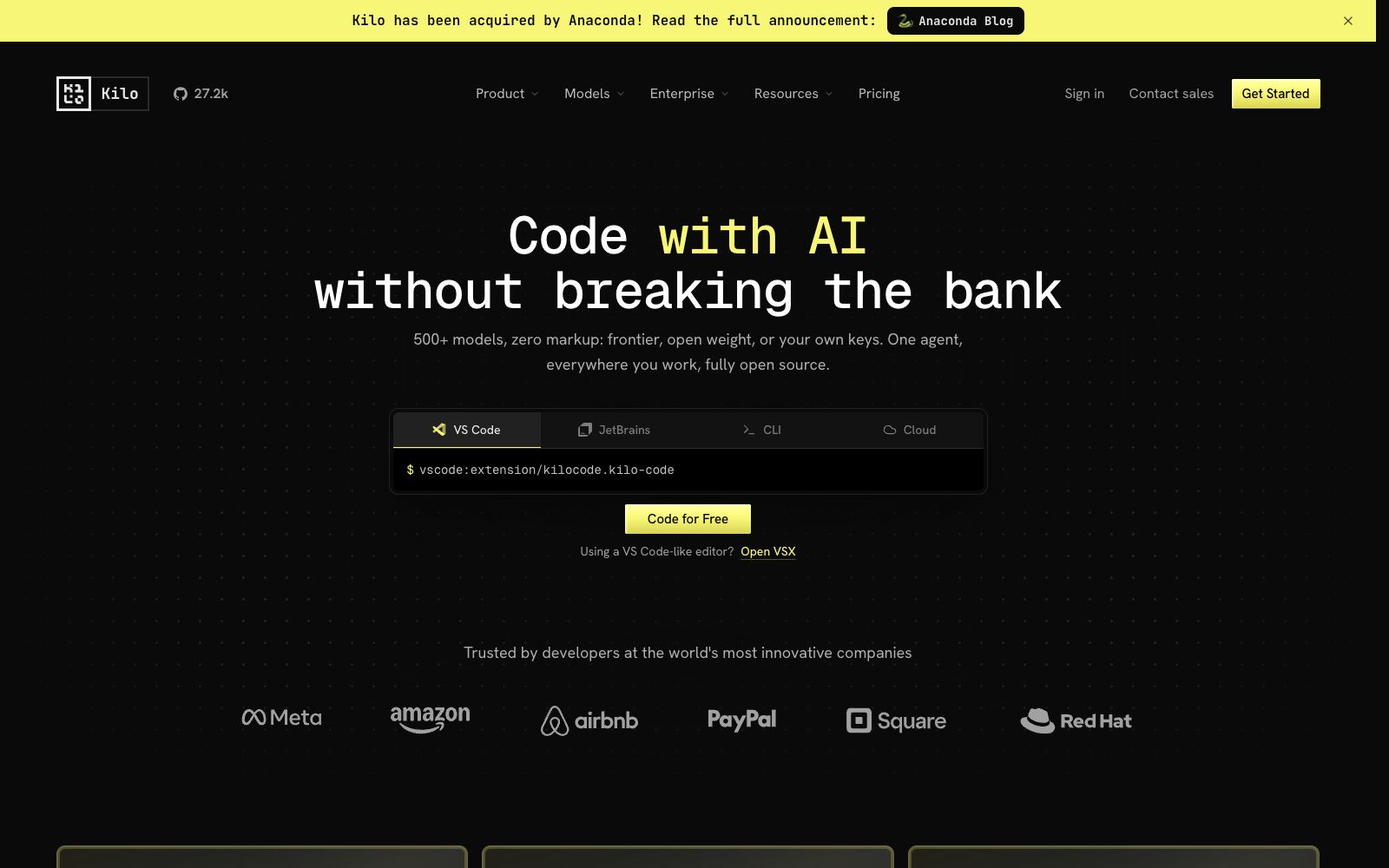
Open-source AI coding agent, covering VS Code, JetBrains, CLI and cloud, supporting access to more than 500 models and zero markup for self-provided keys, and using local models can protect code privacy.
Updated: 2026-10-26
What is Kilo?
Kilo is an open-source AI coding agent. Its official website highlights the core selling point in a straightforward way: "Write code with AI without emptying your wallet." It targets both model selection flexibility and cross-tool availability. The official claims it supports integration with over 500 models, comes with built-in keys with no additional charges, and covers four forms: VS Code, JetBrains, CLI, and cloud. This single agent can be used in almost all work scenarios you can think of. Official data shows it has over 5 million users, processes more than 10 trillion tokens per month, and has been named the Best Open-Source Product of the Month. The official website also continuously releases content related to model selection and security evaluations.
Who is it for?
- Independent developers and small teams sensitive to model costs and choices; engineering organizations that need a unified coding experience across multiple editors and cloud environments; developers who want to deeply understand the implementation of AI coding agents or perform custom development on them. It is also suitable for leaders who wish to unify their team's AI coding tools and reduce decentralized procurement, covering different roles with a single entry point.
Key features
5500+ models to choose from
You can use cutting-edge closed-source models and open-weight models, and you can also enter your own API keys. The choice of models is fully left to the user, and there are corresponding options whether you pursue cutting-edge effects or cost control.
No Extra Markup
The official states that models are provided at cost, with no price increases and no vendor lock-in, and this is a key focus of its promotion.
Available on all platforms
Provides VS Code extensions, JetBrains plugins, command-line and cloud versions, ensuring a consistent experience in editors. The cloud version can handle heavy tasks in succession, so you don’t need to change your habits when switching tools.
Local Model for Privacy Protection
Local models can be used to process code, preventing code from being leaked externally and meeting scenarios with strict data boundary requirements.
Open-source and Auditable
The official emphasizes "No black boxes, inspect everything," achieving full open-source and traceability. It also provides an Agent Command Center to manage multiple agents through a single entry point, and releases evaluation information such as model security scores to assist in selection.
How to use Kilo
- The key differences between such "multi-model aggregation" tools lie in billing transparency and stability.
- It is recommended to first confirm the billing method and usage limits for self-provided keys.
- You can start with the VS Code extension, run a real task, and then consider expanding to JetBrains and CLI to gradually build a unified usage method for the team.
- pay attention to the official released model evaluations and safety scores, which can assist in selection decisions.
Things to know
Traffic & popularity
Data month Sep 2026
Kilo receives about 2.6M visits per month and ranks #18,375 worldwide.
Monthly visits
12 monthsTraffic sources
- Direct46.7%
- Search38.7%
- Referrals7.1%
- Social3.4%
- AI assistants3.0%
- Other1.0%
Top countries
- United States12.2%
- India12.1%
- Indonesia9.6%
- China6.0%
- Russia4.4%
Estimated from third-party traffic data.
Similar tools
 OpenCodeOpenCode is an open-source AI programming agent that can write code in terminals, IDEs and desktop clients. It supports LSP, multi-session parallelism and 75+ models, and prioritizes privacy without storing code.
 LispaLispa is the cloud control plane for coding agents. It integrates Claude Code, Codex, Grok and Gemini into a single workspace. After the agent tasks are built and tested in the cloud, the results are viewed and merged through a browser.
 Lobe ChatOpen-source multi-model AI workspace, positioned by the platform as the Chief Agent Operations Officer, supports centralized scheduling and management of multiple Agents, provides a skill marketplace and MCP servers, and can be used in common chat tools via an IM gateway.
 Cherry StudioAn open-source cross-platform desktop AI client that allows switching between large models from over 50 service providers in a single window. Conversations, drawings, translations, and knowledge bases are all stored locally, making it ideal for users who need to configure their own API keys and keep their data private.
 MausBotMausBot is an open-source desktop AI agent app that gives each agent its own dedicated computer. It supports models including Claude, Codex, Grok, and Kimi, and connects to the apps you use every day through Composio.
 KodusOpen-source self-hostable AI code review tool, officially claiming that you can use your own model keys with no markup, unlimited PRs, the ability to identify issues across files and enforce team-specific custom rules.