


Void
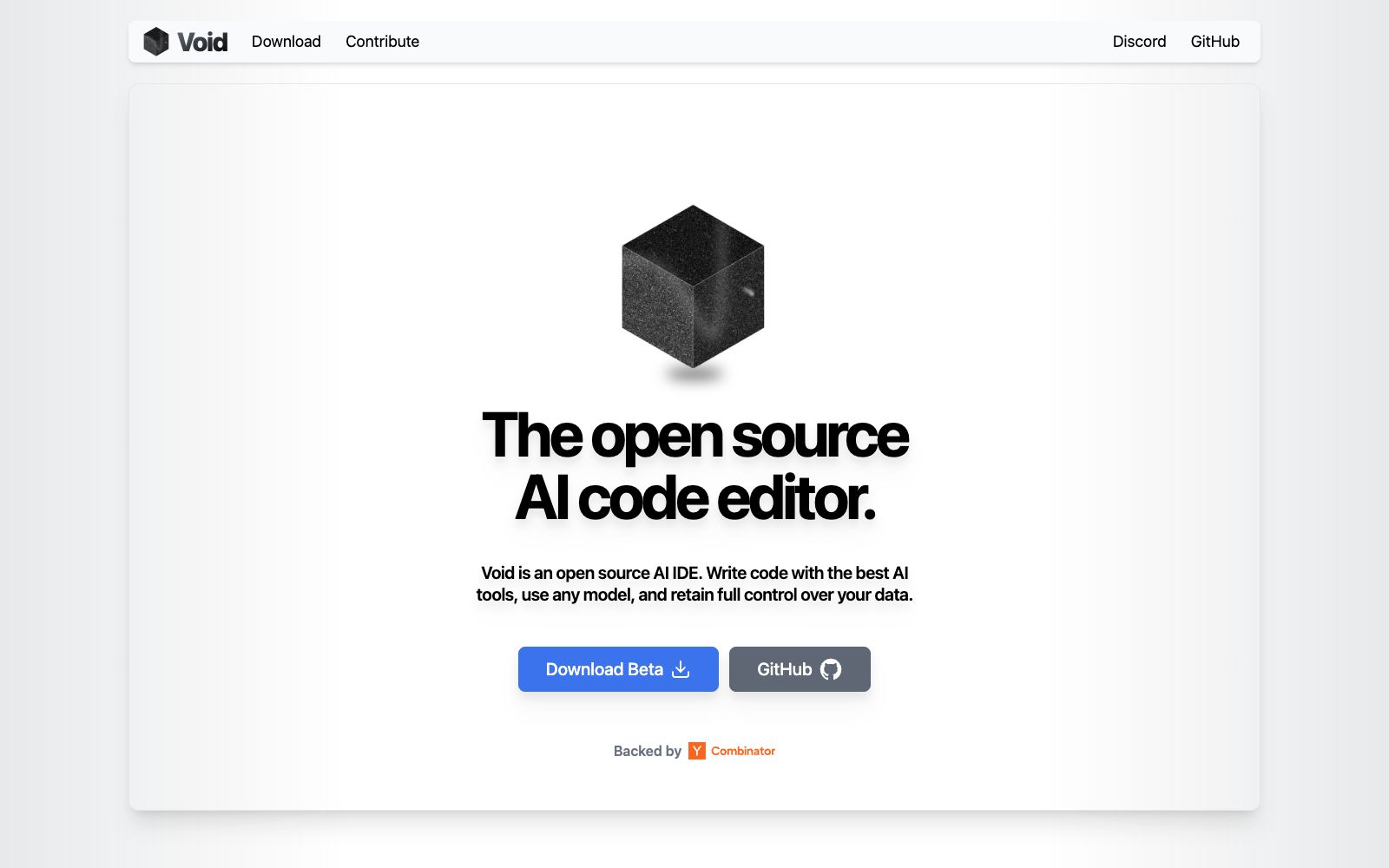
Open-source AI code editor, based on a fork of VS Code. The official states that it does not go through private backends for relaying, can directly connect to cutting-edge models or self-hosted open-source models, and allows one-click migration of existing configurations.
Updated: 2026-10-26
What is Void?
Void is an open-source AI code editor. Its official website describes it as an "open-source, fully private AI IDE" that focuses on "writing code with the best AI tools, using any model, and having full control over your data". It is a fork of VS Code. The official claims that you can migrate your existing themes, key bindings and settings with one click. Moreover, unlike some similar products that relay messages through private backends, it allows you to connect directly to the model provider.
Who is it for?
- Privacy-sensitive developers who want to use an AI IDE but are unwilling to hand over their code and prompts to a third-party backend.
- People who have set up a complete set of themes and key bindings on VS Code and wish to migrate them seamlessly.
- Teams that have built their own models or inference services and want to integrate them directly into the editor.
- Individual users who are concerned about API quota consumption and want to switch to local or self-hosted models to control costs.
- People who want checkpoints for their changes to roll back and who do not accept black-box bulk code modifications.
Key features
6Tab
Press the Tab key to apply autocompletion, which is the first AI feature listed by the official team.
Quick Edit
Performs inline editing on selected code snippets without leaving the current file.
Chat
The official version offers three modes: Agent mode, Gather mode, and regular conversation.
Any LLM, Anywhere
You can directly connect to cutting-edge models, and also self-host open-source models such as DeepSeek, Llama, Gemini, Qwen, etc.
Checkpoints for LLM Changes
Create checkpoints for AI changes to facilitate rollback and comparison.
Lint Error Detection
One of the latest features listed by the official team, used to detect static errors in code.
How to use Void
- Back up your existing VS Code configuration before migration.
- The official states that one-click migration is available, but it is recommended to verify plugin compatibility one by one to avoid environment issues that may affect daily development.
- It is officially labeled as a Beta version, so it is recommended to keep an available and stable editor as a backup for important projects.
- When connecting to a local model, first confirm the video memory and context length, as long files and completion experience will be affected.
- Enable checkpoints and review the diff before having the Agent mode modify code.
- refer to the official website and repository for open-source licenses and commercial terms, as the rules may be adjusted and verified again before official use.
Traffic & popularity
Data month Sep 2026
Void receives about 188.1K visits per month and ranks #182,819 worldwide.
Monthly visits
12 monthsTraffic sources
- Search67.3%
- Direct21.5%
- Referrals7.6%
- AI assistants1.9%
- Social1.0%
- Other0.7%
Top countries
- India19.0%
- United States12.9%
- Russia9.0%
- Brazil7.5%
- Turkey5.3%
Estimated from third-party traffic data.
Similar tools
 PearAIOpen-source AI code editor. The official statement says that the built-in model routing automatically selects the best-performing coding model available at that time. It also provides agents, project creation and debugging capabilities, and can be downloaded for free.
 KiloOpen-source AI coding agent, covering VS Code, JetBrains, CLI and cloud, supporting access to more than 500 models and zero markup for self-provided keys, and using local models can protect code privacy.
 CodeGeeXThe intelligent programming assistant launched by Zhipu AI provides code generation and completion, comment generation, code translation and intelligent Q&A. It is compatible with mainstream IDEs such as VS Code and the JetBrains series. The model weights are open-source, and it is available for personal and enterprise private deployment scenarios.
 ContinueOpen-source AI code assistant project, focusing on integrating any model for custom completion and conversation; the team has been acquired by Cursor, and the open-source code repository is still freely available for self-deployment and modification.
 ClineOpen-source AI programming agent, officially said to adopt the Plan-then-Act mode to modify code across files and execute bash commands in editors and terminals, supporting MCP extensions and multi-Agent collaboration.
 TabbyOpen-source self-hosted AI coding assistant offering code completion, a question-answering engine, and in-line chat. The official states it supports deployment on consumer-grade GPUs, requires no external databases or cloud services, and keeps data within your own environment.