


Jules
Google's asynchronous programming agent pulls the repository into a cloud virtual machine to work independently. It first provides a plan for you to confirm, then runs tests to verify the changes, and finally returns a reviewable merge request. It can be invoked via the command line or an API.
Updated: 2026-10-26
What is Jules?
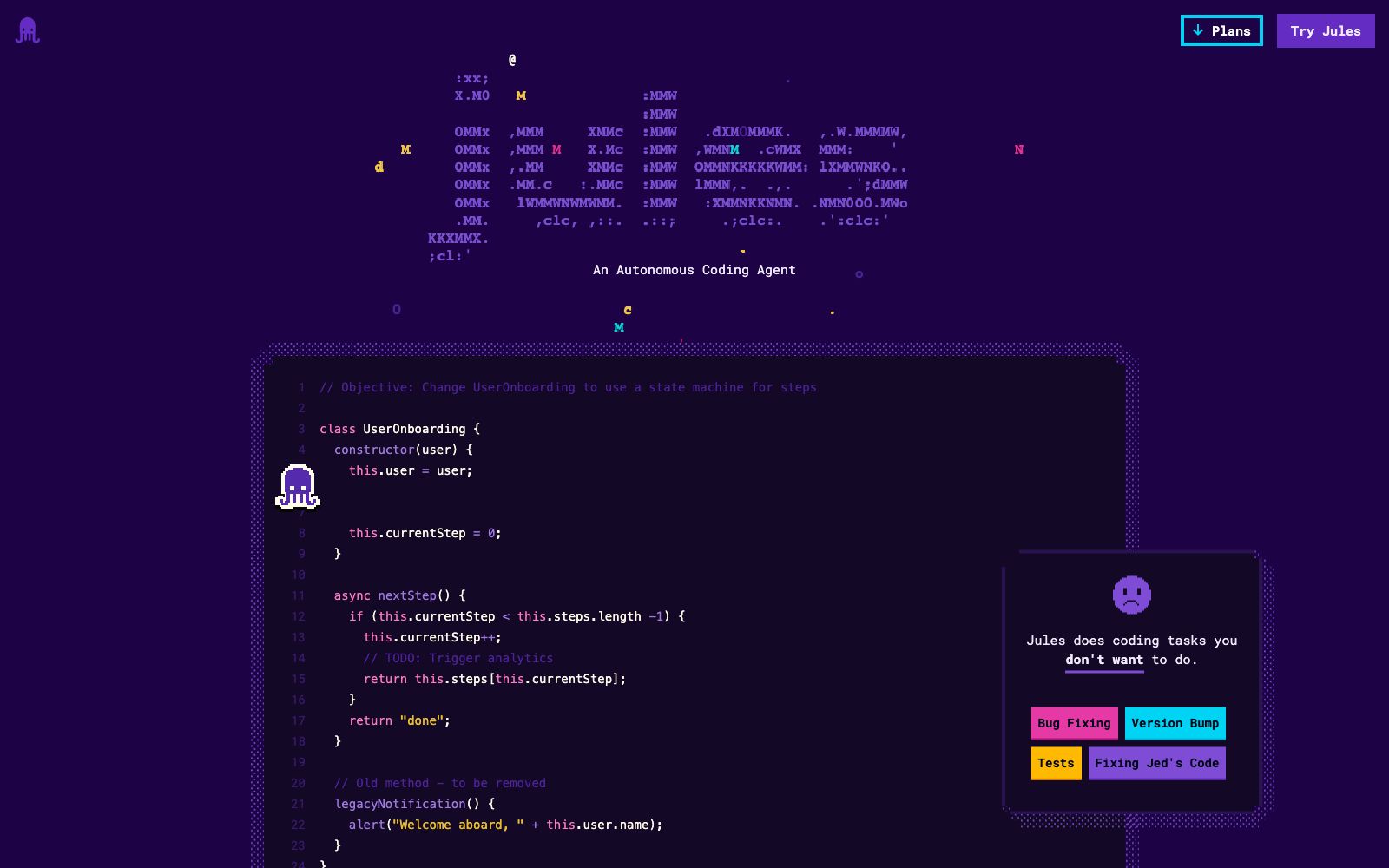
Jules' product logic is different from that of synchronous programming assistants: it doesn't wait for you to press Enter in your editor. Instead, it pulls the repository on its own, does the work on the cloud, and then brings back a merge request for review. The official tagline is to take on the coding tasks you don't want to do, and the examples are straightforward—fixing bugs, bumping version numbers, and writing tests. You can focus on writing the parts you really want to, and leave the rest of the trivial work to it. The code example on the official website perfectly illustrates its focus: the task is to convert a registration process into a state machine, and the plan it lists is to update more than twenty files—these kinds of mechanical yet patient tasks are exactly what it aims to handle.
Who is it for?
- People who are swamped with trivial tasks like version upgrades, dependency updates, and test completion.
- Developers who want to delegate routine changes to asynchronous agents and are unwilling to have pop-ups interrupt their flow state.
- People on teams that need to follow a standard review process rather than making changes locally and pushing them directly.
- People who want to build their own automated workflows and require API calls.
- Team leaders who need to formalize repetitive maintenance workflows and hand them over to asynchronous tasks.
Key features
6Repository-level Integration
Jules imports your GitHub repository, switches branches to work on tasks, and finally helps you create a PR.
Cloud Virtual Machine
Clones your code into a Cloud VM for development and verifies whether the changes actually work.
First, it provides a plan
In the official process on its website, it will first present a plan listing which files need to be modified, and you can proceed to take action only after confirming and approving it.
Testing Awareness
It runs existing tests or adds new tests for the changes made.
Issue Assignment
Tag the issue with the specified label, and you can hand over the task to it directly.
Command Line & API
Can be used from the command line, and you can also build your own workflow based on the API.
How to use Jules
- 1The prompt should be written in detail; the official process regards detailed prompts as a key input, and vague requirements will only result in vague modifications.
- 2Always go through its planning phase first to review before approving, this is the most cost-effective manual check.
- 3The first official step is to select a repository and a branch. Plan out your branches before running multiple tasks in parallel in the same repository; otherwise, there will be conflicts in the merge requests.
- 4It validates changes in a cloud virtual machine, and differences from the local environment are not automatically synced over; you need to re-run any changes related to local dependencies yourself.
- 5The official documentation is driven by the Gemini 3 Pro and AIDA teams. Model upgrades will directly affect the output quality. Before running batch tasks, test with a small task first.
- 6There is a Plans page on the official website. Before the trial, check the current quota and queuing rules to avoid putting your serious work at the back of the long queue.
Traffic & popularity
Data month Sep 2026
Jules receives about 89.8K visits per month and ranks #579,890 worldwide.
Monthly visits
7 monthsTraffic sources
- Search52.3%
- Direct32.5%
- Referrals12.3%
- AI assistants1.2%
- Social0.9%
- Other0.8%
Top countries
- India22.5%
- United States22.3%
- Germany7.8%
- South Korea4.7%
- Brazil3.7%
Estimated from third-party traffic data.
Similar tools
 Gemini CLIGoogle's open-source command-line AI agent brings model capabilities directly to the terminal. It features built-in search grounding, file and command operations, supports collaboration via standard extension protocols and code hosting platforms, and offers 1,000 free daily requests upon personal account login.
 Google AntigravityGoogle has launched an agent development platform that offers desktop, command-line, IDE extensions and SDK forms, enabling parallel management of multiple local agents; the personal version is free, with additional Pro and Ultra subscription tiers.
 MulticaA project management platform for mixed teams of humans and coding Agents, officially said to assign tasks to Agents just like delegating work to colleagues, supporting real-time progress feedback, active reporting of obstacles, and skill accumulation and reuse.
 KiroAmazon has launched an AI integrated development environment, with specification-driven as the main line: writing prompts into executable specifications, verifying the correctness of code, using parallel agents to work in large code bases, and its official positioning is to move from assisting in writing code to agent engineering.
 Google AI StudioGoogle's official AI development platform allows you to test the latest models such as Gemini online and get API keys with one click. The official claims it is the fastest path from prompt engineering to production, and it also provides official SDKs in multiple languages and a library of sample applications.
 Veo 3Veo is a video generation model by Google DeepMind. According to the official website, its new version features improvements in realism, instruction following and creative control, and also adds native audio generation. It supports overlaying reference images, style images and camera control.