


IMG2GO
An online image editing and conversion toolset in the browser that offers 28 applications such as compression, resizing, cropping, background removal, AI photo retouching, AI colorization and AI upscaling, and supports mutual conversion of formats like JPG, PNG, WEBP and PDF.
Updated: 2026-10-26
What is IMG2GO?
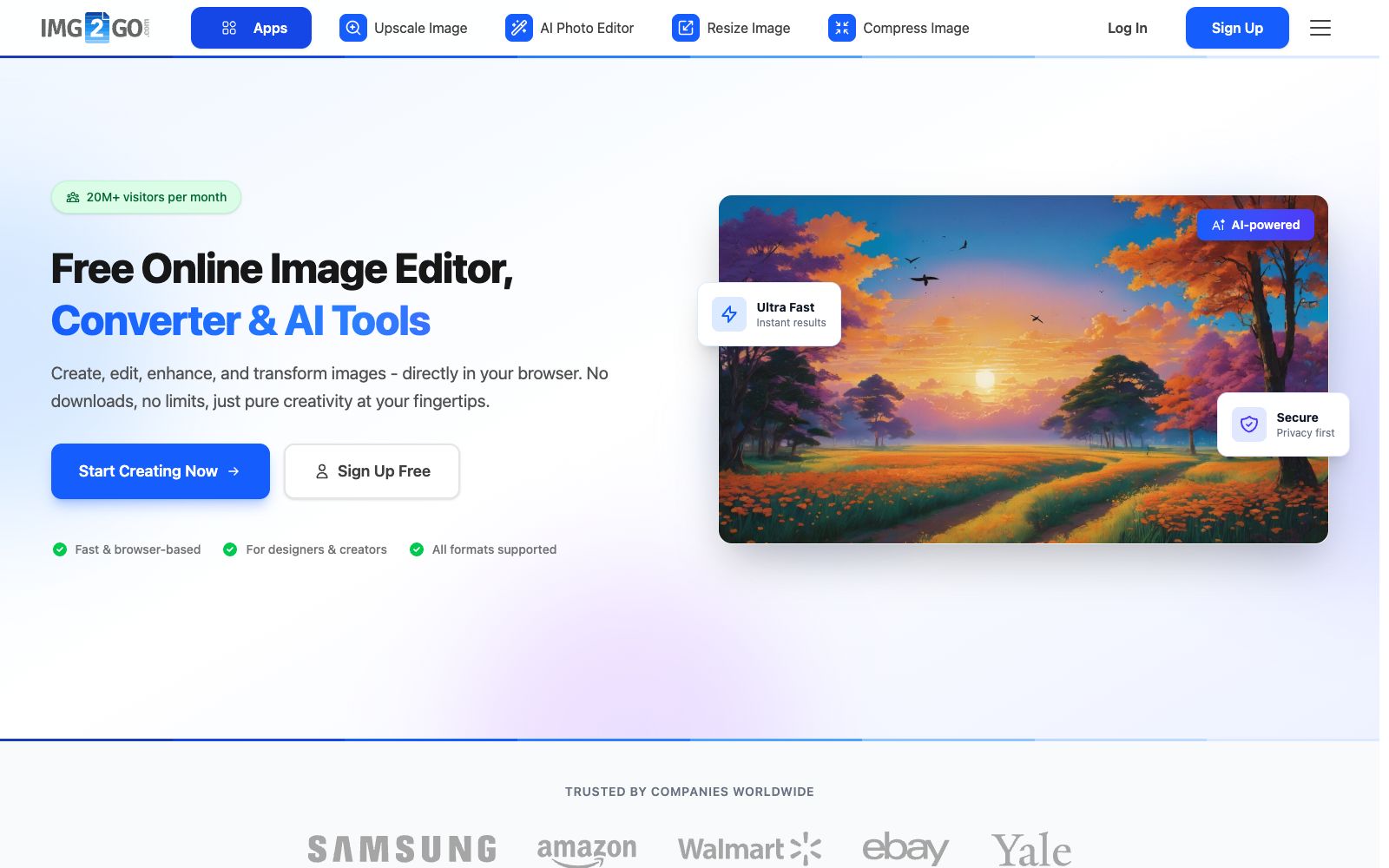
IMG2GO is an online image editing and conversion toolset that runs in a browser. Its official website positions itself as a "free online image editor, converter, and AI tool". The page shows that it has more than 20 million visitors per month, and its main feature is that there is no need to download—users can use it by opening the webpage. The difference between it and desktop software is that it breaks its capabilities into individual small applications: compression, resizing, cropping, rotating, background removal, and format conversion each form a separate page, and users can click on the one they need. In addition, it has three AI entrances: AI photo retouching, AI colorization, and AI upscaling. The official website states that it provides a total of 28 image applications, covering image converters, AI editors, and format tools. In terms of data security, it lists TLS encryption, ISO 27001 data centers, GDPR compliance, and PCI DSS payment standards. The FAQ also answers questions such as whether it is free, whether it is secure, which formats it supports, and whether it can be used on mobile phones.
Who is it for?
- People who need to edit a single image temporarily and don't want to install software for it
- People who run websites or e-commerce stores and need to compress images to a specified file size and standardize them to fixed dimensions
- Content operators who need to quickly produce images in multiple sizes according to the requirements of different platforms
- Light design users who want to perform simple photo editing and background removal using prompt words
- People who have a need to colorize old black-and-white photos or upscale small images
Key features
6AI Photo Editor (AI Photo Retouching)
The official website states that it allows users to edit photos with text prompts, enabling functions such as removing objects and changing backgrounds.
AI Upscale (AI Magnification)
The official states that this AI-based magnification tool is suitable for those who need to enlarge and enhance photos, and is listed alongside converters in the application list.
AI Colorize (AI Colorization)
The official website states that its AI-powered colorization tool can automatically add color to black-and-white photos.
Compress Image
Compresses JPG, PNG, and WEBP images, and the official website emphasizes precise control over the target file size is supported.
Resize / Crop / Rotate
Adjust the size according to uses such as websites, emails, social media and printing, crop to focus on the main subject, and rotate or mirror to correct the direction and layout.
Remove Background and Format Conversion
AI-powered background removal delivers clean cutout and transparent results; Convert to JPG supports converting PNG, WEBP, PDF, BMP, TIFF to JPG, and also offers features like video to GIF conversion.
How to use IMG2GO
- The official website FAQ states that IMG2GO offers free usage and supports mobile devices.
- Whether an account is required depends on the specific application.
- The boundary between free and paid versions is subject to the instructions on the corresponding page of the official website.
- It is recommended to test with small images first before using official materials.
- There are many tool entrances but they are scattered.
- First define your goals (how much to compress, whether a transparent background is needed) and then select the application, which can avoid losing image quality in unnecessary conversions — repeated lossy compression will make the images increasingly blurry.
- It is better to start from the original image and get it right in one go.
- For images involving ID documents, contracts or personal information, pay attention to the encryption and compliance instructions listed on the official website and judge for yourself whether it is suitable to upload them to online tools.
- Download the processed files in a timely manner and do not leave sensitive materials in the cloud for a long time.
- For batch and high-resolution tasks, it is recommended to confirm the package limits before starting.
Traffic & popularity
Data month Sep 2026
IMG2GO receives about 832.7K visits per month and ranks #57,032 worldwide.
Monthly visits
12 monthsTraffic sources
- Search66.2%
- Direct24.9%
- Social4.1%
- Referrals3.0%
- AI assistants1.1%
- Other0.7%
Top countries
- India12.5%
- Russia7.1%
- United States7.1%
- Indonesia4.4%
- Colombia4.1%
Estimated from third-party traffic data.
Similar tools
 GaituyaGaituya is an online image processing tool. Officially, it offers image compression, format conversion, editing, ID photo and old photo restoration features. Most functions support batch processing, require no download or installation, and cover daily photo editing needs.
 Cutout.proAI image editing and video generation platform, providing background removal, portrait matting, object removal, image quality enhancement, colorization and image-to-video, aggregating models such as Nano Banana Pro and Seedream, and offering independent APIs.
 ImgLargerImgLarger is an online AI image enlargement and enhancement tool website. Its official website states that it can enlarge images up to 8 times and provide super-resolution. It also offers functions such as image expansion, sharpening, background removal, and old photo restoration. New users get 100 free points every month upon registration.
 FotorFotor is a free online photo editor. Officially, it offers features such as AI enhancement, AI photo retouching, background removal, and text-to-image conversion. It also supports converting images to anime, coloring old photos, and batch processing, covering daily photo editing and creative design needs.
 MagickimgOnline AI image processing tool collection, offering image enhancement, lossless enlargement, black-and-white coloring, background removal and passport ID photo production. Free accounts can get 3 free points per month for trial use.
 TinyWowFree online toolbox that brings together hundreds of tools such as PDF, image, video, and AI writing tools, covering format conversion, editing, compression, and AI generation. The official offers a 7-day free trial of Premium membership.