


Gigapixel AI
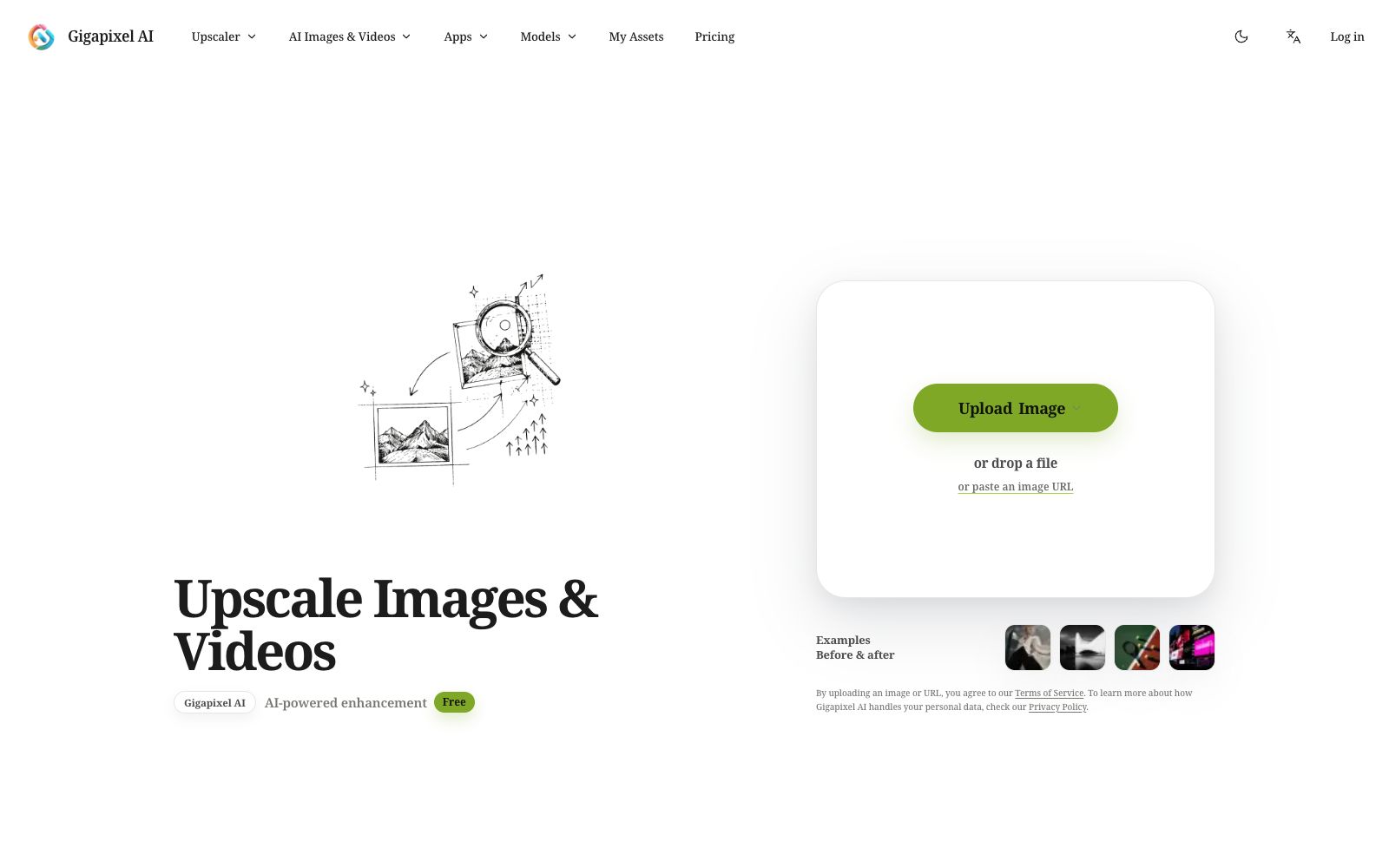
A registration-free online image and video quality enhancement website that supports 2x to 8x lossless magnification, restoration of old photos, background removal, clothing modification and other editing functions. The official states that it is built with multiple image and video generation models.
Updated: 2026-10-26
What is Gigapixel AI?
The official website of Gigapixel AI positions itself as an "AI Image & Video Upscaler" and directly labels "Free, No Signup" in the title. Its organizational structure is quite unique: on one side, there are Upscaler, Generators, and Apps categorized by tasks, while on the other side, there is a space divided by underlying models, with entry points for multiple models such as ChatGPT Image, Nano Banana, Seedream, Seedance, Kling, and Veo listed one by one.
Who is it for?
- Design companies and photography studios that need to enlarge small images for printing or light box output
- E-commerce operators who need to remove text, watermarks or clutter from their product images
- Clothing sellers who want to change the outfit of the same character for AB testing
- Users who don't want to register and only need to process one or two images temporarily
Key features
6AI Image Upscaler
Officially offers 2x, 4x, and 8x resolution enhancements.
AI Video Upscaler
A clearer upsampling for videos.
Restore Image
Officially described as repairing old or damaged photos.
AI Image Editor
The official website emphasizes that you can directly edit images using natural language.
Apps Group
Including Background Remover, AI Clothes Changer, Object Remover, Image Inpainting, Text Remover, Style Transfer, Blur Background, and Logo Generator, etc.
Generators & Text Inference
In addition to image and video generation, the official website also provides Image To Prompt to reverse images into prompt words.
How to use Gigapixel AI
- 1"No registration required, free" usually comes in the form of small sizes or limited uses. First confirm the current limits of free output with one image before deciding to upload in batches.
- 2Before upscaling, check the inherent noise of the material itself: An extremely blurry original image will only become blurry when enlarged. It is usually more reasonable to perform Repair first and then Upscale.
- 3Use the text removal and watermark removal functions only on materials for which you hold the copyright.
- 4The official website also lists multiple third-party models. The availability and limitations of each model change frequently. For important orders, run a trial first to confirm before starting work.
Traffic & popularity
Data month Sep 2026
Gigapixel AI receives about 974.4K visits per month and ranks #44,526 worldwide.
Monthly visits
12 monthsTraffic sources
- Search57.0%
- Direct35.1%
- Referrals3.6%
- Display ads2.0%
- Social1.1%
- Other1.2%
Top countries
- Spain30.1%
- United States9.0%
- Indonesia4.6%
- Brazil4.2%
- Mexico4.1%
Estimated from third-party traffic data.
Similar tools
 Nightmare AIOnline AI image upscaling and enhancement tool, which has two types of models for photos and anime respectively. According to the official website, it can upscale images by 2x and 4x and output them to 2K and 4K resolutions. It supports JPG, PNG and WebP formats.
 PicsmanAn online image and video processing tool station that offers text-to-image, image-to-image, background removal, magic erasure, image quality enhancement, batch editing, and video generation. The official states that it is built with multiple image and video models, allowing you to start creating for free.
 Photiu.aiPhotiu.ai is an online image processing tool website. Its official description is that it can one-click remove photo backgrounds, enhance image quality, and erase unwanted objects. It supports up to 4K output and batch uploads, and also includes generation and enhancement tools.
 MagickimgOnline AI image processing tool collection, offering image enhancement, lossless enlargement, black-and-white coloring, background removal and passport ID photo production. Free accounts can get 3 free points per month for trial use.
 jpgHDjpgHD offers AI image upscaling, old photo restoration, colorization, scratch removal and other processing services. It supports super-resolution, magic photos and lossless enhancement, with a free limit of 3000px. There are also pay-as-you-go packages and multi-platform apps available.
 Upscale.mediaOnline AI image upscaling and enhancement tool. Officially, it can upscale images by 2x or 4x without losing texture details. New users get the first 3 points upon registration. It also offers features like sharpening, deblurring, dehazing, face restoration, old photo colorization, batch conversion, and API access.