

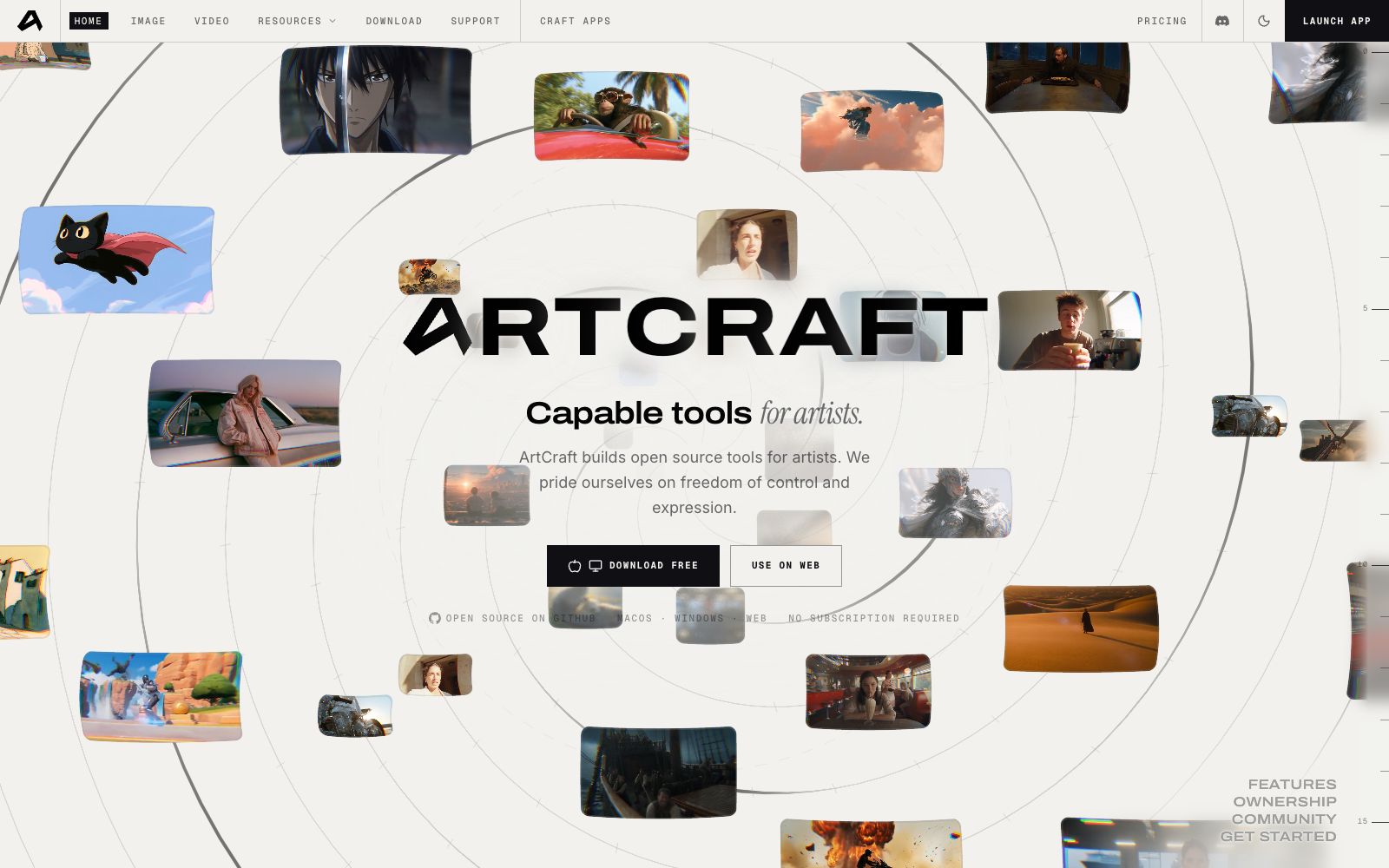

ArtCraft
Open-source AI image and video creation desktop application, available on Mac, Windows and web, focusing on controllable generation: image-to-scene, 3D composition, image-to-3D mesh, character posing and one-click background removal.
Updated: 2026-10-27
What is ArtCraft?
ArtCraft is a set of AI image and video tools for creators. Its most distinctive feature is being open-source. The official website states that it offers macOS, Windows, and web versions, available for free download without subscription requirements. Its code is hosted on GitHub, and the officialwording is "no longer renting capabilities from websites". What it aims to solve is not "how to generate visually appealing content", but "whether it can generate content according to the positions I set" — it first fixes the composition using geometry and layers, and then lets the model render. It is suitable for people who "already have a clear composition in mind", rather than those who just want to randomly generate content.
Who is it for?
- Illustrators and concept designers: They need to keep the same character consistent across multiple shots instead of changing the character's face in each image.
- Independent animation and short film teams: First use 3D positioning to fix the composition, then render the final work, reducing unnecessary prompt-based generation attempts.
- Individual creators who care about the ownership of materials: Prefer to run locally and are unwilling to upload the original images to third-party websites.
- Developers: Those who want to modify the code or connect their own model pipelines—open source is its greatest value.
Key features
6Image to Scene (Image to Location)
Place virtual characters into real-shot environments. The official states that multiple shots can be taken in the same room without background objects disappearing, ensuring consistency within a single scene.
3D Composition
Build a scene with real depth of field using images, backdrops, foreground elements and props. The official claims that two images can be naturally combined into a complete composition.
2D Layered Composition
A combination of images, background removal, layers, and simple drawing tools for layer-by-layer adjustments, rather than repeatedly generating content based on a single prompt.
Image to 3D Mesh
Convert an image into a 3D mesh, first using geometric shapes to establish the positional relationships in complex scenes.
Character Posing
Adjust the character's movements before shooting to determine the relationships between the characters, the scene and the camera positions, then hand it over to the model for rendering.
Background Removal & Multi-Device
One-click extractassets, then place the extracted images, scenes and 3D meshes onto the same canvas; the official website also provides desktop installers and a web version, allowing you to continue editing the same project even if you switch devices temporarily.
How to use ArtCraft
- First, download the desktop version from the official website, use a small scene to go through the process of "posing — rendering — exporting", and confirm that your machine can handle it before moving on to the official project.
- For complex shots, don't force together prompts.
- Instead, use 3D meshes and character posing to lock in the composition first, and let the model handle only texture and lighting.
- Open source does not mean no constraints: You still need to confirm the service terms of the built-in models and the commercial usage scope of the generated content item by item.
- the official website lists model entrances such as Seedance 2.5 and Nano Banana 2, the available list changes with the version, and you should read the in-app instructions first after installation.
- Try to limit the elements in a single shot to three to five.
- Create layers through positioning and depth of field.
- piling up too many materials will make it harder to adjust.
- First, save project files and exported materials in separate directories.
- Since open-source tools do not have a cloud material library, you need to manage files on your own.
- Unify the version before team collaboration.
- inconsistencies in the local environment will directly lead to two different results when rendering the same project.
Traffic & popularity
Data month Sep 2026
ArtCraft receives about 267.3K visits per month and ranks #132,698 worldwide.
Monthly visits
12 monthsTraffic sources
- Direct61.1%
- Search13.0%
- Social12.3%
- Referrals10.7%
- AI assistants1.5%
- Other1.4%
Top countries
- United States39.1%
- United Kingdom26.6%
- Canada10.2%
- Czech Republic9.3%
- Brazil3.3%
Estimated from third-party traffic data.
Similar tools
 DezgoDezgo is a multi-model aggregated image and video generation platform. With one interface, you can call models such as Flux, Qwen Image, and Nano Banana. It also provides free tools such as background removal, image upscaling, and redrawing, making it suitable for horizontally comparing image generation effects.
 Alpha3DA 3D generation tool that turns prompts or photos into usable models. It completes retopology, UV unwrapping, texture mapping and automatic rigging in the same workspace, and can be directly exported to mainstream engine formats. It is suitable for independent developers, 3D printing and e-commerce modeling.
 AnimeGeniusFree 2D anime painting station, supporting text-to-image, photo-to-anime, real-time graffiti generation, and anime image-to-video. It has hundreds of built-in painting styles and character types, suitable for fan art creation and avatar materials.
 SlazzerOnline one-click background removal tool: remove image backgrounds in seconds. It also offers AI functions like upscaling, enhancement, shadow restoration, sky replacement and old photo coloring. Available on web, desktop and via API.
 TrickleTrickle is a canvas-centric AI website building tool that generates web pages, forms, dashboards and interactive pages through natural language, and integrates image and video generation as well as a built-in database, making it suitable for quickly launching ready-to-deploy finished products.
 neural.loveAn AI image and video toolkit in the browser that can restore old photos, enhance image quality, edit images with text commands, convert static photos into videos, and even generate resume avatars from a single selfie. All tools share a single credit system, making it ideal for people who need to edit materials and create illustrations.