

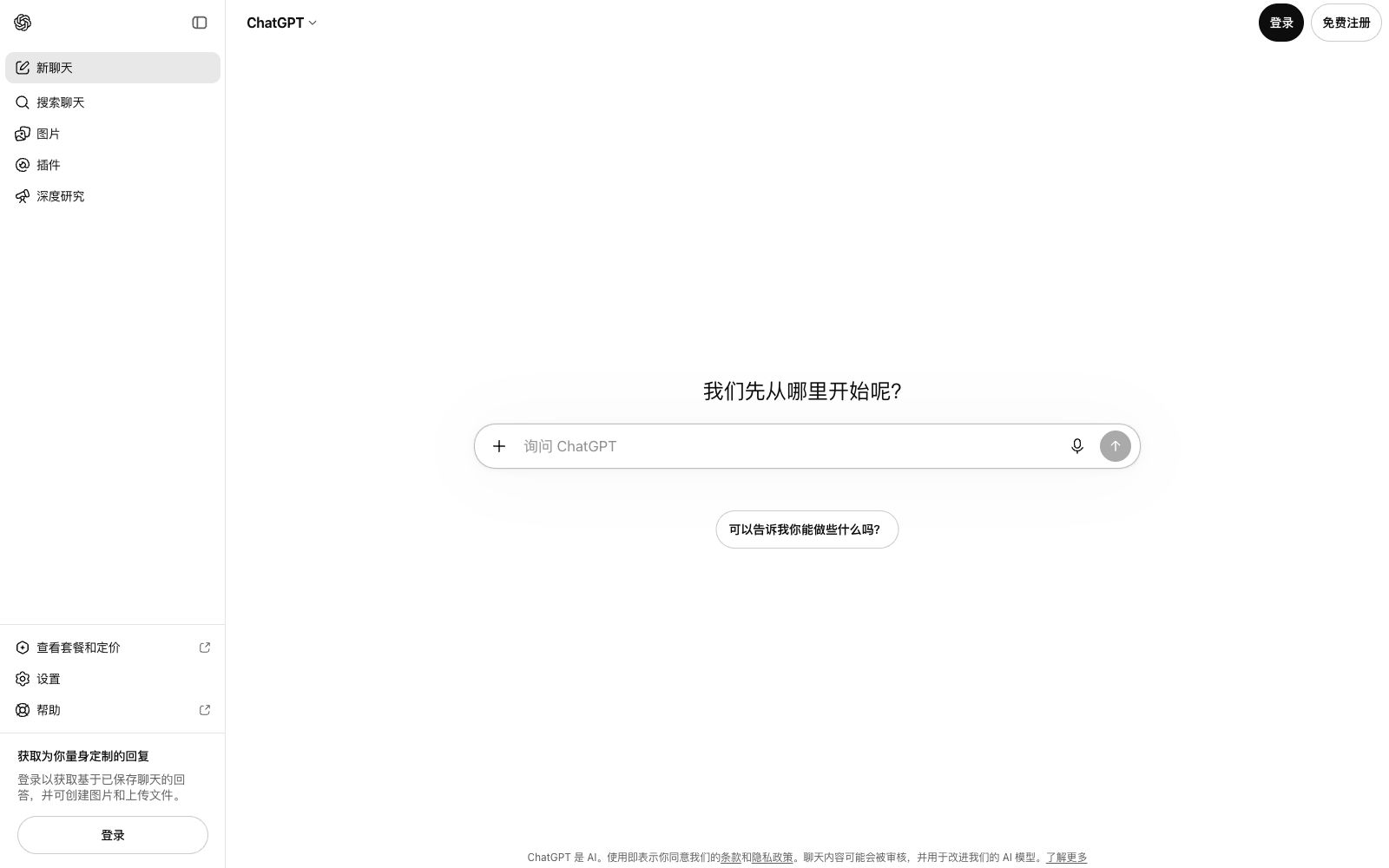

ChatGPT
ChatGPT is a conversational AI assistant developed by OpenAI. It can answer questions, write content, generate images, write and debug code. It is available on web, desktop and mobile platforms, with both free and paid usage options.
Updated: 2026-10-26
What is ChatGPT?
ChatGPT is a conversational AI assistant launched by OpenAI, officially positioned as "chatting, working, creating, and coding with AI", covering daily scenarios such as question and answer, writing, image generation, and programming. It offers a web version, desktop application, and mobile version, and has both free and paid usage options. The official page emphasizes "getting tailored responses for you": after logging in, responses can combine saved chat history, and users can also create images and upload files, turning historical conversations and materials into the context of responses. It is currently one of the world's largest general-purpose AI assistants. Whether for work, study, or creation, users can start from the same dialog box and use it without additional learning, as the way of asking questions is consistent with daily chatting. The homepage after logging in also provides a starting guide of "What do you want to do?" and displays popular searches, helping new users quickly find suitable ways to use it.
Who is it for?
- Individual users who use AI as a daily general assistant, as well as creators and teams that require comprehensive capabilities such as writing, programming, and data processing. The free version can cover most lightweight needs, while heavy users can upgrade as needed; in team scenarios, it can also serve as a unified writing and information processing assistant to reduce redundant work. For beginners who have never used AI before, the guided homepage and a questioning method consistent with daily chats make it almost zero learning cost.
Key features
8Conversational Q&A
Daily inquiries, data organization and idea sorting. After logging in, responses can be tailored based on saved chat history, covering casual chats to professional Q&A.
Writing and Rewriting
Writing and polishing long texts such as copy, emails and reports, covering multiple languages and styles, suitable for content creation and office scenarios.
Image Generation
Built-in image generation capability allows you to directly create illustrations and creative visual materials within conversations without the need for additional tools.
Programming Assistance
Code writing, debugging and explanation, covering mainstream programming languages, and supporting the entire process from concept to implementation.
File and Image Upload
Answer based on the content after uploading documents and images to expand the available scope.
In-depth Research
The official provides an in-depth research mode for complex questions, retrieves information from multiple sources, and then gives evidence-based conclusions.
Plugins and Interactive Content
Supports plugin expansion and interactive content creation, further expanding the boundaries of usage.
Getting Started Guidance
After logging in, the homepage provides prompts like "What would you like to do?" and trending searches, allowing new users to find suitable ways to use it right away.
How to use ChatGPT
- You get the fastest results by starting with scenarios like writing, summarization and brainstorming.
- In daily use, you can first build your proficiency by asking questions and rephrasing, then gradually try image generation and in-depth research.
- The more specific your task descriptions are and the clearer the examples you provide, the higher the quality of the answers will usually be.
- When dealing with important facts or code, treat the AI output as a draft rather than a final draft, and verify the key conclusions by yourself.
- For team use, follow the norms of account and data management to avoid sensitive information from entering the conversation.
Things to know
Traffic & popularity
Data month Sep 2026
ChatGPT receives about 46.5M visits per month and ranks #2,084 worldwide.
Monthly visits
12 monthsTraffic sources
- Direct79.5%
- Search14.3%
- AI assistants3.0%
- Referrals1.2%
- Social1.0%
- Other1.1%
Top countries
- Japan56.7%
- China8.8%
- United States6.8%
- India4.2%
- Brazil1.6%
Estimated from third-party traffic data.
Similar tools
 QwenAlibaba Tongyi Qianwen's official unified platform serves both ordinary users and developers. It allows one-stop access to the Qwen series of open-source and closed-source models, covering dialogue, image and video understanding, image generation and editing, document processing, and voice and video dialogue.
 ClaudeAn AI assistant developed by Anthropic, specializing in long text comprehension, writing and coding, focusing on reliability and security. It is available in multiple forms including web, desktop, API and enterprise SSO, and offers three subscription tiers: Free, Pro and Max.
 DoubaoThe AI intelligent assistant launched by ByteDance integrates capabilities such as dialogue and Q&A, writing, translation, PPT, image and video generation, supports real-time voice communication. The official states that it is free to use after logging in, and is available in both web version and computer client.
 MerlinMerlin is a browser AI assistant extension that allows you to bring up a sidebar conversation on any web page, summarize long texts and video content with one click, support word-by-word explanation and rewriting, and aggregate multiple mainstream large models for switching at any time.
 Google GeminiA general AI assistant under Google, supporting text conversations, image and video generation, Deep Research and real-time voice. It can access Google services such as Gmail and Docs, and has a web version and an app.
 Le ChatThe original dialogue assistant has been renamed Vibe. The same account retains the original package and historical conversations. It is divided into three modes: work, programming, and chat. It supports online retrieval, multi-application connectors and scheduled tasks, and is suitable for users who want to switch from pure chatting to getting work done.