

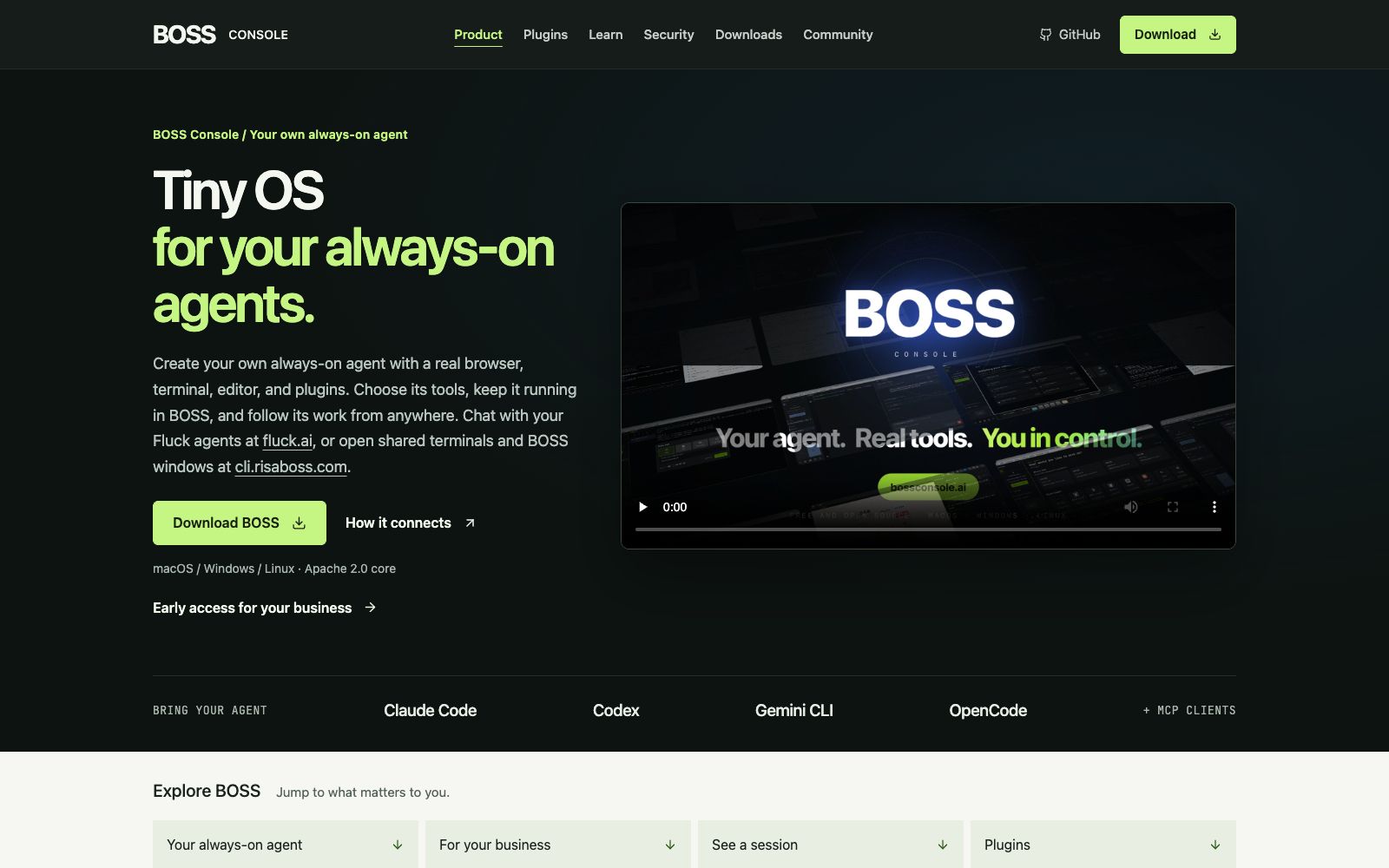

BOSS Console
BOSS Console is a lightweight runtime environment designed for persistent AI agents, enabling self-built Agents to access real browsers, terminals, editors and plug-ins, supporting cross-device session handover, and its core part is licensed under Apache 2.0 open source license.
Updated: 2026-10-26
What is BOSS Console?
BOSS Console's official self-description is "Tiny OS for your always-on agents", which means it provides a runtime foundation with a real browser, terminal, editor and plug-ins for permanently running AI agents. It supports macOS, Windows and Linux, and its official website states that the core part is licensed under Apache 2.0. Different from the approach of treating an Agent as a chat window, BOSS emphasizes "More than a place to chat", enabling the Agent to work continuously on a powered-on machine, and users can take over from other places at any time.
Who is it for?
- Independent developers and small teams who want Agents to reside long-term and take over work at any time instead of restarting each time.
- Automation scenarios that require the Agent to have a real execution environment for browsers and shells, rather than a pure dialogue interface.
- Teams looking to implement BOSS in their business can access early access to the Enterprise Edition via the official website (contact email: enterprise@risalabs.ai).
Key features
5Persistent Operation
Deploy the Agent on a continuously online machine; tasks will not be interrupted by the host's hibernation, which the official calls an always-on agent.
Real Tool Stack
Built-in browser, terminal, editor and notebooks plugins, allowing Agents to directly operate these tools instead of only outputting text suggestions.
Cross-device handover
Continue your conversation with the Agent via a web page or mobile phone through fluck.ai; Open a shared terminal and BOSS window through cli.risaboss.com to view outputs or take over control according to the sharing settings.
Tool Whitelisting & Credential Isolation
The user determines which tools the Agent can use, and restricts what the Agent can see through credential configuration.
Compatible with external Agents
Supports integration with Claude Code, Codex, Gemini CLI, OpenCode, and MCP clients.
How to use BOSS Console
- 1Deploy it first on a continuously online machine (or cloud host). The always-on capability depends on the host not going to sleep, and closing the laptop lid will interrupt it.
- 2Only enable essential tools during the initial configuration, and add plugins gradually after the setup is successful to avoid granting full permissions for the browser and terminal all at once.
- 3Manage credentials separately and confirm the scope of sharing before sharing; sharing the terminal and window means others may directly operate the environment.
- 4Practical reference: The healthcare industry example Ask Optimist showcased on the official website is a persistent Agent built based on BOSS. You can first look at this case to understand its form.
- 5For business scenarios involving customer data, it is recommended to first assess where the data is stored and recheck the official security statement before commercial use.
Traffic & popularity
Data month Sep 2026
BOSS Console receives about 38.3K visits per month and ranks #1,036,502 worldwide.
Monthly visits
5 monthsTraffic sources
- Direct58.5%
- Search15.6%
- Mail9.9%
- Referrals7.3%
- Social4.0%
- Other4.8%
Top countries
- India100.0%
Estimated from third-party traffic data.
Similar tools
 OpenClawOpen-source AI assistant, which according to its official website runs on your own machine, can be invoked on channels such as WhatsApp, Telegram, Slack, and iMessage. It helps you organize your inbox, send emails, and manage your schedule, and is licensed under MIT.
 BrowserOSBrowserOS neo is an open-source local browser for AI Agents. Agents can drive web tasks with your login status, support parallel operation and session replay, and the official states that it is free and data does not leave the local machine.
 BetterClawBetterClaw is a no-code AI agent building platform for teams. The official claims that the first Agent can be launched in 60 seconds. It supports 120+ connectors and built-in model keys, and executes tasks on schedule through channels such as Slack and Telegram.
 ArdorIntegrate agents into your tools, teams, and infrastructure, describe the results in natural language, have them handle setup, deployment, and continuous operation, and the official website emphasizes delivering real, long-lasting applications.
 AIFlowyA domestic open-source enterprise-level AI agent development platform that provides visual workflow orchestration, multi-model access, knowledge base and data annotation, and supports private deployment and fine-grained permission auditing.
 ClineOpen-source AI programming agent, officially said to adopt the Plan-then-Act mode to modify code across files and execute bash commands in editors and terminals, supporting MCP extensions and multi-Agent collaboration.