

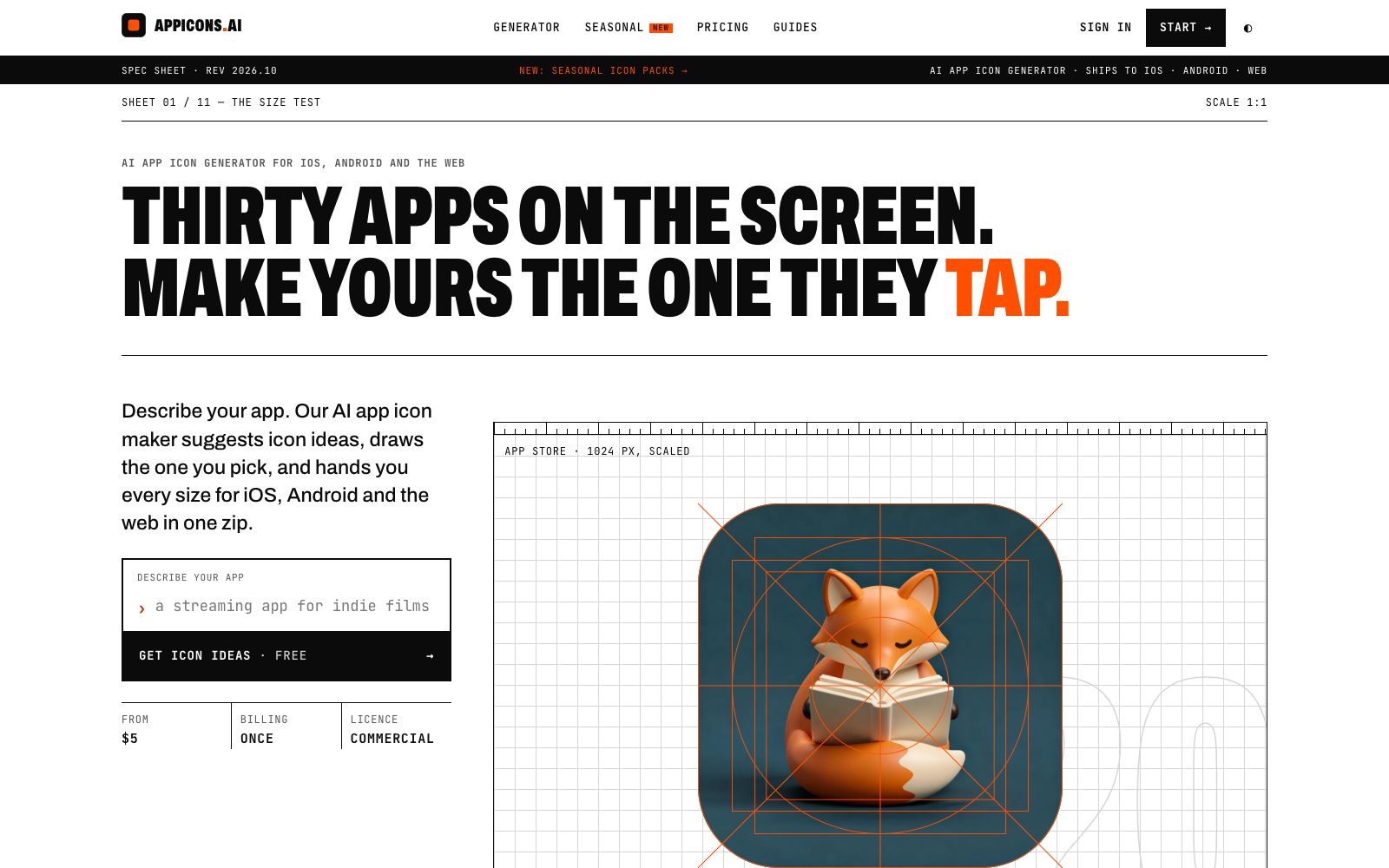

Appicons AI
AI app icon generator: describe your app to get icon designs and make online modifications, export all sizes for iOS, Android and Web at once. The official says the first icon is free, and it's pay-per-use without subscription.
Updated: 2026-10-27
What is Appicons AI?
Appicons.ai does just one thing: generating app icons. The process is streamlined into three steps—describe your app, pick a design concept suggested by AI, and download a complete set of sizes. The biggest difference between it and general text-to-image tools lies in the deliverable: it’s not just a good-looking image, but a compressed package containing all the required sizes for iOS, Android, and Web. It doesn’t replace brand design; you still need to define the visual theme yourself, and the tool is responsible for converting it into compliant icon files.
Who is it for?
- Independent developers who lack an app icon that can pass review and remain recognizable at small sizes before launching their apps.
- For small teams' products and designs, quickly draft solutions when there is no full-time icon designer.
- Operations professionals engaged in app store optimization who need to change icons for festivals or events to conduct A/B testing.
- Studios that need to create multiple apps or mini-programs at once.
- Developers who need multi-size icons for browser extensions, desktop widgets, and similar projects.
Key features
6Description is Generation
Describe the app in a few words (the official example is a three-word brief like "Cat with headphones"). The system first provides icon ideas and then draws the one you select. Including the category and main color in the description makes it easier to get usable solutions than just writing a single object.
Full-size export package
1024 for App Store, 180 iPhone triple-resolution images, 60 for Home Screen, 40 for Spotlight, 29 for Settings. Packaged in one go. The official emphasizes that the delivered resources are ready-for-launch instead of a single PNG. The package is sorted by platform into directories, so you don’t need to crop them manually when importing into Xcode or Android projects.
Size Self-Check
The platform provides a 1:1 preview and a comparison with the actual 60-pixel size, as well as a "squint test" — only outlines that remain recognizable after blurring pass. Prioritize ensuring clear outlines at small sizes and leave details to be added at larger sizes.
AI Editing
You can continue to modify the generated icon with natural language. Color adjustment, shape simplification and element replacement can all be completed on the same interface. Changing the shape has a greater impact on recognizability than changing the color, so prioritize adjusting the outline during editing.
Variants & Icon Families
The same visual design can be extended into multiple versions to maintain consistent recognition in app stores. Variants of the same family share color schemes and stroke thicknesses, making them look like a cohesive set in the store.
Holiday Icon Packs
The official team provides seasonal icons for more than 35 key dates including Christmas, Diwali, Ramadan, Black Friday, with each icon consuming 1 credit. Holiday packs are selected by market, and the official states that they will be included in several version updates.
How to use Appicons AI
- First, nail down a visual theme before writing your description.
- three to five words are enough.
- Piling on adjectives will likely result in a messy, unrecognizable design.
- After generating the image, be sure to check it at 60 and 29 pixels.
- If the icon looks blurry and messy on the settings page, go back to simplify it—this is the step most people skip.
- According to the official instructions, the first icon is free, with a pay-per-use model and no subscription.
- a commercial license is provided with each purchase.
- Before official launch, check the store's specific specifications for rounded corners, transparency, and text.
- Use seasonal packs for event icons and allow time for review cycles.
- schedule icon updates in advance and don’t leave them until the day of the holiday.
- Archive preview images of different sizes together.
- they can be directly reused for subsequent app store screenshots and official website displays.
Traffic & popularity
Data month Sep 2026
Appicons AI receives about 7.2K visits per month and ranks #3,963,412 worldwide.
Monthly visits
12 monthsTraffic sources
- Direct40.8%
- Search34.3%
- Referrals10.3%
- Social6.3%
- Mail2.7%
- Other5.5%
Top countries
- United States11.8%
- Vietnam11.4%
- India9.2%
- France7.9%
- Turkey6.8%
Estimated from third-party traffic data.
Similar tools
 IconifyAIAI app icon generator for independent developers: describe objects and color schemes, then generate images in 11 styles. The official claims to deliver 1024×1024 high-definition images within 1 minute with attached color schemes, $1 generated images belong to the user.
 BnbIconsAn AI icon generation tool focused on icons, officially described as inspired by the Airbnb style, which can generate customized isometric skeuomorphic icons, suitable for use as interface graphic elements on product official websites, landing pages, and within apps.
 Brandmark Logo MakerEnter the brand name and style to generate a logo, along with a complete set of materials such as brand guidelines, business cards, social media images and one-page websites. It supports vector export and is suitable for startup teams to quickly build their brand visuals.
 PikzelsAn AI generation tool dedicated to video covers, which can generate images based on prompts, replicate popular layouts, modify images with one sentence, score covers and titles, and is suitable for frequently updated video channels to quickly produce testable cover schemes.
 OJOAn AI design Agent workbench for product teams that generates editable UIs and interactive prototypes from a single requirement, an image, or a URL, and directly outputs front-end code that can be committed to a repository. The official claims it can combine more than 200 skills.
 Palette HuntPalette Hunt completes your personal color analysis with a single natural light selfie, providing your skin undertone, seasonal type, and a 30-color palette. It also allows you to preview hair colors, makeup, and outfits on your own photos, making it ideal for those who often choose the wrong colors.