


Algor Education
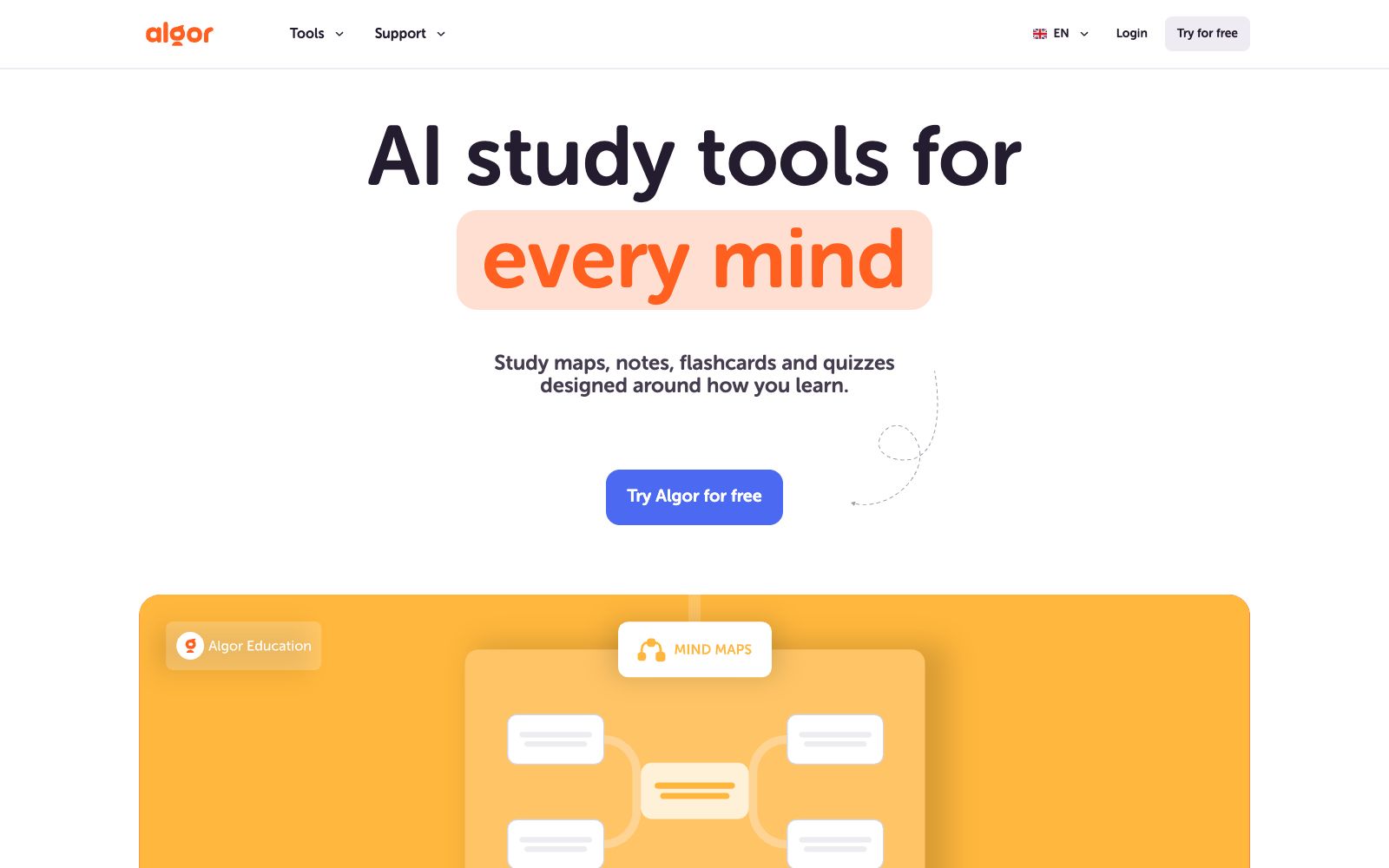
An AI learning platform developed by Algor Lab in Italy, which can convert PDFs, handouts, web pages or videos into concept maps, mind maps, flashcards and quizzes, and edit and review in the same study set, suitable for exam preparation and lesson planning.
Updated: 2026-10-26
What is Algor Education?
Algor Education is an AI learning platform developed by Algor Lab S.r.l., a company based in Turin, Italy. Its official positioning is "An AI learning tool for every type of thinking". Its uniqueness does not lie in single-point content generation, but in integrating materials, editable concept maps, notes, flashcards, and assessments into a single "learning set" (Set). After generating the set, users can continue to modify it, conduct assessments, and ask questions.
Who is it for?
- College students preparing for exams: Convert courseware PDFs and classroom recordings into concept maps and flashcards, and review progress chapter by chapter.
- Middle school teachers: Turn the lesson plan for one class into a structured learning set and project the mind map directly in class.
- University lecturers and teaching and research groups: Organize papers and textbook chapters into teaching resources with a unified template for collaborative maintenance by multiple people.
- People who need to tackle long videos: Use Transcribe to process lecture recordings, then generate notes and quizzes for self-assessment.
- Parents: When helping their children sort out knowledge points, they use ready-made concept maps and flashcards instead of copying them by hand.
Key features
8Concept Maps & Mind Maps
The AI Concept Map Generator and AI Mind Map Generator create diagrams of key concepts and relationships within a topic, which the official description says helps deepen understanding of any subject.
Flashcards & Quizzes
Initiate flashcard review and quizzes directly from the study set. The official states that quiz results can be used to track progress and decide what to review next.
Study Notes
AI Study Notes Maker organizes handouts, articles or exercises into structured notes, with options for language, style and level of detail.
Multimedia Input
Supports uploading PDF, Word documents and images, pasting text or web pages, YouTube links, and directly selecting existing files in Algor; audio and video are transcribed using Transcribe.
Start from Scratch with No Materials
You can generate a learning set based on a single topic without uploading any documents, which is ideal for building a framework first and then supplementing the content.
Controllable Outline
You can review the outline before generation, and manually edit the text and diagrams after generation to avoid a one-time black-box output.
Built-in Assistant
You can ask the AI assistant questions about the current study set, which the official describes as a learning companion that answers based on the materials.
Templates and Collaboration
Provides templates for concept maps, mind maps, study notes, flashcards, quizzes, transcription, etc., and supports collaboration and sharing within the study set.
How to use Algor Education
- First, decide whether you want a "diagram" or "questions": Review concepts with concept maps and notes, test your understanding with flashcards and quizzes, and you can switch between the two tracks within the same learning set.
- Compress or split large files before uploading: The official instructions state that the free version allows a maximum of 25 pages per PDF, so it is more reliable to split files that exceed this limit into multiple parts.
- After generating it, first check the outline before letting it expand.
- Set the language, style, and level of detail before generation, which saves time compared to reworking later.
- Use quiz results as a review index.
- for chapters with many mistakes, go back to the concept map to supplement relationships instead of repeatedly going through the same set of questions.
- The official version offers a free trial, with advanced features available for a fee.
- the specific quotas and prices are subject to the official website's pricing page.
- Please confirm the copyright and scope of use before uploading others' handouts or textbooks.
Traffic & popularity
Data month Sep 2026
Algor Education receives about 1.8M visits per month and ranks #20,170 worldwide.
Monthly visits
12 monthsTraffic sources
- Search45.7%
- Direct37.5%
- Social7.2%
- Mail3.5%
- Referrals3.1%
- Other3.0%
Top countries
- Italy55.3%
- Spain16.0%
- Mexico7.5%
- Colombia3.8%
- Peru2.1%
Estimated from third-party traffic data.
Similar tools
 AyoaAI mind map and task management tool that organizes ideas with organic mind maps and directly converts them into to-do items. The interface has been optimized for people with ADHD and dyslexia, and it's free to create up to 10 mind maps.
 MyMap.AIMyMap.AI is an infinite canvas that grows with your conversations. Just speak your ideas, and it will automatically generate mind maps, flowcharts, or analysis matrices. Select a node and say a sentence to modify it, and you can also frame content to export as slides.
 HeuristicaAn AI platform for learners can convert materials such as videos, PDFs, podcasts, and web pages into concept maps, mind maps, flashcards, quizzes and notes, and also allows direct interaction with the materials. The official claims that it has more than 75,000 users.
 MapifyMapify is an AI mind mapping tool launched by the Xmind team. It supports importing text, PDF, videos, web pages, audio and video, and can generate mind maps in seconds. The official website states that it supports more than 30 languages.
 Memo AIAn AI knowledge workspace that can upload documents, videos, websites and text, supports source-based citation Q&A, and generates flashcards, notes, practice tests, mind maps and guided explanations from the same materials.
 FunBlocksAn AI tool matrix for mind mapping, documentation, presentations and writing, with AIFlow as the core workbench, combines thinking models for structured reasoning. The official website states that the free quota is ten AI accesses per day.