


Acebuilder
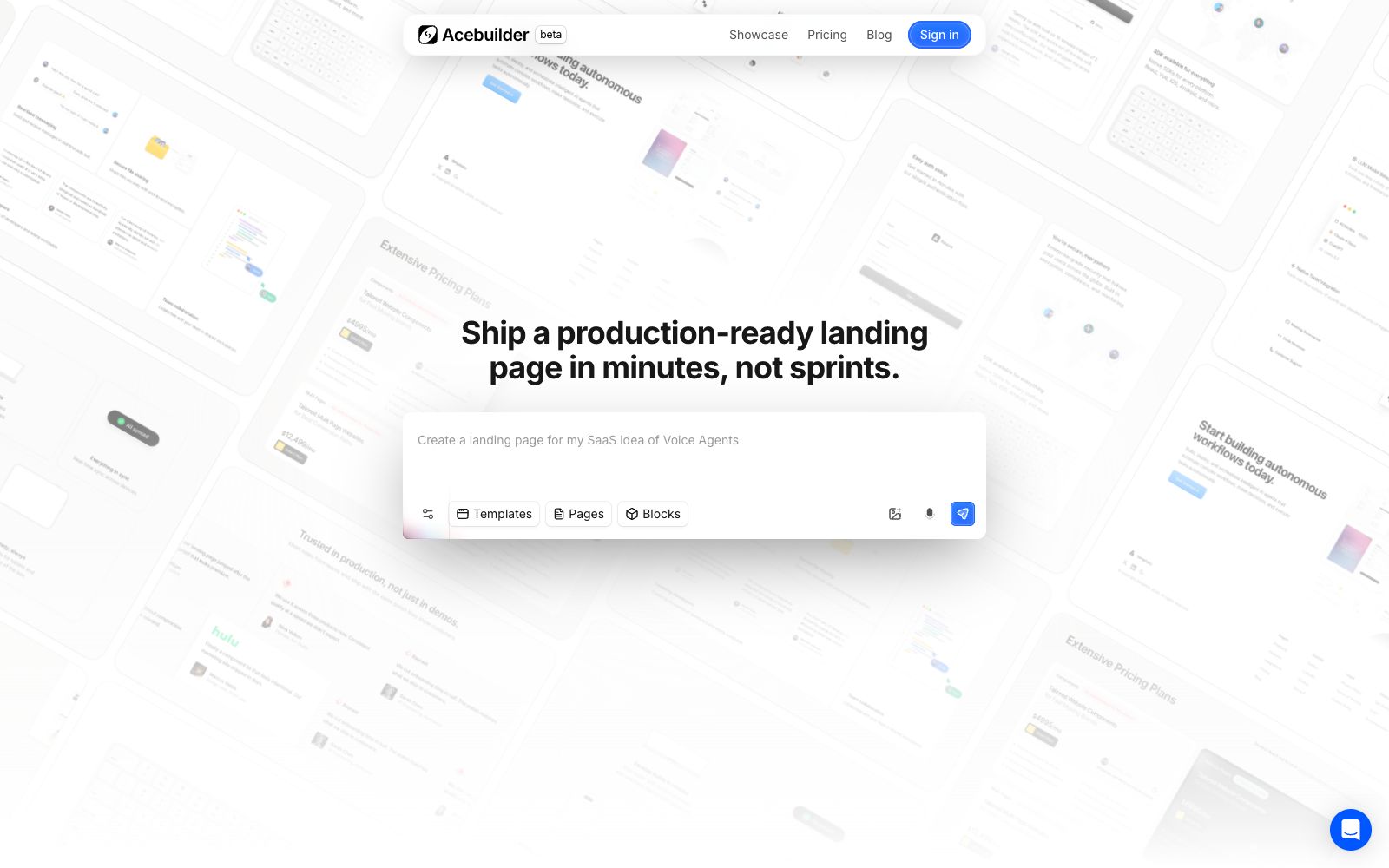
Acebuilder is an AI landing page generator based on Aceternity UI: describe the page in natural language, the official website states that it can generate production-grade React and Tailwind pages, supports importing templates and blocks for further editing, allows downloading the complete source code, and does not lock the project after cancellation.
Updated: 2026-10-27
What is Acebuilder?
The official website of Acebuilder defines it as an AI landing page generator powered by Aceternity UI: users describe the page, and the system generates a site with production-grade React and Tailwind components, while providing complete source code downloads. The official website also distinguishes it from a blank canvas, emphasizing that the construction method involves templates, blocks, skills, and AI, rather than starting from an empty page. The homepage indicates that the product is in beta status and states that it has been used by more than 120,000 people worldwide.
Who is it for?
- Independent developers who need to quickly validate product ideas and launch a credible landing page first.
- Engineers who are familiar with React and Tailwind and want to obtain the source code for continued maintenance.
- Marketing teams that want to start with high-quality ready-made templates and blocks and then have AI refine the copy and layout.
- Agencies or small teams that repeatedly create landing pages for multiple small projects.
Key features
6Generate Page from Description
The official example is directly inputting "Create a landing page for my voice agent SaaS idea", and then the AI generates the page; the positioning is to deliver a launchable landing page within minutes.
Template & Page Import
The official website states that you can import Aceternity UI Pro templates, which can serve as the homepage of a new project or as a new route in an existing project.
In-situ Editing of Blocks
The official website provides blocks such as hero sections, features, pricing, and call-to-actions, which can be added to a page and partially adjusted in the editor without building the layout from scratch.
Skill Correction for Generic Feel
The official website states that you can select a specific block and run skills to refine the layout and copy, making it more focused and counteracting the cookie-cutter default card style.
Image Generation
The official website states that you can generate scene images during the editing process and apply them as backgrounds, avoiding spending too much time searching for materials.
Source Code & Plans
The official website states that the full code can be downloaded and will not be locked even if the subscription is canceled; the paid Pro plan includes 1,000 credits and 10 projects per month, the Business plan includes 2,500 credits and 50 projects per month, and the Studio plan includes 6,000 credits and 100 projects per month. All plans include access to components and templates.
How to use Acebuilder
- 1First import a template that is close to the target structure, then adjust the copy and block order through conversation, which makes it easier to control the layout than describing from scratch.
- 2Run skills on key blocks for secondary refinement, and check the responsiveness, accessibility, and brand tone of the generated results first.
- 3After exporting the source code, establish your own engineering process and do not treat the platform editor as the sole long-term storage location.
- 4When a page involves forms, statistics, payment, or compliance copy, separately submit the integration and legal content for confirmation by engineering and business teams.
- 5Credit consumption is related to models, tool calls, image generation, and session length. Check the pricing page for quota rules before starting a long session.
Traffic & popularity
Data month Sep 2026
Acebuilder receives about 8.9K visits per month and ranks #1,562,021 worldwide.
Monthly visits
12 monthsTraffic sources
- Direct43.1%
- Search31.0%
- Referrals11.3%
- Social5.1%
- Mail4.0%
- Other5.5%
Top countries
- India100.0%
Estimated from third-party traffic data.
Similar tools
 GenPageGenPage is an AI landing page platform for marketing teams. According to its official website, it first learns about the brand, then generates a one-to-one page for each advertisement, keyword or target customer and publishes it on the company's own domain. It covers intelligent variable personalization, heatmaps and session replays, Slack and Gmail alerts, as well as integrations with Clay and advertising platforms.
 UI to Code AIA tool that converts screenshots, images, PDFs, or PSDs into front-end code, outputs React, Vue, Next.js, or HTML/CSS with real-time preview, and allows downloading the entire project package or copying individual components.
 TildaTilda is a no-code AI website building platform that offers hundreds of templates and block libraries. It supports online stores, landing pages, AI website creation, domain binding, payment systems, and one-click export. The official claim is that you can publish a website without programming.