

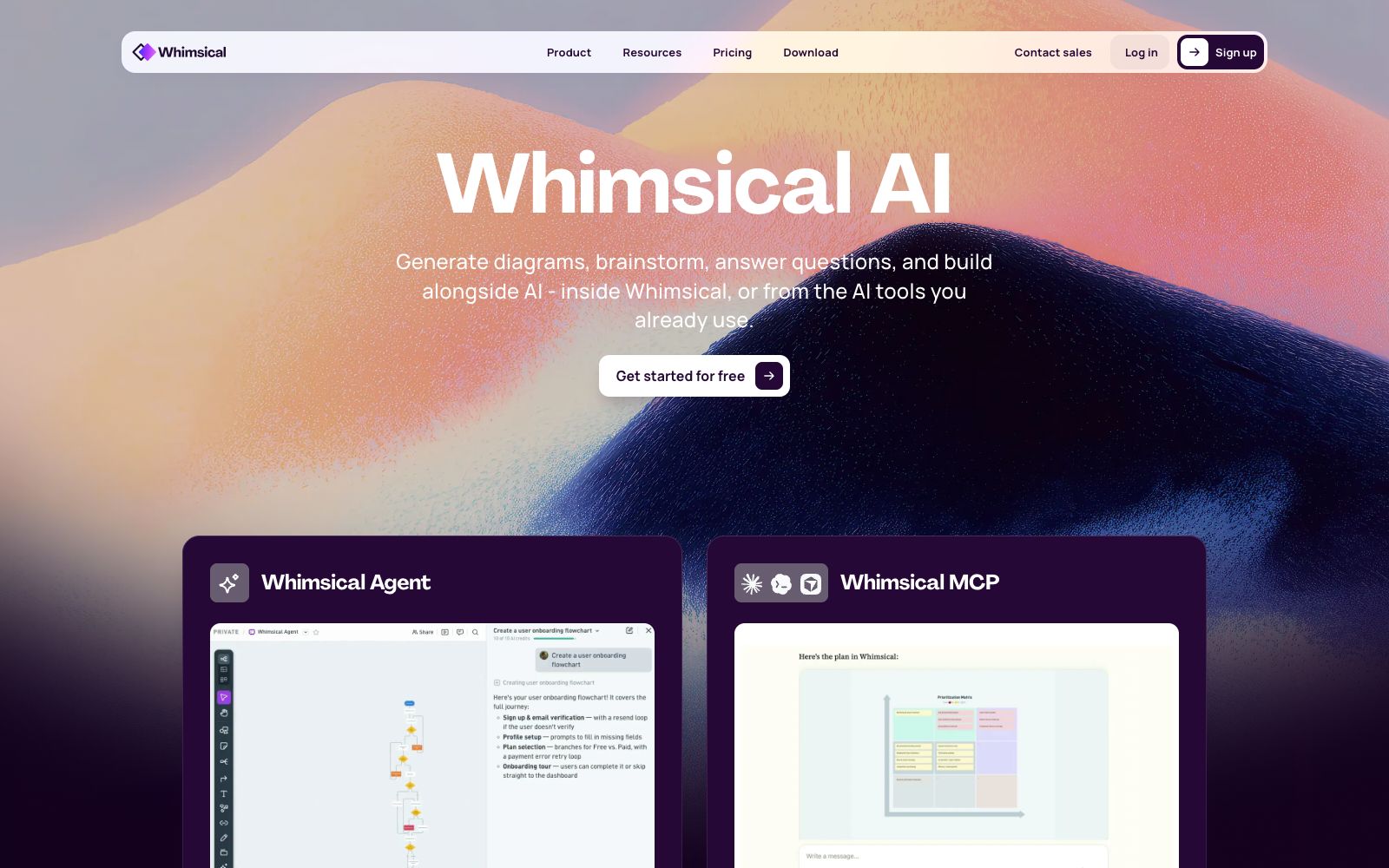

Whimsical AI
AI features in Whimsical canvas generate flowcharts, mind maps and wireframes in one sentence, with Whimsical Agent and MCP integration for team collaboration.
Updated: 2026-10-26
What is Whimsical AI?
Whimsical AI is the AI capability within Whimsical's infinite canvas. According to the official website, it can generate mind maps, flowcharts, sequence diagrams, wireframes and more with just a single text prompt. In addition to one-click generation, it also offers Whimsical Agent and MCP, integrating AI into the complete workflow from ideas to prototypes.
Who is it for?
- Product Managers: Quickly turn requirements into discussable prototype sketches using AI wireframes.
- Engineers and architects: Use flowcharts and sequence diagrams to sort out system logic and interaction relationships.
- Designers and Entrepreneurs: Use mind maps to organize ideas and then wireframes to move towards implementation.
- Teams that need collaboration: Share various diagrams on a single canvas to reduce the cost of switching between tools.
Key features
8AI Flowchart
Turn any process into a structured flowchart with a single sentence, generate editable graphics in seconds, and eliminate the need for drag-and-drop layout.
AI Mind Map
Automatically expand a single idea into a fully branched mind map, facilitating divergence and subsequent organization.
AI Wireframe
Convert text prompts into editable web and mobile wireframes and flow drafts to quickly validate ideas.
Whimsical Agent
An autonomous agent that can act on the canvas, taking on more complex multi-step tasks and cross-diagram operations.
Whimsical MCP
Integrate Whimsical into your existing AI toolchain and chatbots via MCP.
Infinite Canvas & Multi-Type Diagrams
Mix flowcharts, mind maps, wireframes, and whiteboards on the same canvas to reduce switching.
Native support for multiple diagram types
The canvas natively supports the mixed arrangement of flowcharts, mind maps, wireframes, and whiteboards.
Whimsical MCP and Agent
Integrate generation capabilities into existing AI toolchains via MCP and Agent.
How to use Whimsical AI
- 1After generation, it is recommended to manually verify the node relationships based on the actual process to avoid automatic layout masking logical flaws.
- 2For complex diagrams, it is recommended to draw the main structure first and then let the AI fill in the details to avoid generating a disorganized structure in one go.
- 3First, try generating a flowchart or mind map with a specific prompt, and decide whether to use Agent and MCP after experiencing them.
- 4The generated wireframes are sketch-level, and it is still recommended to refine and validate them in professional design tools for official design.
- 5Before connecting to MCP or Agent, confirm the AI's read and write permissions to your canvas to avoid accidentally modifying existing content.
- 6For complex system diagrams, it is recommended to generate them in sections and then stitch them together; a single large diagram is prone to structural chaos and difficult to maintain.
- 7Official capabilities and pricing may be subject to adjustment; verify the included AI features and quotas again before official team usage.
Traffic & popularity
Data month Sep 2026
Whimsical AI receives about 3.4M visits per month and ranks #13,884 worldwide.
Monthly visits
12 monthsTraffic sources
- Direct61.7%
- Search18.3%
- Social9.0%
- Referrals5.3%
- AI assistants3.3%
- Other2.5%
Top countries
- India19.4%
- United States16.7%
- Brazil8.3%
- Indonesia6.7%
- France4.1%
Estimated from third-party traffic data.
Similar tools
 GitMindGitMind Sihu is an all-platform AI mind map and flowchart tool. It supports one-click generation of mind maps from text, documents, videos and images. It provides applications such as mind maps, whiteboards and meeting minutes, supports multi-device synchronization, and covers learning and office scenarios.
 ProcessOnAn online drawing tool and knowledge sharing community that supports AI one-click generation of mind maps and flowcharts, can draw various diagrams such as Gantt charts, ER diagrams, UML, and network topology diagrams, and also supports real-time multi-person collaboration and template cloning.
 XiaohuazhuoA lightweight online real-time collaborative whiteboard that supports infinite canvases, multi-page canvases, file collaboration, audio and video calls, with built-in AI for generating mind maps and images, and can be used in conjunction with meeting tools.
 ChangtuChangtu is an AI-native charting tool developed by Mocko. You can upload documents or chat with AI to generate mind maps, flowcharts, kanban boards and tables, and it supports one-click conversion between charts and real-time team collaboration.
 MyMap.AIMyMap.AI is an infinite canvas that grows with your conversations. Just speak your ideas, and it will automatically generate mind maps, flowcharts, or analysis matrices. Select a node and say a sentence to modify it, and you can also frame content to export as slides.
 FunBlocksAn AI tool matrix for mind mapping, documentation, presentations and writing, with AIFlow as the core workbench, combines thinking models for structured reasoning. The official website states that the free quota is ten AI accesses per day.