


Dubbing AI
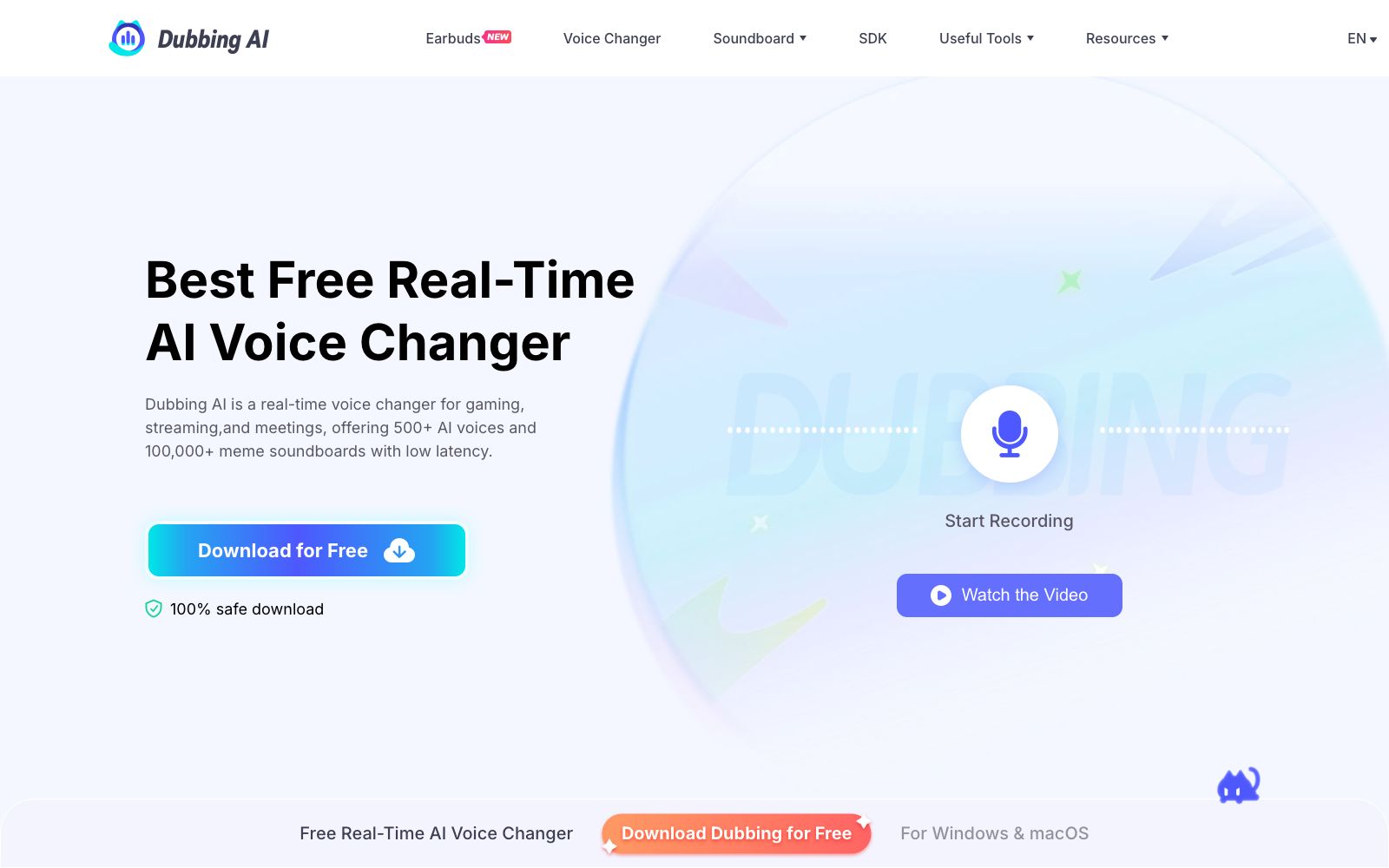
Real-time AI voice changer for gaming and live streaming, with over 500 voice tones and 100,000+ sound effect boards, latency below 300ms, compatible with Discord and OBS.
Updated: 2026-10-27
What is Dubbing AI?
Dubbing AI is a real-time AI voice changing software for gamers, streamers and content creators, operated by HALO INTERACTIVE. It integrates a voice changer, soundboard and voice cloning into a single client. The official figures show it offers over 500 voice tones and more than 100,000 meme sound effects, with a latency of less than 300 milliseconds. Unlike voice changing tools that only perform offline processing, it connects to Discord, OBS, Zoom and various games via a virtual microphone, completing voice changing instantly as you speak.
Who is it for?
- Streamers who broadcast on Twitch, YouTube, and Kick and need to switch roles mid-broadcast to add sound effects.
- Players of Valorant, CS2, Apex, and VRChat who want to role-play in voice chat.
- Creators who dub short videos and play multiple roles by themselves.
- Remote workers who want to protect their real voices during cold calls or video interviews.
- Small teams that record radio dramas and audiobooks and need multiple vocal ranges but only have one host.
Key features
6Real-time Voice Changer
The official claims a delay of less than 300 milliseconds, so the altered voice reaches the other party before they can notice, with no need for pre-recording or post-processing.
Over 500 voice types
Covering anime characters, celebrities, game characters and original voice types, and the official states that new voice types are updated every week.
Soundboard & Community Sound Library
You can customize your own soundboard, and also access sounds categorized into Meme, TikTok, games, anime and more from the community sound library.
Virtual Microphone Integration
After installation, simply select Dubbing Virtual Device as the input device in Discord, OBS, Zoom or games, and you can switch roles midway without restarting the application.
Voice Cloning & Text-to-Speech
Upload audio files to generate a unique voice, and there are also TTS and sound effect generators suitable for batch production of materials.
Peripheral Tools and Hardware
Online voice changing, vocal and accompaniment separation, recording, audio format conversion, accent conversion Utell, as well as portable voice-changing headsets and Dubbing Box.
How to use Dubbing AI
- 1First download the Windows or macOS client, set the main microphone as the input device when launching it for the first time, then open Voicebox to browse the voice tones.
- 2Use the Hear Myself switch to listen in your headphones, adjust the pitch and tone first, then launch the game or start streaming.
- 3Remember to change your microphone to Dubbing Virtual Device in the target app; if you skip this step, there will be no voice-changing effect.
- 4The official claims it uses about 5% CPU, but it is still recommended to test it before going live to avoid competing for resources with streaming software.
- 5Before cloning someone else's voice for public release, confirm the authorization and platform rules to avoid infringement or misleading the audience.
Traffic & popularity
Data month Sep 2026
Dubbing AI receives about 1.8M visits per month and ranks #30,930 worldwide.
Monthly visits
12 monthsTraffic sources
- Search50.5%
- Direct25.2%
- Social12.5%
- Referrals9.1%
- Display ads1.3%
- Other1.4%
Top countries
- United States23.2%
- Philippines6.4%
- Brazil5.6%
- Indonesia4.5%
- Belgium4.5%
Estimated from third-party traffic data.
Similar tools
 ApplioApplio is an open-source and free AI voice conversion suite that can convert audio into any timbre, perform real-time voice changing, support training timbre models with your own data, and run locally without an account. It is suitable for creators who do covers, live broadcast voice changing and dubbing.
 Voice ChangerVoice Changer is a free online voice changer. You can upload audio, record with a microphone or type text to generate speech, and then apply dozens of effects such as monster, robot, phone, and cave echo. It is suitable for spoofed dubbing, short videos and sound effect experiments.
 FineShare FineVoiceOnline AI voice workstation, supporting text-to-speech, voice cloning in about 30 seconds, voice changing and sound effect generation, covering 154 languages, allowing export of watermark-free dubbing, suitable for short video voiceovers, online course recording and multilingual localization.
 VoiceboxAn open-source local voice studio that clones timbre from a few recordings, generates speech across multiple TTS engines, and enables global dictation in any application. The official description states that it is a free local alternative to ElevenLabs and WisprFlow.
 JoyCastA tool for real-time noise reduction and voice enhancement of MacBook microphones. The official claims it can remove up to 97% of background noise with a delay of about 20ms. It runs entirely locally without uploading to the cloud, and it takes effect as soon as you switch the input to JoyCast Mic.
 Sonic-3Cartesia's real-time speech synthesis model, officially claimed as the first with an audio package below 90 milliseconds, a single model covering 44 languages, supporting voice cloning and custom pronunciation dictionaries, is mainly targeted at the voice Agent scenario.