


Underdog
Underdog is a local personal AI as described on its official website: it handles emails, calendars, meeting notes, dictation and daily tasks. The official website states that its intelligence and memory stay on the device, it connects directly to email service providers, memories can be viewed, edited or deleted, and it offers a fully offline mode.
Updated: 2026-10-27
What is Underdog?
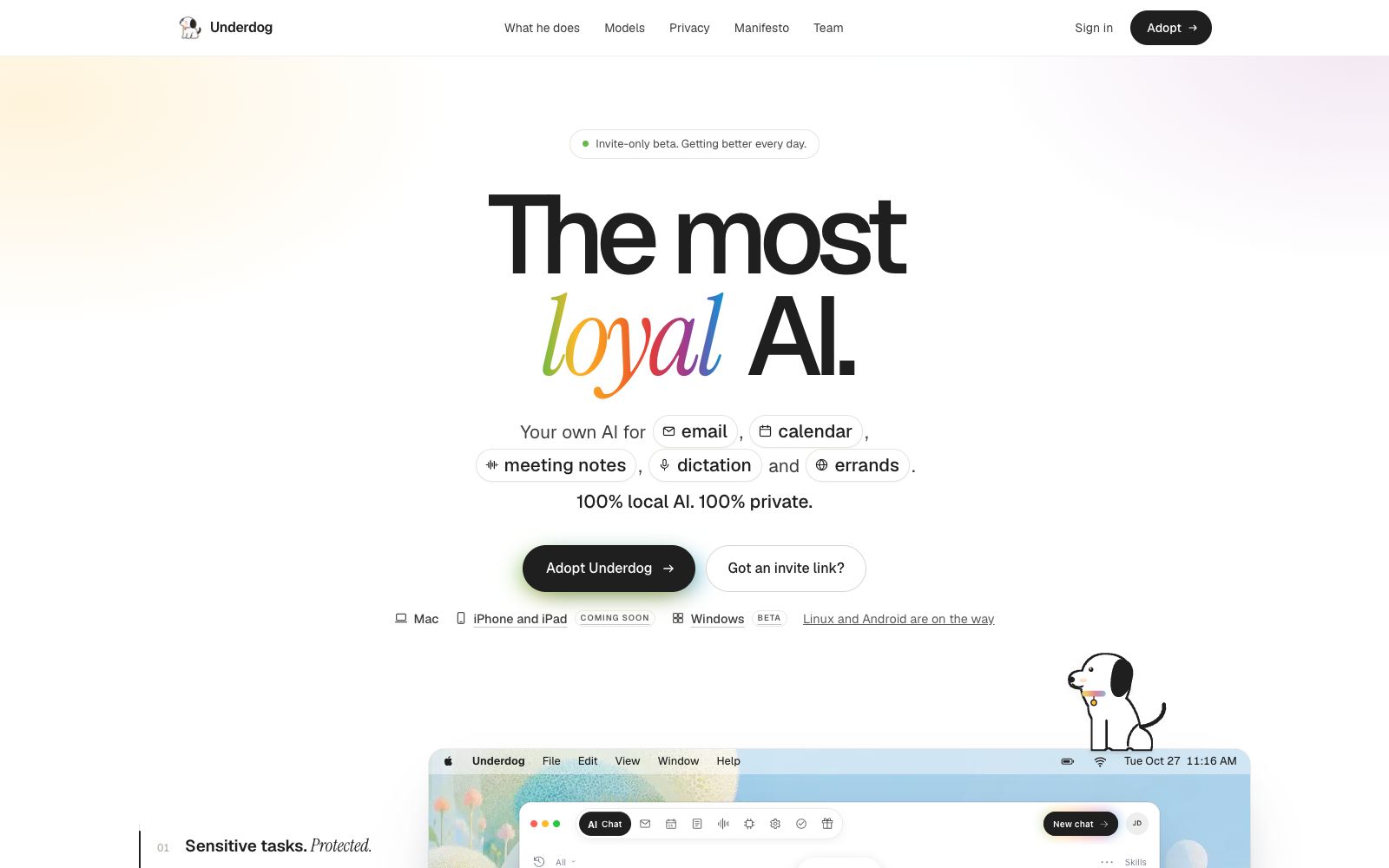
The official website of Underdog refers to the product as the most loyal AI, positioning it as a native personal assistant that covers emails, calendars, meeting notes, dictation and daily tasks. The page repeatedly emphasizes the privacy boundary: the official website states that intelligence and saved memories are stored on the user's computer, emails are directly synchronized between the computer and email service providers, and content is not sent to cloud-based AI services for processing; memories can be viewed, edited or deleted in settings. The product currently offers desktop and mobile versions, with the official website indicating that the Windows version is in beta and other platforms are still in development.
Who is it for?
- Individual users who manage emails, schedules and meeting notes in a local assistant.
- Freelancers and household users who handle sensitive materials such as medical and tax documents and hope to minimize cloud-based processing.
- Individuals who want to view and modify AI memories instead of accepting black-box memories.
- Ordinary users who have the corresponding hardware and are willing to allocate storage and computing power for the local model.
Key features
6Local Intelligent Processing
The official website states that summaries, drafts, and responses are all generated by models running on the user's computer, and content is not sent to cloud-based AI services for processing.
Sensitive Affair Assistance
The official website states that it can handle matters such as medical appointment reservations, prescription refills, and tax documents, locate the required information, and prepare the next steps for the user's approval.
Email, Calendar and Meeting Transcripts
The official website lists these three items, along with dictation and daily tasks, as its main scope of work. The page examples also display entrances for chat, search, commands and skills.
Editable Memory
The official website states that saved memories remain on the computer, and users can view, edit, or delete them.
Email Protection
The official description states that it intercepts remote images, scripts, and tracking pixels and strips them directly upon detection.
Offline Switch & Account Isolation
The official website states that when Do Not Disturb mode is enabled, the product will not reconnect to the server; each account has an independent vault, and the keys are locked on the computer and never leave the device.
How to use Underdog
- Start with low-risk tasks such as email summarization, schedule organization, and meeting notes first.
- After confirming the local speed and the quality of the answers, move on to sensitive matters.
- Confirm the device space and system version before initial synchronization.
- The model specifications and supported platforms listed on the official page vary, which may lead to significant differences in performance and experience.
- Regularly check your memories in Settings and delete unwanted contact preferences, historical context, and saved content.
- When handling tax or medical documents, first conduct a local trial run and review the intended actions before authorizing email sending or calendar creation.
- If full offline operation is a hard requirement, enable the Do Not Disturb mode as described on the official website, then use network monitoring to verify that the app's behavior meets expectations.
Traffic & popularity
Data month Sep 2026
Underdog receives about 1.5K visits per month and ranks #10,596,535 worldwide.
Monthly visits
4 monthsTraffic sources
- Social37.3%
- Direct32.7%
- Search13.1%
- Referrals10.3%
- Mail2.2%
- Other4.2%
Top countries
- United States100.0%
Estimated from third-party traffic data.
Similar tools
 Construct ComputerConstruct Computer is an AI agent platform for startup and small teams. According to its official website, agents can handle research, outreach, operations and reporting. Users can turn processes into workflows, generate internal tools, schedule repetitive tasks, and check agent memory and execution history.
 RillRill is a free beta Mac browser built for Apple silicon that lets Claude Code and Codex work alongside you. Send tasks from any page, and they run in background tabs, keeping your workflow moving without interrupting what you’re doing.
 Carly AICarly AI is an email-driven AI assistant. CCing it allows you to create an agent that handles emails, schedules, leads and research. Its official website states that it can connect to thousands of applications and answer missed calls.
 GoldfishAn AI memory assistant that stays on your computer. Press a shortcut key to reply to messages, draft content, and summarize information in any input box in your own tone. The official states that memories are stored locally, requests are not saved, and they are not used for training.