


Construct Computer
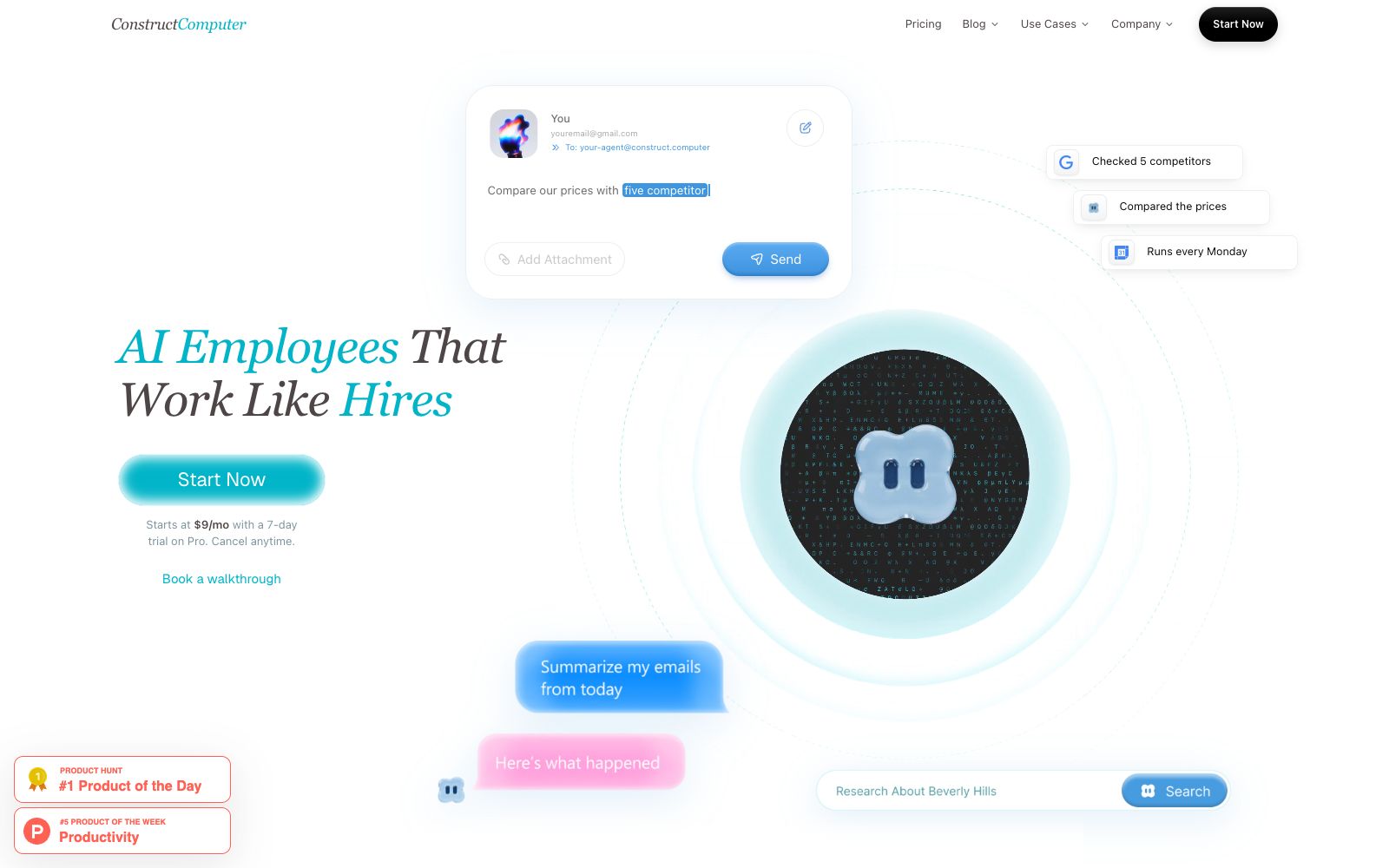
Construct Computer is an AI agent platform for startup and small teams. According to its official website, agents can handle research, outreach, operations and reporting. Users can turn processes into workflows, generate internal tools, schedule repetitive tasks, and check agent memory and execution history.
Updated: 2026-10-27
What is Construct Computer?
The official website of Construct Computer describes itself as an AI agent platform for startups and small teams. Agents can handle research, outreach, operations, and reporting. The working method provided on the official website is to convert processes into workflows, generate internal tools, schedule results instead of reminders, and keep teams, agents, files, and applications in a unified workspace.
Who is it for?
- Startup teams that lack dedicated operations and require a closed loop for research, outreach, and reporting.
- Small teams that want to document repetitive processes and hand them over to AI agents to run.
- Remote collaboration teams that need to share context, roles and access controls.
- Non-technical members who want to build internal tools with a low barrier to entry.
- Part-time project leads who need to track matters across email, documents and chat channels.
Key features
6Process Workflow
The official website states that you can use AI agent steps, connect applications and notifications to code processes, and support versioning, scheduling and team reuse.
Internal Tool Generation
The official website states that after describing the required tools, the AI agent will write, verify and release usable internal applications to the cloud desktop.
Result Scheduling
The official website states that it can schedule AI agent prompts, connect application actions or complete workflows, run them once or repeatedly, and retain result histories.
Team Workspace
The official website states that it brings together people, agents, files, applications and shared conversations, supporting invitations, roles and access control.
Inspectable Memory
The official website states that preferences, decisions, and project context come with evidence and history, which can be reviewed, corrected, or forgotten.
Multi-channel Collaboration
The official website states that you can communicate with the AI agent via web pages, chat tools, or native email, with routing and access policies varying by channel.
How to use Construct Computer
- 1Start with a well-defined process, such as a weekly research briefing or customer outreach, verify the output first, then automate more steps.
- 2When scheduling recurring tasks, retain the result history and notification rules to facilitate the detection of failed or abnormal outputs.
- 3The official website states that the paid plan starts at $9 per month and offers a free trial. Before choosing a plan, estimate based on the number of agents, task frequency, and storage requirements.
- 4Regularly check the agent's memory and delete incorrect preferences, expired decisions, and project contexts that should not be retained.
- 5The official website states that workspace data is not used for training and that outputs are owned by the user. For enterprise procurement, the privacy terms and deployment options should still be verified.
- 6For each process, first clarify the inputs, execution steps, deliverables, and failure handling before assigning it to the agent for scheduling, thereby reducing the recovery costs after partial failures.
- 7Configure a manual confirmation step before sending externally to prevent the AI agent from directly reaching customers.
Traffic & popularity
Data month Sep 2026
Construct Computer receives about 1.8K visits per month and ranks #8,447,541 worldwide.
Monthly visits
10 monthsTraffic sources
- Direct39.1%
- Search25.6%
- Social11.5%
- Referrals10.0%
- Display ads5.2%
- Other8.6%
Top countries
- United States95.3%
- Spain4.7%
Estimated from third-party traffic data.
Similar tools
 SkydiveSkydive is a cloud-based AI agent platform that allows you to chat with the same agent across web pages, chat tools, and emails. According to its official website, each agent has its own computer to complete end-to-end tasks, and it provides various role templates.
 UnderdogUnderdog is a local personal AI as described on its official website: it handles emails, calendars, meeting notes, dictation and daily tasks. The official website states that its intelligence and memory stay on the device, it connects directly to email service providers, memories can be viewed, edited or deleted, and it offers a fully offline mode.
 MemocoreMemocore is a cloud-based memory layer for AI agents and teams: it saves facts, decisions and project materials as memos for cross-session reading by different AI applications. Its official website states that it supports MCP, project permissions and APIs.
 QoderWorkAli Qoder's Agent Workbench, with a programming agent as the core engine, covers coding and general tasks. Officially, it is said to be able to control browsers and desktop applications, and supports multi-terminal collaboration on desktops, cloud and mobile devices to advance tasks and deliver results.
 Script.itAccording to its official website, Script.it is an AI-driven workflow automation platform that can generate and run processes using natural language. It supports over 600 integrations, scheduled and Webhook triggers, message entry points such as Slack, and saves the output of each step as a file for easy auditing.
 TadataTadata is an AI employee that runs in collaboration software: According to its official website, it prepares call summaries, identifies duplicate work, drafts follow-up emails and populates CRM fields, with results pending manual confirmation first. It can also connect to internal and external tools to obtain context.