


TraeWork
ByteDance AI Office Platform supports automatic PPT generation, data analysis and in-depth research. It can call plug-ins such as Feishu, WeChat and DingTalk, realize multi-terminal collaboration, and has been integrated with models such as Doubao, DeepSeek and Kimi.
Updated: 2026-10-26
What is TraeWork?
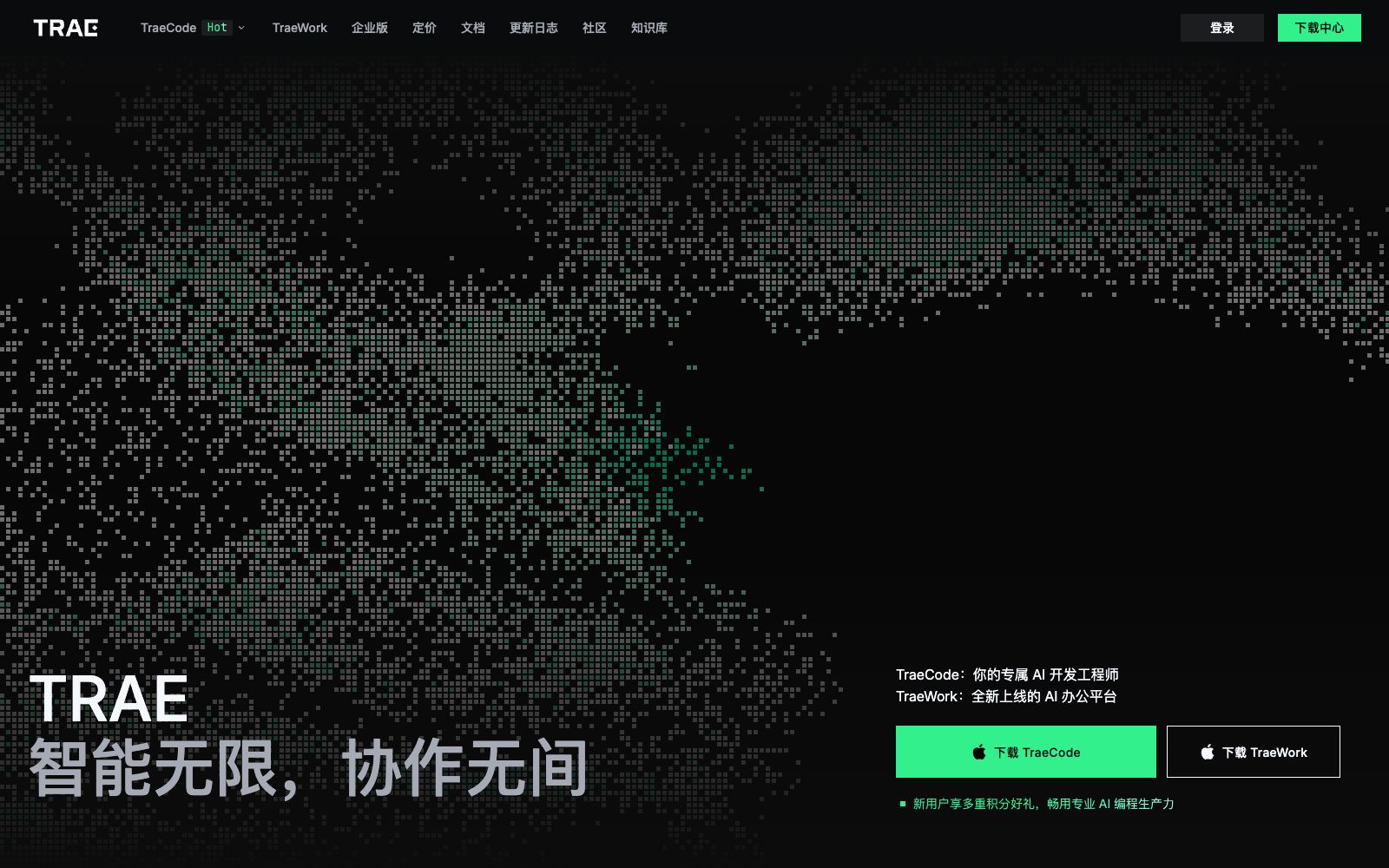
TraeWork is an AI office platform under TRAE. According to its official website, it supports multiple work scenarios such as automatically generating PPTs, data analysis, in-depth research, and document generation, and can integrate plug-ins such as Lark, WeChat, and DingTalk. Its form is also expanding. The "New TraeWork" section on the official website states "The new AI office platform is fully launched on desktop, web, and mobile versions". It should be noted that TraeCode on the same site is an AI IDE for developers, while TraeWork is for daily office work; the two are not the same product. Compared with single-function PPT tools, the difference lies in integrating multiple office subtasks into one entry, and it is explicitly designed to switch between Work, Code, and Design modes.
Who is it for?
- People who often need to create presentation PPTs but don't want to do the formatting manually
- Operations and marketing personnel who need to quickly transform tabular data into written conclusions
- People who need to spend a long time digesting materials for industry research and competitor analysis
- Teams that heavily rely on Feishu, DingTalk, and WeChat for daily collaboration
- Individual users who want to switch between multiple models and compare the effects of the same task
- Commuters who are used to switching between computers and mobile phones to handle the same tasks
Key features
6Automatically Generate PPTs
The official website lists PPT generation as the core capability, suitable for scenarios such as presentations, plans, and proposals.
Data Analysis
One of the office scenarios listed on the official website, used to sort tabular data into readable conclusions.
In-depth Research and Document Generation
Another work scenario mentioned on the official website, covering data sorting and document creation.
Plugin Integration
The official website states that it can integrate plugins such as Feishu, WeChat, and DingTalk, connecting office collaboration tools into the workflow.
Multi-model Integration
The official website states that it has integrated models such as Doubao 2.1, Kimi3, GLM5.2, DeepSeek V4, Seedance, and Seedream.
Multi-mode and Multi-terminal Collaboration
It is stated on the official website that the Work, Code, and Design modes can be switched with one click. The desktop version, web version and mobile version have all been launched, supporting multi-terminal collaboration.
How to use TraeWork
- First, figure out whichstep you want it to handle for you: PPT presentations, data organization, or research.
- Picking one category and using it repeatedly is easier for building a stable workflow than trying all entry points at once.
- The official website mentions that Work, Code, and Design modes can be switched with one click.
- For office tasks that require writing a few scripts or processing code snippets, you can temporarily switch to Code mode, finish the work, and then switch back.
- Different models excel at different tasks, so it’s recommended to run through a few more models for important materials before finalizing the version.
- If you mainly write code, the corresponding product is TraeCode (an AI IDE) from the same platform—don’t pick the wrong one.
- The official website has a pricing entry.
- points and membership benefits are subject to the instructions on that page.
- Before official batch usage, it’s advisable to run a short test task first.
- When it comes to enterprise data and authorization for third-party accounts (Feishu, DingTalk, WeChat), first confirm the authorization scope and internal compliance procedures, and remember to manually review important conclusions.
Traffic & popularity
Data month Sep 2026
TraeWork receives about 1.5M visits per month and ranks #35,738 worldwide.
Monthly visits
12 monthsTraffic sources
- Direct55.6%
- Search28.1%
- Display ads7.6%
- Referrals5.5%
- Social3.2%
Top countries
- China89.8%
- Hong Kong, China3.5%
- United States2.2%
- Singapore1.4%
- Japan0.7%
Estimated from third-party traffic data.
Similar tools
 WorkBuddyAn AI office intelligent agent workbench developed by Tencent, it can independently plan and call tools to deliver multimodal task results, support parallel operation of multiple Agents, connect the ecosystems such as Tencent Docs, WeChat and WeChat Work, and cover research, document, design and development scenarios.
 AIWork365An AI writing and creation tool for domestic office scenarios, which the official says covers writing for all industries and scenarios, and provides modules such as PPT generation, AI drawing, and bid and thesis assistants.
 iFlytek Smart WritingA document generation tool launched by iFlytek. You can generate Word and PPT files by entering a one-sentence topic or a long text. It supports mutual translation of multilingual texts, AI automatic image matching and template color scheme switching, and can automatically generate speech drafts based on PPT content.
 GensparkAll-in-one AI workspace that brings together conversations, agents and office suites, enabling direct delivery of slides, spreadsheets, documents and emails, with additional features for generating images, videos and audio as well as a wide range of specialized tools.
 TraeCodeThe AI programming IDE under ByteDance's TRAE offers, according to the official statement, a dual development mode of IDE and SOLO. It has a built-in Coding Agent that can take over tasks and schedule tools, and supports custom agents and MCP.
 QwenWorkQwenWork is an AI office product for professionals, covering enterprise IM collaboration, Office product generation, full-stack web delivery, professional data source aggregation and job expert skill kits.