


Topaz Labs
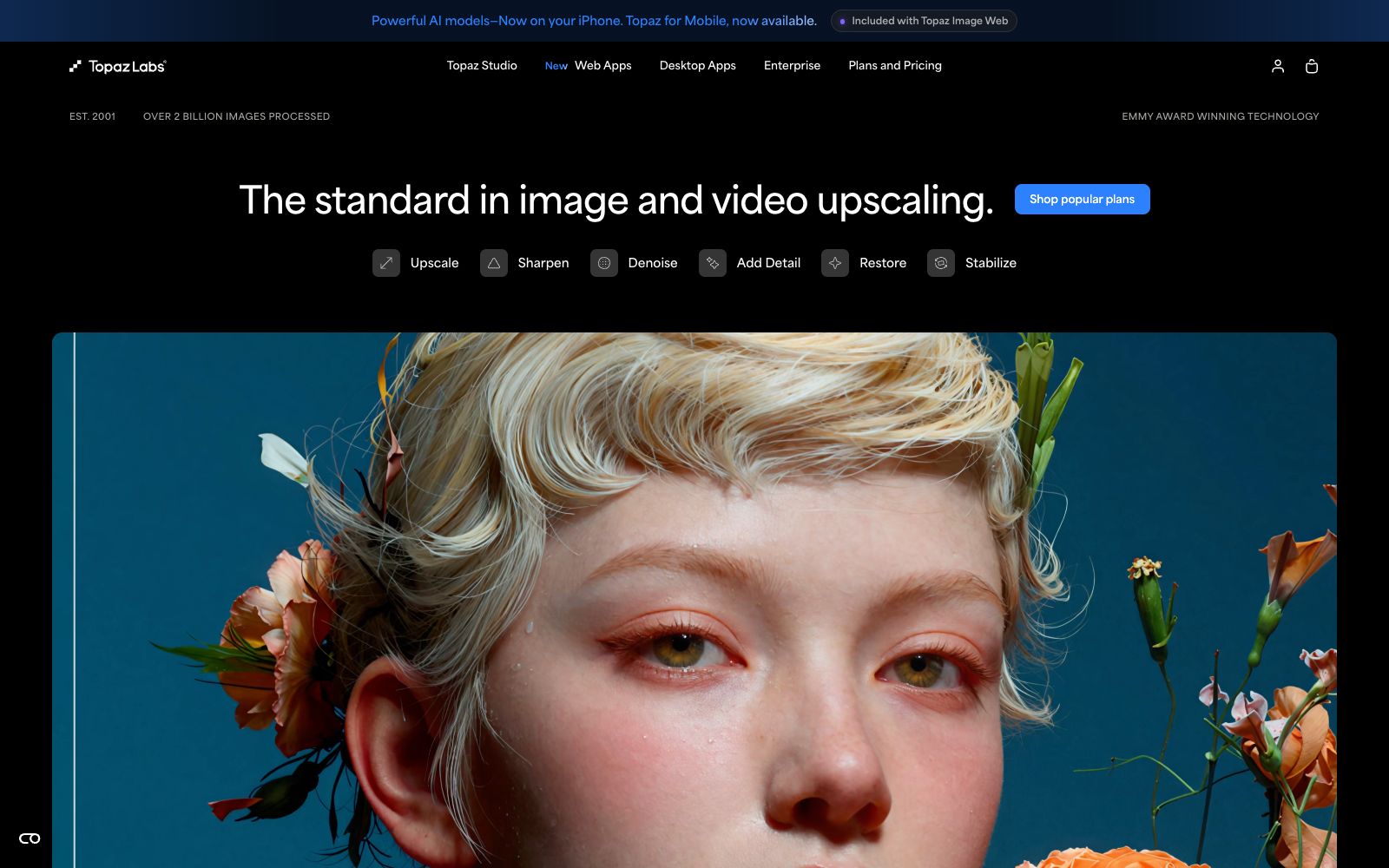
Topaz Labs is software that uses deep learning to enhance image and video quality. It covers noise reduction, sharpening, upscaling and restoration, and is available in multiple forms for desktop, web and mobile devices.
Updated: 2026-10-26
What is Topaz Labs?
Topaz Labs is a software company focused on image and video quality enhancement. It uses self-developed deep learning models to handle needs such as noise reduction, sharpening, upscaling, and restoration. Its products cover desktop, web, and mobile platforms, supporting both local operation and cloud-based processing. It is widely used by numerous photography and video production professionals as a safety net for image quality before final delivery. From old photo restoration to video upscaling, it provides professional-grade processing capabilities to bring materials up to deliverable standards.
Who is it for?
- Photographers and retouchers: Use noise reduction and sharpening to rescue low-light and high-sensitivity photos, enhancing the final image quality delivered to clients.
- Film and post-production teams: Perform quality restoration and upscaling on footage from documentaries, commercials, etc., to compensate for hardware limitations during shooting.
- Users who need to restore old materials: Restore old photos or low-definition videos to a usable level for exhibition, archiving or re-creation.
- Creators seeking efficiency: Cloud-based processing eliminates the need for local computing power, allowing you to get results quickly without tying up your daily work computer.
- Printing and output institutions: Enlarge materials to poster level while maintaining clarity, reducing the additional costs caused by reshooting.
Key features
5Image Quality Upscaling
Models such as Gigapixel enhance low-resolution images and videos to higher clarity, suitable for renovating old footage and large-format output.
Noise Reduction and Sharpening: Cleans up noise in low-light and high-sensitivity shots while enhancing detail edges, resulting in a cleaner, more transparent image without an artificial "plastic" look.
Video Enhancement
Topaz Video combines models such as Starlight to perform denoising, upscaling and slow-motion effects, processing entire video clips instead of individual frames.
Multi-platform availability
Offers desktop software, a web version in the browser, and an iPhone app. Models can run locally or in the cloud for flexible switching.
Enterprise Customization
Provide customized solutions for commercial and production workflows, embed enhancement capabilities into professional workflows, and meet the demand for batch processing.
How to use Topaz Labs
- 1Choose the right model first: Different enhancement tasks correspond to different models. Select them separately based on denoising, upscaling or restoration, which is more reliable than general processing.
- 2Combine local and cloud use: Use local desktop processing for large batches to protect privacy, and use the web version for temporary tasks for a quicker setup without installation.
- 3Don't max out the parameters at once: Sharpening and detail enhancement should be applied moderately. Excessive processing can lead to unnatural textures and actually undermine the realism.
- 4Mobile light editing: Use the iPhone app to process casually shot footage when you're out and about, and return to the desktop for further refinement and output.
- 5For enterprise users, discuss customization: If you have bulk production needs, you can contact for a customized solution and embed the enhancement steps into your existing workflow to boost throughput.
Traffic & popularity
Data month Sep 2026
Topaz Labs receives about 4.0M visits per month and ranks #12,765 worldwide.
Monthly visits
12 monthsTraffic sources
- Search54.9%
- Direct32.1%
- Referrals3.9%
- Social3.5%
- AI assistants2.7%
- Other2.9%
Top countries
- United States28.3%
- India7.3%
- Germany4.7%
- United Kingdom4.1%
- China4.0%
Estimated from third-party traffic data.
Similar tools
 AVCLabsAVCLabs provides AI video and image quality enhancement tools, including video upscaling, face blurring, object removal, watermark removal, old photo colorization and AI image generation. It supports desktop and online use and provides MCP API.
 VanceAIVanceAI provides a web-based and Windows desktop AI image and video processing toolset. The official version lists models such as upscaling, sharpening, denoising, background removal, and old photo restoration, and supports batch and local offline processing.
 UniFab AIA desktop tool suite focused on video and audio quality enhancement, offering capabilities such as super-resolution, denoising, demosaicing, colorization, and HDR conversion. The official website's terms page states that the operating entity is UniFab Software Limited based in Hong Kong.
 Let's EnhanceOnline AI image quality enhancement and upscaling tool that offers three types of processing: correction, upscaling, and restoration. The official states that it can achieve up to 16x magnification, supports 512MP and 300DPI output, and also provides API and e-commerce solutions under Claid.ai.
 Deep-Image.aiDeep-Image.ai is an AI image enhancement platform focused on e-commerce and printing. Its official website states that it supports generative super-resolution, a maximum 4x magnification, batch processing of up to 50 images at a time, and provides API integration with Zapier.
 Upscale.mediaOnline AI image upscaling and enhancement tool. Officially, it can upscale images by 2x or 4x without losing texture details. New users get the first 3 points upon registration. It also offers features like sharpening, deblurring, dehazing, face restoration, old photo colorization, batch conversion, and API access.