

ToonCrafter
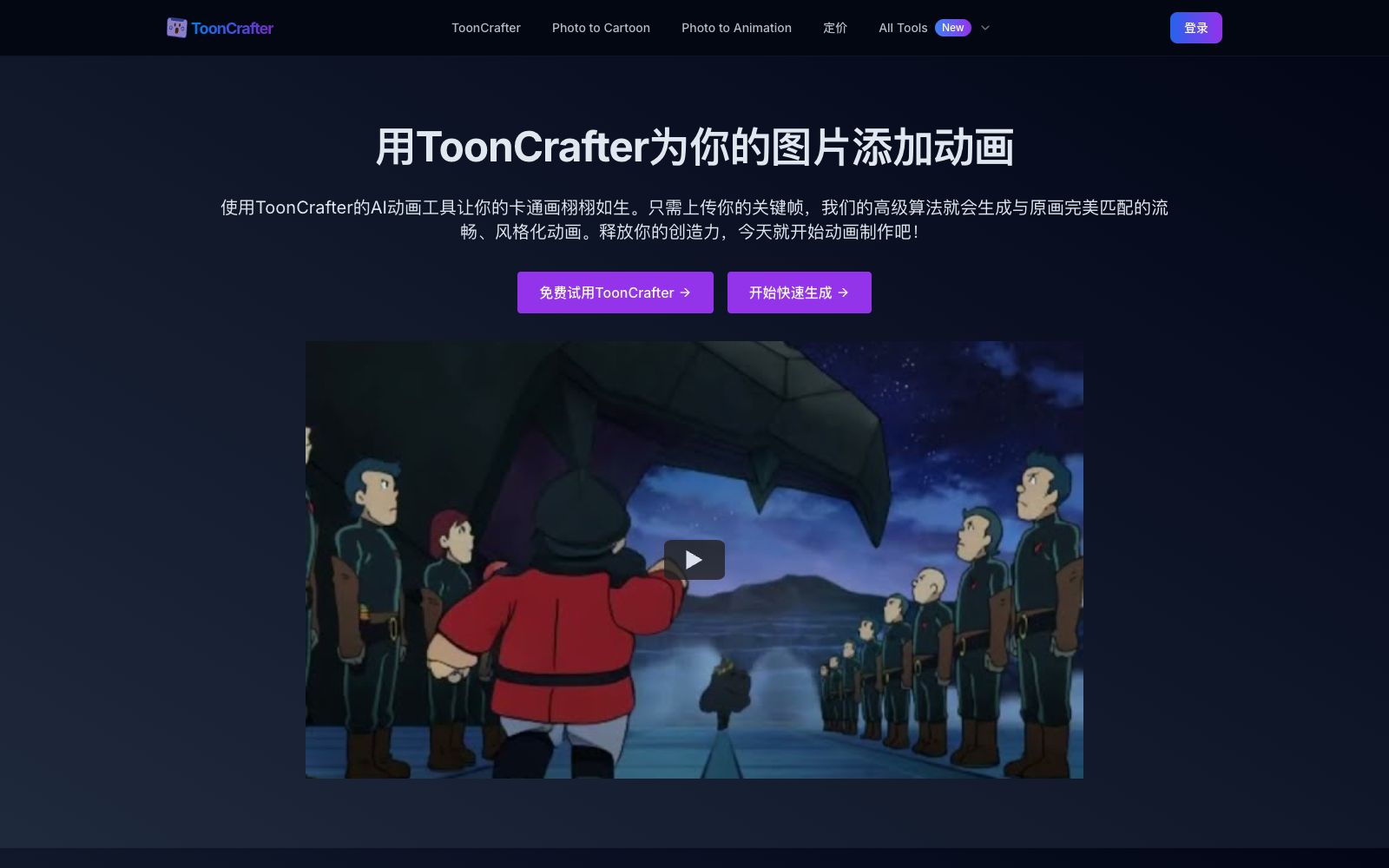
ToonCrafter is an AI animation tool for cartoon frame interpolation. Upload two keyframes to generate intermediate transition animations. The official claims that a single generation takes about 10 to 20 seconds, outputs MP4 files, and it is suitable for emojis, social media animated images and presentation materials.
Updated: 2026-10-26
What is ToonCrafter?
According to its official introduction, ToonCrafter originates from a research project called Generative Cartoon Interpolation, jointly completed by researchers from The Chinese University of Hong Kong, City University of Hong Kong, and Tencent AI Lab. Its core technologies include cartoon correction learning, dual-reference 3D VAE decoder, and sparse sketch guidance, with published papers and open-source repositories available. Commercial platforms package it into an online tool: upload 2 to 4 key frames (usually two are sufficient), describe the desired action in text, and you can get a smoothly connected transition animation for social media illustrations, animated stickers, and presentation materials.
Who is it for?
- Social media operation and brand design: Turn static cartoon images into movable posts and GIFs.
- Illustrators and individual creators: Animate the artworks in their portfolios for display or personal projects.
- People making emojis and chat stickers: The official lists custom animated stickers as typical use cases.
- People who need to make presentations: Add animated characters and scenes to PPTs to boost audience attention.
Key features
6AI-driven animation generation
Input two static cartoon images to automatically generate intermediate transition animation clips.
Style Transfer Learning
The official states that it is trained on a large dataset of cartoons, and the generated animations maintain consistency with the original art style.
Pixel-level Detail Extraction
Extract visual elements such as textures and lines from the input frames and incorporate them into the generated animation.
Smooth and Seamless Transitions
Generates continuous and natural motion between keyframes, reducing frame skipping.
Loop Mode
The advanced loop feature allows the video to play seamlessly twice, and the official note states that an additional 1 credit will be consumed for this.
Creation History Management
Saves historical records, allowing users to review or recreate past creations.
How to use ToonCrafter
- Official FAQ clearly states: The difference between the two keyframes should not be too large.
- It is best to correspond to an action that can be completed within 1 second or 10 frames in reality, and the smaller the amplitude, the better the effect.
- Supports WEBP, PNG and JPG formats.
- The generated output is an MP4 video at 8 frames per second, with each input image corresponding to 1 second of video, and a maximum resolution of 512×512.
- The official formula for point consumption is: Base consumption = Number of key frames − 1, with an additional 1 point consumed if loop mode is enabled.
- The official generation time is about 20 seconds between two keyframes, and the process will be slower with more keyframes, loop mode enabled or complex scenes.
- The free trial area has a queue and is slow.
- The official recommendation is to test the effects here first and then purchase the one-time credit package after confirmation.
- The official policy clearly states that purchased points are non-refundable, so first adjust the keyframe intervals and prompts to your satisfaction in the free trial area before placing an order.
Traffic & popularity
Data month Sep 2026
ToonCrafter receives about 105.9K visits per month and ranks #270,360 worldwide.
Monthly visits
12 monthsTraffic sources
- Direct39.7%
- Search34.7%
- Referrals10.4%
- Social6.4%
- Display ads3.0%
- Other5.8%
Top countries
- United States23.9%
- South Korea13.2%
- India9.6%
- Russia8.0%
- United Kingdom6.8%
Estimated from third-party traffic data.
Similar tools
 Krikey.aiKrikey.ai is an AI tool that generates 3D animations from text or videos. It can create custom cartoon characters, motion capture and expressions, and is used in video, game and educational scenarios.
 EbSynthA video stylization and frame-by-frame compositing tool. You only need to hand-draw one keyframe, and the brush strokes can be propagated to the entire video. It is used for animation, retouching and coloring. The paid version supports 4K and alpha channel.
 CartoonizeCartoonize is a photo-to-cartoon and avatar tool. Officially, it can turn photos into cartoons, sketches and animations with one click. It provides 4 million materials and supports online and offline editing, covering avatar and sticker creation.BurpAn AI video and motion graphics editor for teams, the official website states that it can generate storyboard animations and social media videos with one sentence, edit layers and keyframes on a unified canvas, and batch export MP4, GIF or 4K videos in brand style.
 Autodraft AIAn AI animation tool for YouTube cartoon story channels that can automatically generate characters, backgrounds and dubbing, provides fine animation control over expressions, mouth shapes, props and more. The official website claims that more than 1,500 channels have achieved monetization through it.
 FogsightWuxiang Fogsight is an AI animation generation tool for knowledge explanation. You can input a concept to generate web animations with diagrams and effects. The official version states that the free edition provides 50 credits per day, and you can export HTML or record the screen into a video.