

ToneBird
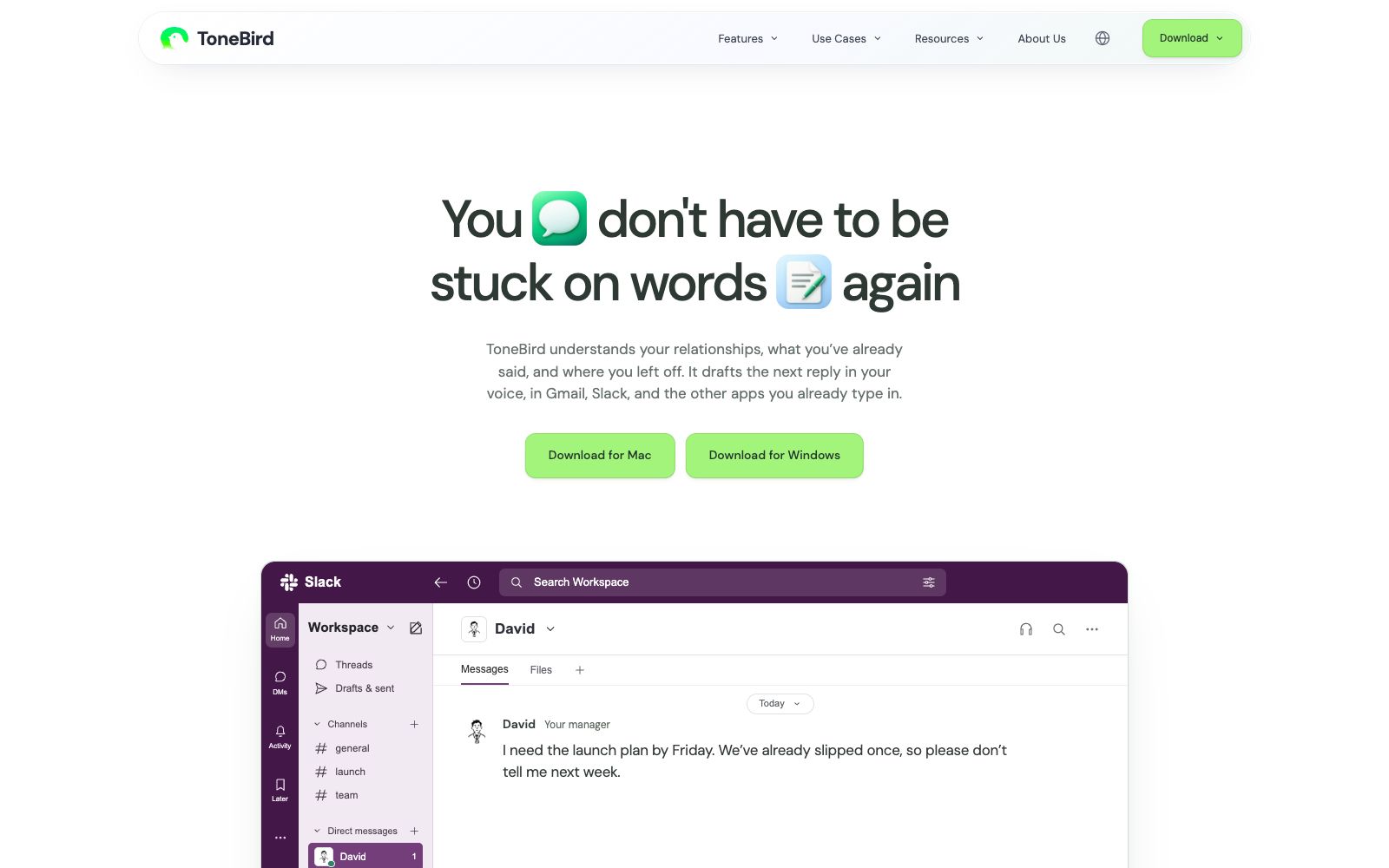
ToneBird is a desktop AI reply assistant that can draft replies by reading past conversations and connected files, adjust the tone according to the recipient, and supports one-click insertion, scheduling meetings and follow-ups in email and chat applications.
Updated: 2026-10-27
What is ToneBird?
ToneBird is a reply assistant for Mac and Windows. It drafts your next message in apps you already use, such as Gmail, Slack, and WhatsApp. It remembers your conversation history with the recipient, the promises you’ve made, and the facts in attached files, then adjusts the tone to match the recipient. You pick a suggestion from the options, edit it, insert it into the chat, and decide whether to send it yourself. The official statement says it will never send messages for you.
Who is it for?
- Professionals who need to reply to dozens of emails and instant messages every day and often get stuck on the first sentence.
- Roles that need to switch tones between clients and colleagues, such as sales, customer success, project managers, and freelancers.
- People who collaborate long-term with a fixed group of contacts, have extensive historical context, and want drafts that pick up where the last progress left off.
- People who are used to working on the Mac or Windows desktop and want to reply without leaving their original apps.
- Team members who need consistent reply quality but don't want their AI assistant to speak for them.
Key features
6Access Past Conversations
When drafting a reply, it reads your historical messages with the person, including the dates you promised to confirm, to avoid repeated questions or contradictions.
Cite file facts
Connected files are retrieved; for example, when a client asks about an agreed price, the draft will extract the corresponding numbers from the proposal file and insert them.
Adjust tone for the recipient
When following up on progress, the wording and level of apology will differ for a client waiting for delivery versus a colleague who casually asks a question.
Preserve your expression
Provide three candidate replies at a time for comparison. After selecting one, fine-tune it and insert it into the chat. You can review and confirm whether to save facts and writing preferences one by one.
From Reply to Follow-Up
It can directly generate Apple Calendar or Google Calendar events from the times agreed upon in chats, and also compile a to-do list of promised quotes, unanswered questions, and dates to be confirmed.
Cross-application and Multilingual Support
It is officially stated to support commonly used applications such as Gmail, Slack, and WhatsApp, and can be used across multiple languages.
Things to know
Usage Tips
- First, connect your commonly used email and chat apps, and authorize the files to be referenced as needed; otherwise, the drafts will not be able to retrieve facts such as prices and dates.
- Drafts are always suggestions: For content related to quotes, delivery deadlines and commitments, check them yourself before inserting and sending.
- Maintain facts and writing preferences in About Me, and confirm one by one whether the things learned in "Learned" are worth keeping.
- The official pricing is free for the Free version, $10 per month for Standard, $40 per month for Pro, and Enterprise is customized for teams, subject to the official website.
- The official FAQ mentions that chat content may be transmitted to AI providers, and please handle sensitive information in accordance with your company's compliance requirements.
Traffic & popularity
Data month Sep 2026
ToneBird receives about 2.7M visits per month.
Monthly visits
5 monthsEstimated from third-party traffic data.
Similar tools
 JetwriterA browser-based AI writing assistant that can rewrite, correct, translate, summarize, and explain selected text on any website. It integrates deeply with Gmail and is powered by models including GPT-5.1, Claude, and Gemini.
 FireplyFireply is an AI auto-reply tool built for X (Twitter) creators. It automatically finds relevant posts and publishes replies in your voice, helping you grow followers, expand reach, and accelerate monetization and sales. The official trial includes 40 free replies with no credit card required, and Fireply states that your login password always stays on X.
 Fyxer AIAn AI assistant for email automatically categorizes incoming messages and pins important emails to the top, drafts replies in your tone, and also takes meeting minutes and arranges schedules. The official version offers a short-term free trial for work email accounts.
 WriteMail.aiAI email writing tool: input a few key points to generate a complete email with adjustable tone, length and style. It supports more than 30 languages and is suitable for sales outreach and daily workplace reply scenarios.