


StartAI
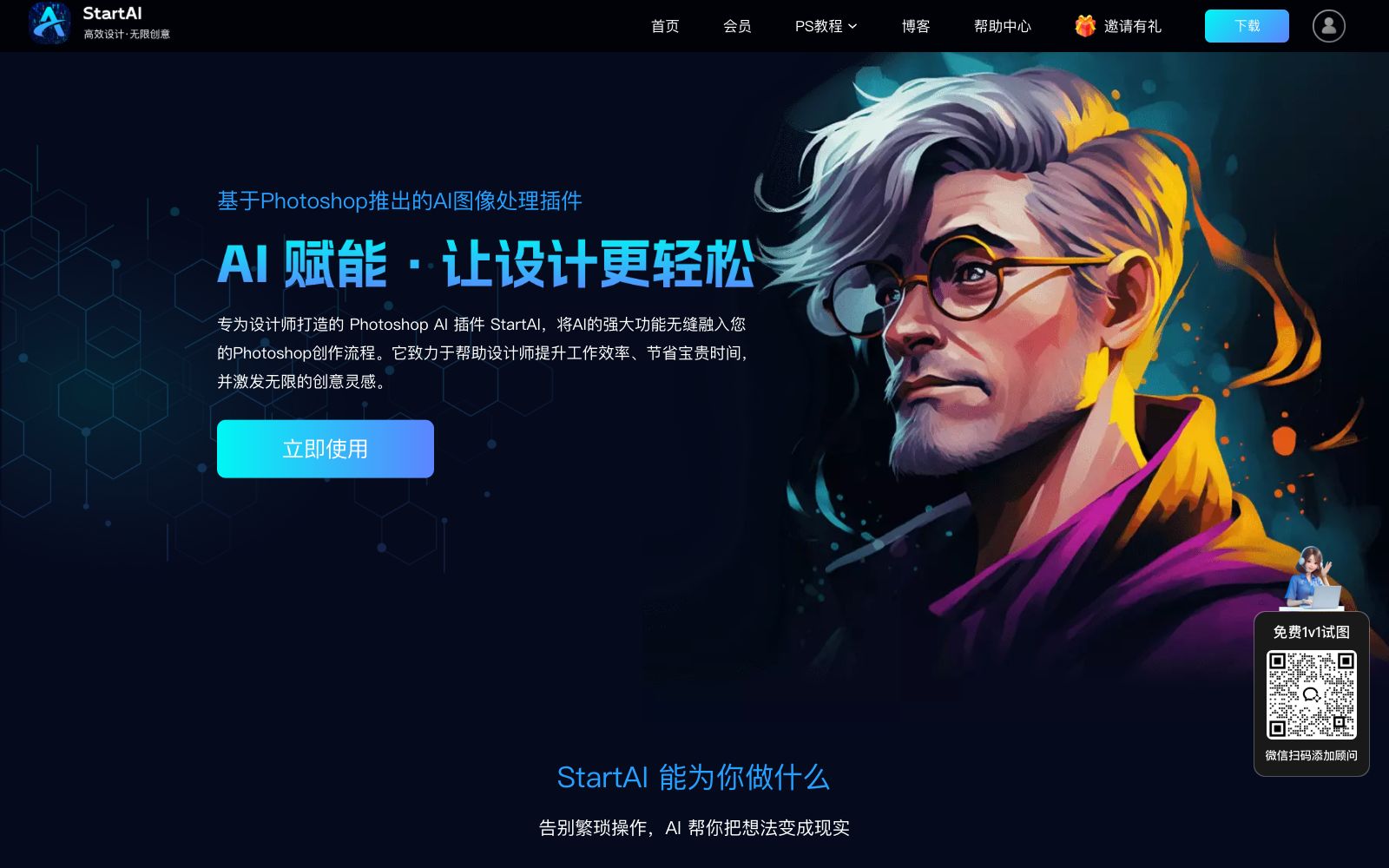
An AI image processing plug-in based on Photoshop, integrating AI capabilities such as background removal, retouching, text-to-image generation and model outfit changing. It is embedded in the designers' workflow and meets the needs of e-commerce and batch image generation.
Updated: 2026-10-26
What is StartAI?
StartAI is an AI image processing plug-in based on Photoshop, which seamlessly integrates functions such as image matting, retouching, generation and replacement into designers' creative workflows. It caters to the demand for batch image generation in industries such as e-commerce, fashion and 3C, with a total of over 1 million downloads so far, helping designers improve efficiency and reduce costs in familiar tools.
Who is it for?
- E-commerce designers can use it to complete product retouching, one-click background removal and batch image generation, shorten the listing cycle and leave more time for creativity.
- Freelancers and graphic design practitioners can lower the threshold for learning AI tools, enjoy out-of-the-box usability, and make it easier to take on orders.
- In college and university teaching, StartAI can be used as an excellent tool for e-commerce and graphic design practice, allowing students to get an early exposure to industry workflows.
- Teams with a monthly need to batch process over 1,000 images are suitable for docking customized enterprise solutions to maximize efficiency with AI.
- Individual users who need lightweight design tasks such as ID photo production and line art coloring can also get started quickly without mastering professional techniques.
Key features
6AI background removal, watermark removal, intelligent erasing, image expansion and local inpainting: one-click obtain the original image from the PS selection and automatically insert it in place, eliminating tedious manual operations.
Product retouching, advanced composite imaging and Banana retouching meet the high-quality output needs of e-commerce materials, capturing details and textures to deliver ideal product effects.
Professional text-to-image generation, line art coloring and image similarity generation help non-design users turn their ideas into images and lower the creative threshold.
Features over 100 styles; select one with one click to generate a variety of creative images. It is compatible with Photoshop CC2015 up to the latest version, and older versions are also supported.
Provide customized bulk solutions for e-commerce, fashion, 3C, furniture and other industries. Product images and marketing materials are available instantly, shortening the listing cycle.
Generate the original image with one click from the PS selection and automatically insert it in place, making the creative workflow seamless and more efficient without switching back and forth between web pages and PS.
How to use StartAI
- 1First install and register the PS plugin, then experience the workflow through high-frequency features such as one-click background removal and product retouching to build usage habits.
- 2For batch tasks, use industry-specific customized solutions to produce product images, refined images and marketing materials in one go, avoiding processing them one by one.
- 3Lower versions of Photoshop are also compatible. Before installation, confirm that the system is Windows or Mac to reduce environment pitfalls.
- 4When you need consistent output, focus on the material library and 100+ styles, and reuse templates to improve consistency and achieve a more unified visual effect.
- 5For large-scale image generation needs, enterprises can contact the dedicated bulk solution via the official website's WeChat Work consultant and get ready-to-use outputs.
- 6Save commonly used styles as templates; directly apply them to subsequent requests of the same type to save time and keep the team's style consistent.
Traffic & popularity
Data month Sep 2026
StartAI receives about 21.9K visits per month and ranks #1,304,995 worldwide.
Monthly visits
12 monthsTraffic sources
- Search70.2%
- Direct21.4%
- Referrals4.6%
- Social3.6%
- AI assistants0.3%
Top countries
- China90.2%
- United States2.2%
- Taiwan, China2.0%
- Japan1.4%
- Hong Kong, China1.1%
Estimated from third-party traffic data.
Similar tools
 TudingTuding AI is an AI design assistant plug-in for Photoshop. According to its official website, it has 26 AI capabilities covering photo retouching, background removal and creative generation, and also offers 26 free pure front-end image tools that can be processed locally in the browser.
 ZotangZuotang PicWish is an intelligent AI image processing platform that provides online background removal, watermark removal, image quality restoration and lossless enlargement, and offers a one-stop solution for batch image generation for e-commerce.
 PhotoGridPhotoGrid is an online collage and AI photo editing tool. Officially, it claims to offer more than 20,000 templates, supports text-to-image, image-to-video, background removal, enhancement and background replacement, and integrates models such as Nano Banana and Kling.
 Gaoding AIA domestic online design platform with a vast number of templates and AI assistance. You can create posters, PPTs, and e-commerce materials even without knowing PS. It integrates AI functions such as background removal, watermark removal, AI inpainting, product retouching, and video creation. The materials are officially licensed and available for commercial use.
 Evoto AIThe one-stop AI photo post-processing software under Truesight has its main slogan on the official website as "Connect Shooting, Selection, Retouching and Delivery", integrating RAW processing, color grading, portrait retouching and batch processing into a single workflow.
 XianyiXianyi AI Background Remover is a free offline desktop AI background removal tool. It runs locally based on the RMBG-1.4 model, supports batch background removal, multiple import methods, automatic cropping, copying and secondary editing, and can be used without logging in or connecting to the internet.