


SparkVid
An online creation platform integrating multiple mainstream text-to-video models. Its official website states that it can call engines such as Seedance, Kling, and Veo on the same interface to generate videos from text or images, and supports reference video to motion conversion, camera control, and natural language video editing.
Updated: 2026-10-27
What is SparkVid?
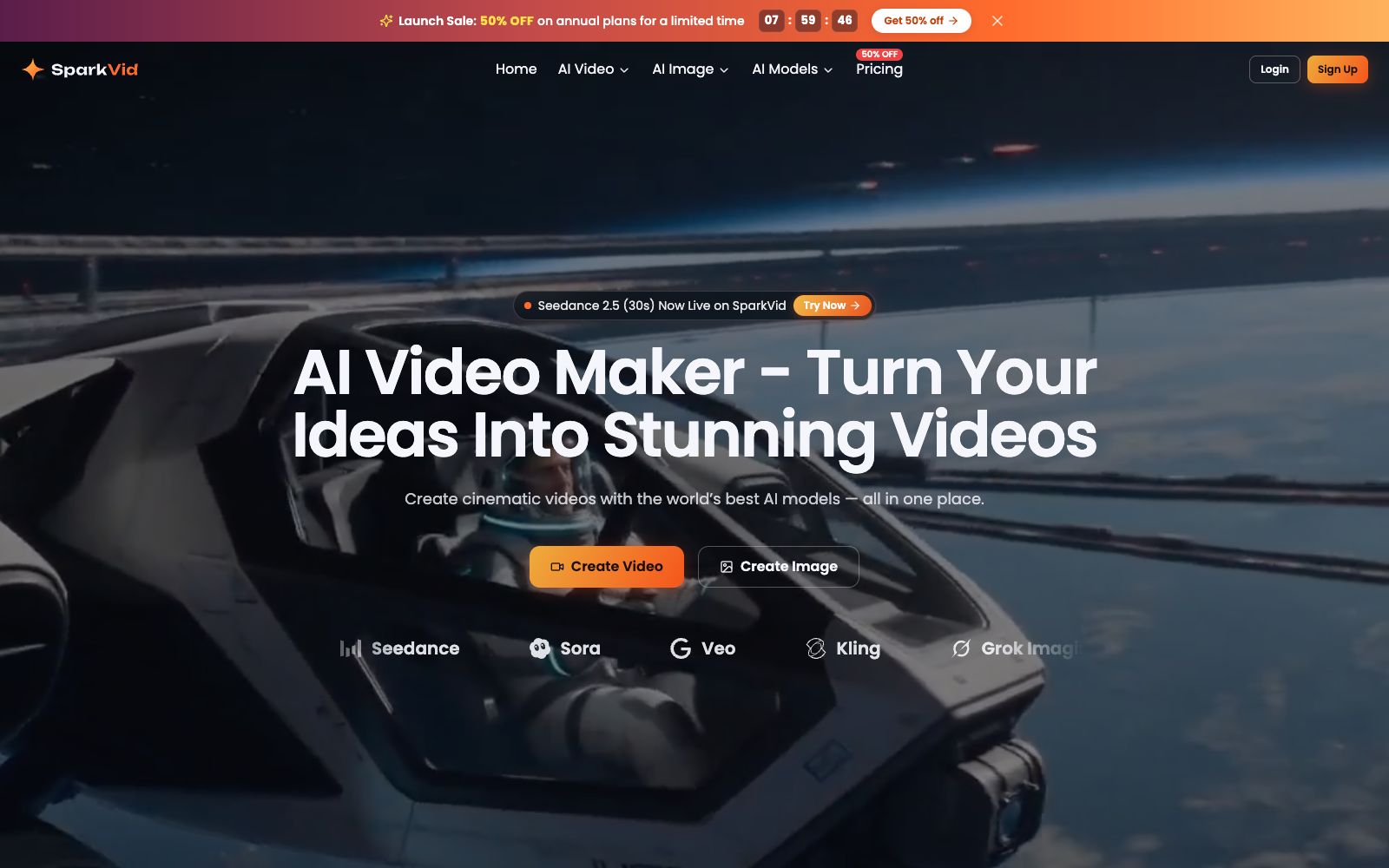
SparkVid's official website is positioned as "AI Video Maker - Turn Your Ideas Into Stunning Videos" — it integrates multiple video generation engines such as Seedance, Sora, Veo, Kling, and Grok Imagine into a single browser interface, eliminating the need for users to switch between different tools. The official website emphasizes that in addition to video generation, it also covers motion control and online editing, enabling the entire workflow from idea to finished video to be completed on one page.
Who is it for?
- Content creators who want to consistently produce short videos and improve their posting rhythm
- Marketing and e-commerce teams that need to test multiple advertising creatives for the same product
- Merchants and designers who want to convert static product images into dynamic displays
- Film and advertising practitioners who want to pre-shoot and rehearse shots with videos before filming
Key features
6Multi-Engine Parallel Generation
The official website states that each generation can switch between models such as Seedance, Kling, and Veo, and the same prompt can be used to compare the effects of different engines side by side.
Text & Image Generation
The official website states that it supports pure text prompts or uploading photos, product images, and artworks as references, with the main subject of the frame remaining consistent during the generation process.
Motion Transfer
The official website states that you can transfer the movements from reference videos to your own characters or objects without having to write complex motion instructions from scratch.
Camera Control
The official website states that it provides camera movement options such as push, pull, pan, and tilt, allowing users to set camera movements according to their needs instead of leaving all camera language to the model's guesswork.
Natural Language Video Editing
The official website states that you can remove objects, change backgrounds or modify styles with just one sentence description, without the need for mask or keyframe operations.
Image Pre-generation
The official website states that you can first use models such as GPT Image, Nano Banana, etc. to generate concept images, product images, or character illustrations, and then send any frame to the video generator.
Things to know
Usage Tips
- The official website states that new users get a free tier with no credit card required. It is recommended to first run the same prompt on two or three engines each to find the model that best suits your style.
- Be specific about lighting, camera movement, and emotion when writing prompts, and the official FAQ clearly states that this is the key to narrowing the gap between the final video and your vision.
- For commercial use, please confirm that you have switched to a paid plan. The official website states that videos generated under the paid plan can be used commercially without watermarks, while outputs from the free quota are mainly for testing and personal projects.
- Export resolution and frame rate are determined by the selected model. High-resolution rendering such as 4K takes longer, so first estimate the required specifications.
- For multiple candidate shots, run drafts in low resolution first, confirm the rhythm, and then render officially in high resolution to avoid wasting credits.
Traffic & popularity
Data month Sep 2026
SparkVid receives about 114 visits per month.
Monthly visits
6 monthsTraffic sources
- Direct28.7%
- Search27.4%
- Referrals11.9%
- Display ads10.5%
- Affiliates7.6%
- Other13.9%
Estimated from third-party traffic data.
Similar tools
 Hailuo AIThe AI assistant and video generation platform under MiniMax provides text-to-video and image-to-video capabilities based on its self-developed video model. It stands out for its smooth motion and strong subject consistency, and also integrates general AI functions such as intelligent Q&A and voice.
 Jimeng AIAn AI creation platform under ByteDance, it supports text-to-image, image-to-video and frame control for start and end frames. It is integrated with the Jianying ecosystem, and the generated materials can directly enter the editing process. It is a high-frequency tool for domestic creators to make short videos and graphic and textual content.
 PictoryAn AI video generator for content creators that turns copy, presentations, web links, audio files or existing videos into finished videos with subtitles and dubbing, no need to set up a camera or open additional editing software.
 YouchuanYouChuan is a professional AI creative tool that offers image-to-video and text-to-video generation. It supports high/low dynamic modes, manual prompt fine-tuning and multiple +4s extensions, returns 4 results each time, and provides collaboration features for enterprise teams.
 Paiwo AIPaiwo AI (PixVerse) is an AI video creation platform available in China. It supports generating videos from text and images, and provides popular templates, start and end frames, motion imitation, multi-shot and other creation methods.
 Pavo AIAn online AI video and short drama generation platform, the official claims it supports generating videos with one sentence, generating videos from the first and last frames, and creating AI short dramas. You can experience text-to-video and image-to-video generation online, and it is mainly targeted at the short drama production scenario with ultra-fast video output.