


RecordMeeting
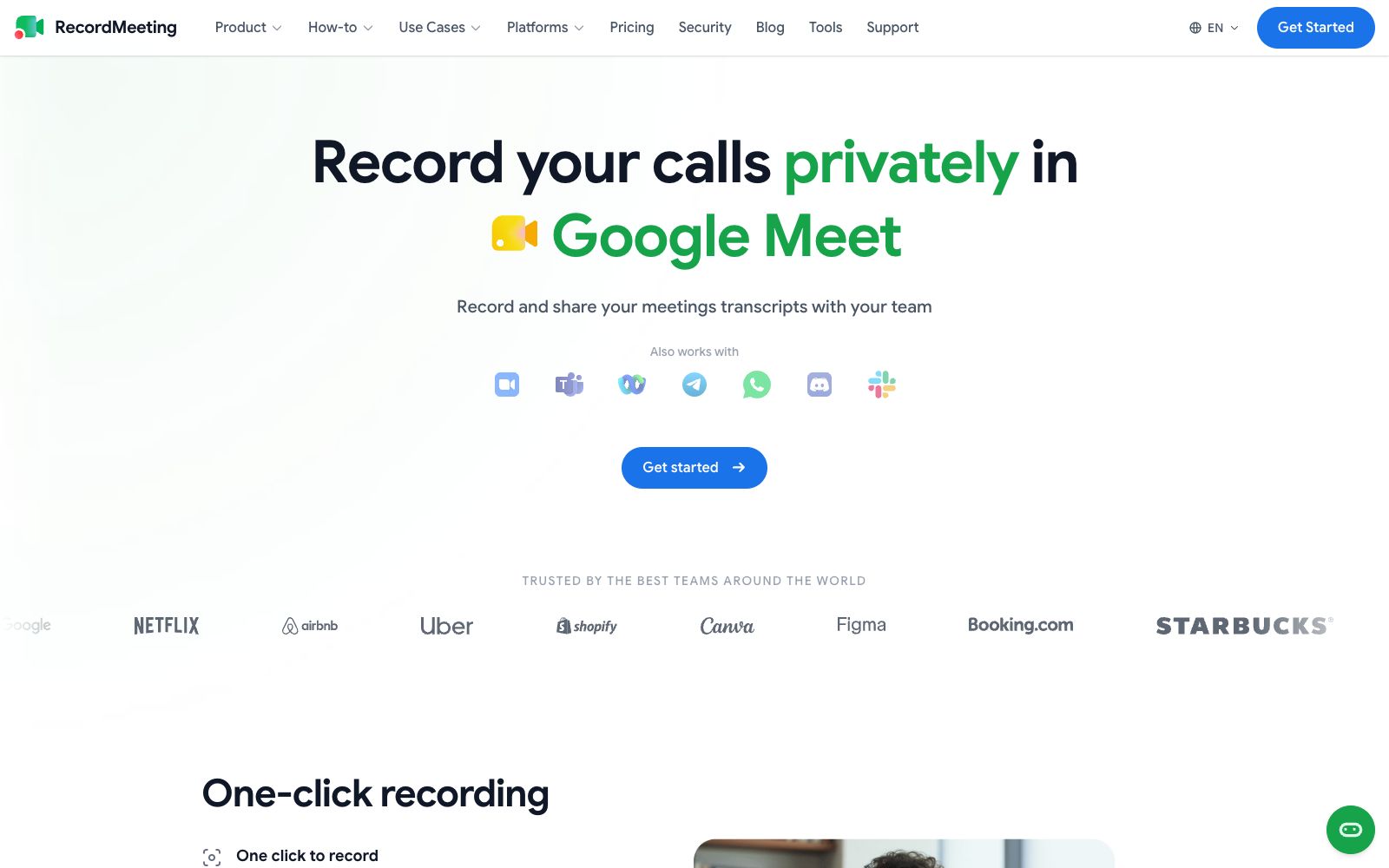
RecordMeeting is a recording extension for Google Meet. It allows one-click recording without adding bots or requiring host authorization. It can automatically transcribe meetings and generate AI meeting minutes, making it suitable for sales calls, user interviews, and team meetings.
Updated: 2026-10-26
What is RecordMeeting?
RecordMeeting is a browser extension specifically designed to record meetings in Google Meet. It does not require the host's authorization, nor will it have a robot join as a participant; it starts recording with just one click. Compared with the common solution of "sending a bot into the meeting", it records silently in the background and will not play a prompt tone of "recording in progress". The official website shows that it has a rating of 4.5 in the Chrome Web Store.
Who is it for?
- Sales and Customer Success: Record customer calls, review objections and commitments, and sync action items with the team.
- User Research and Interviews: Batch archive interview recordings, and directly retrieve exact quotes for citation after the meeting.
- Recruitment and One-on-Ones: Archive interviews and one-on-ones to reduce biases introduced by retelling later.
- Remote teams and stand-up meetings: Absent participants can catch up via the link, eliminating the need for an additional sync meeting.
- Online courses and podcasts: Recording scenarios that require a clean visual presentation and do not want bots to appear in the participant list.
Key features
6One-click Recording & Incognito Mode
Recording starts immediately when you click the button during a meeting. The recording takes place in the background without interrupting the conversation or playing any voice announcements.
Automatic Transcription
The official version states that every sentence is transcribed in real time, and the full text can be viewed at any time after the meeting. User reviews mention that the transcription includes speaker labels and timestamps.
AI Meeting Minutes
Generates key points and action items after the meeting, and you can also ask direct questions about the content of a specific meeting.
Team Sharing
Share recordings via links, group them by team or project, and set separate permissions for viewing, commenting, and downloading.
Cross-session Search
Search for a specific topic across all historical meetings and use speed playback to quickly locate decision clips.
Available on mobile
You can start and manage recordings on your phone. Recordings are synced to the cloud and accessible across multiple devices. The official statement says the features are consistent with the desktop version.
How to use RecordMeeting
- Getting started: Install the extension and log in, start recording when entering the meeting, and check the transcription and AI notes in the list after the meeting.
- Free quota: The free version allows up to 5 recordings.
- You can play back recordings of less than 1 hour per session, which include AI summaries and full transcripts, and no credit card is required.
- Pricing Tiers: Pro is $9 per month, billed annually, with unlimited recordings and a maximum duration of 6 hours per session.
- Enterprise is $15 per seat per month, adding organization, folder, and team management features.
- Compliance Reminder: Before recording someone else's meeting, you must first obtain the consent of the participants and comply with the notification and retention requirements of your region and company.
- Platform Coverage: The platforms listed in the official website navigation also include Zoom, Teams, Webex, etc., but the main user experience is still centered on Google Meet.
Traffic & popularity
Data month Sep 2026
RecordMeeting receives about 292.1K visits per month and ranks #108,136 worldwide.
Monthly visits
12 monthsTraffic sources
- Search47.3%
- Direct28.5%
- Social11.6%
- Referrals9.0%
- AI assistants2.0%
- Other1.6%
Top countries
- India16.9%
- United States16.7%
- Philippines4.5%
- Mexico3.8%
- Italy3.0%
Estimated from third-party traffic data.
Similar tools
 Happy ScribeMeeting and audio-video transcription tool, covering more than 150 languages, supporting robot-free recording, speaker diarization, glossary and one-click translation, capable of exporting subtitles, and the official website states that it is used by more than 41,000 teams.
 JotMeJotMe is a real-time translation tool for multilingual conferences. It supports simultaneous interpretation for over 200 languages, speaker-differentiated transcription, meeting minutes and in-meeting follow-up questions. It does not require a robot to join the meeting and is suitable for multinational teams and online events.
 LyraAn AI-native meeting platform that holds meetings in a browser with speaker-specific transcription, conducts background research before meetings, automatically updates CRMs and follows up after meetings, and enables cross-meeting retrieval of historical conversations.
 mymeet.aimymeet.ai is a meeting assistant that joins meetings on its own. It automatically records audio, generates transcripts with speaker labels, summaries and to-do lists. It supports custom templates and multiple languages, and can be exported as DOCX and PDF. It is suitable for sales reviews, job interviews and weekly project meetings.
 TranscribetoText.AITranscribetoText.AI is a meeting recording and transcription tool that can automatically record meetings or upload audio and video, output speaker-separated transcripts, summaries and to-do lists, support more than 117 languages and multi-format export.
 Video Transcriber AIVideo Transcriber AI is a login-free online transcription tool that can convert YouTube, Zoom recordings and local videos into text with speaker diarization, covering more than 200 languages.