


Transcriptly
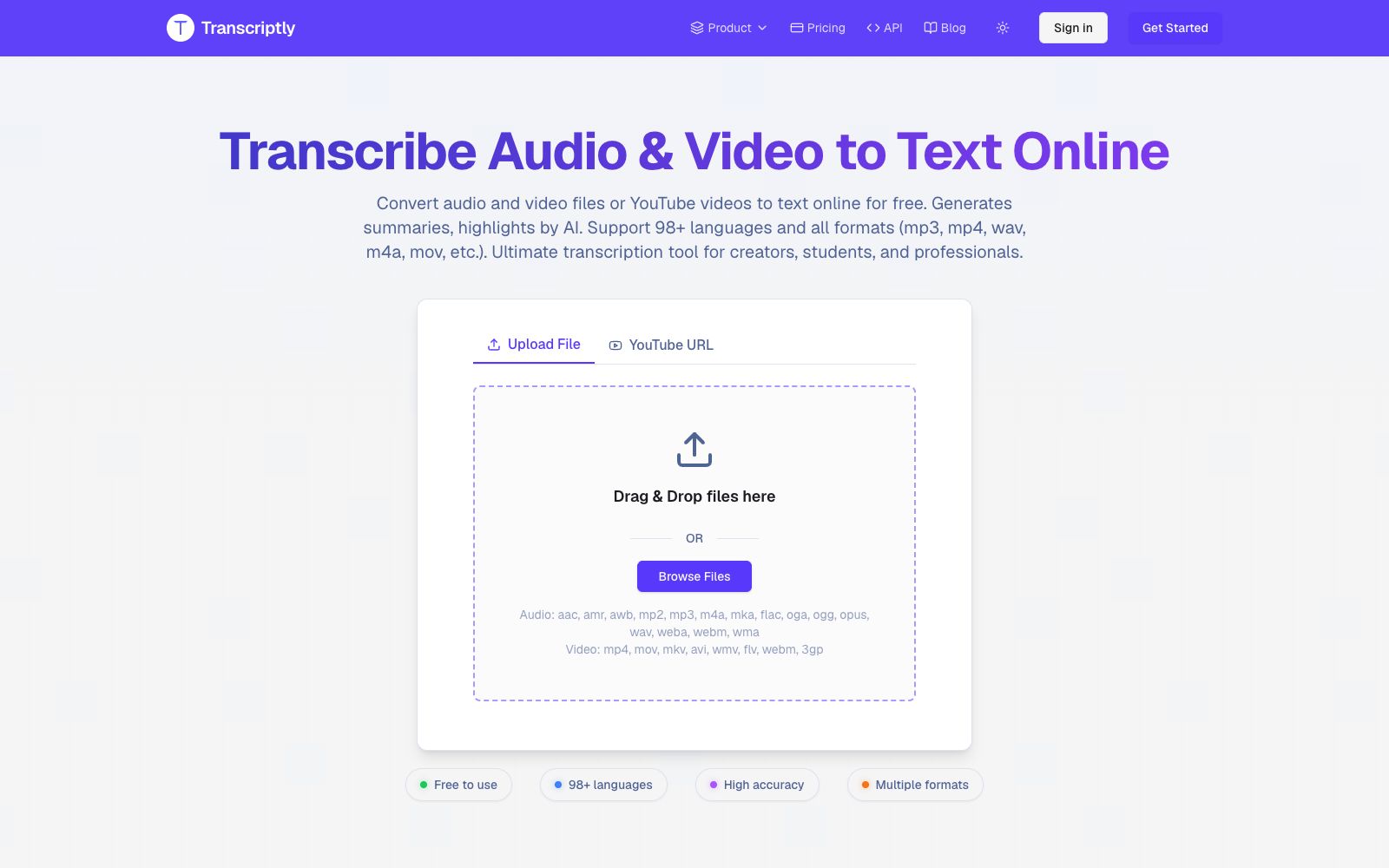
A free online audio and video to text tool that can upload local files or paste video links, output subtitles with timestamps and export in multiple formats. It is suitable for organizing course, interview and short video copy.
Updated: 2026-10-26
What is Transcriptly?
Transcriptly is an online audio and video to text tool. Upload a local file or paste a YouTube link, and you can quickly get text and subtitles with timestamps. It is not positioned as a meeting recorder, but rather a tool to turn "recorded content" into searchable and reusable transcripts: it is suitable for courses, interviews, podcasts, and short videos. Free accounts get 10 credits per month.
Who is it for?
- **Students and Researchers**: Convert hours of open course recordings and interview audio into searchable notes.
- **Content Creators**: Add subtitles to videos and then turn oral scripts into text or short articles.
- **Journalists and Authors**: Organize interview recordings and quickly locate the original quotes.
- **Marketing and Operations**: Convert online seminars and product demonstrations into text for competitive analysis and search materials.
- **Teams requiring accessibility support**: Add subtitles to internal videos to make content accessible for audiences with hearing impairments.
Key features
6Audio and Video Transcription
Supports audio formats such as aac, mp3, m4a, wav, flac, ogg and video formats like mp4, mov, mkv, avi. The official claims an accuracy rate of up to 99%, and it automatically adds punctuation, timestamps and speaker identification.
Direct Link Conversion
Paste a YouTube URL to extract or regenerate subtitles. The official states it uses public APIs and does not store or host video content.
98+ Languages
The official version supports over 98 languages, suitable for foreign language courses, cross-border content research, and language learning.
Multi-format Export
Supports exporting to SRT, VTT, TXT, CSV, PDF, and DOCX formats, which can be directly imported into video editing software or document workflows.
AI Document Analysis
After transcription is complete, you can ask questions about the document on the page to generate summaries and extract key points.
Developer API
The official provides an API for batch processing video subtitles, suitable for teams that require large-scale transcription.
How to use Transcriptly
- 1The free quota includes 10 credits per month. Test the language and audio quality with a short clip first, then upload long files in batches.
- 2Audio quality directly determines accuracy. For multi-party conversations, try to record with separate microphones, which will significantly reduce post-editing costs.
- 3Before commercial use, check the disclaimer: the service is intended for personal use and accessibility purposes, and the copyright of the materials remains with the original rights holders.
- 4For high-volume needs, use the API, which is more time-efficient than uploading files one by one on the web interface and also easy to integrate into existing workflows.
- 5For foreign language materials, it is recommended to listen to a sample of the transcribed text first to confirm the stability of the transcription of terminology and proper nouns.
Traffic & popularity
Data month Sep 2026
Transcriptly receives about 43.8K visits per month and ranks #884,158 worldwide.
Monthly visits
12 monthsTraffic sources
- Search76.3%
- Direct19.0%
- Referrals3.8%
- AI assistants0.6%
- Social0.3%
Top countries
- India15.4%
- United States7.6%
- Vietnam5.0%
- Canada4.4%
- Indonesia3.6%
Estimated from third-party traffic data.
Similar tools
 UniScribeUniScribe converts audio, video and online video links into transcripts. Officially, it supports more than 60 languages, speaker recognition and AI summaries, and can export subtitles. It is suitable for meeting minutes and podcast organization.
 Transcri.ioOnline audio and video transcription tool that can convert recordings and videos into text without installation. It supports subtitle generation and translation for more than 100 languages, and can also summarize questions about documents, making it suitable for interview organization.
 AutoSubtitlesAutoSubtitles is an online subtitle tool. Upload a video to automatically recognize speech and generate subtitles in over 100 languages. It comes with 28 preset styles and sentence-by-sentence timeline editing. Exports come with hard-subbed subtitles, making it ideal for adding subtitles to short videos and teaching videos.
 SubEasy.aiSubEasy.ai is an AI subtitle and transcription platform developed by a Hong Kong team. According to the official statement, it boasts a maximum accuracy rate of 99%, supports over 100 languages, and offers context-aware translation, animated subtitles, and AI dubbing services. It is ideal for video content going global.
 Audio Converter AIAudio Converter AI is an online audio and video transcription tool that supports over 200 languages, speaker diarization and timestamps. It can directly generate editable transcripts and summaries, making it suitable for organizing meetings, lectures and podcasts.
 TranscribetoText.AITranscribetoText.AI is a meeting recording and transcription tool that can automatically record meetings or upload audio and video, output speaker-separated transcripts, summaries and to-do lists, support more than 117 languages and multi-format export.