


Prezi
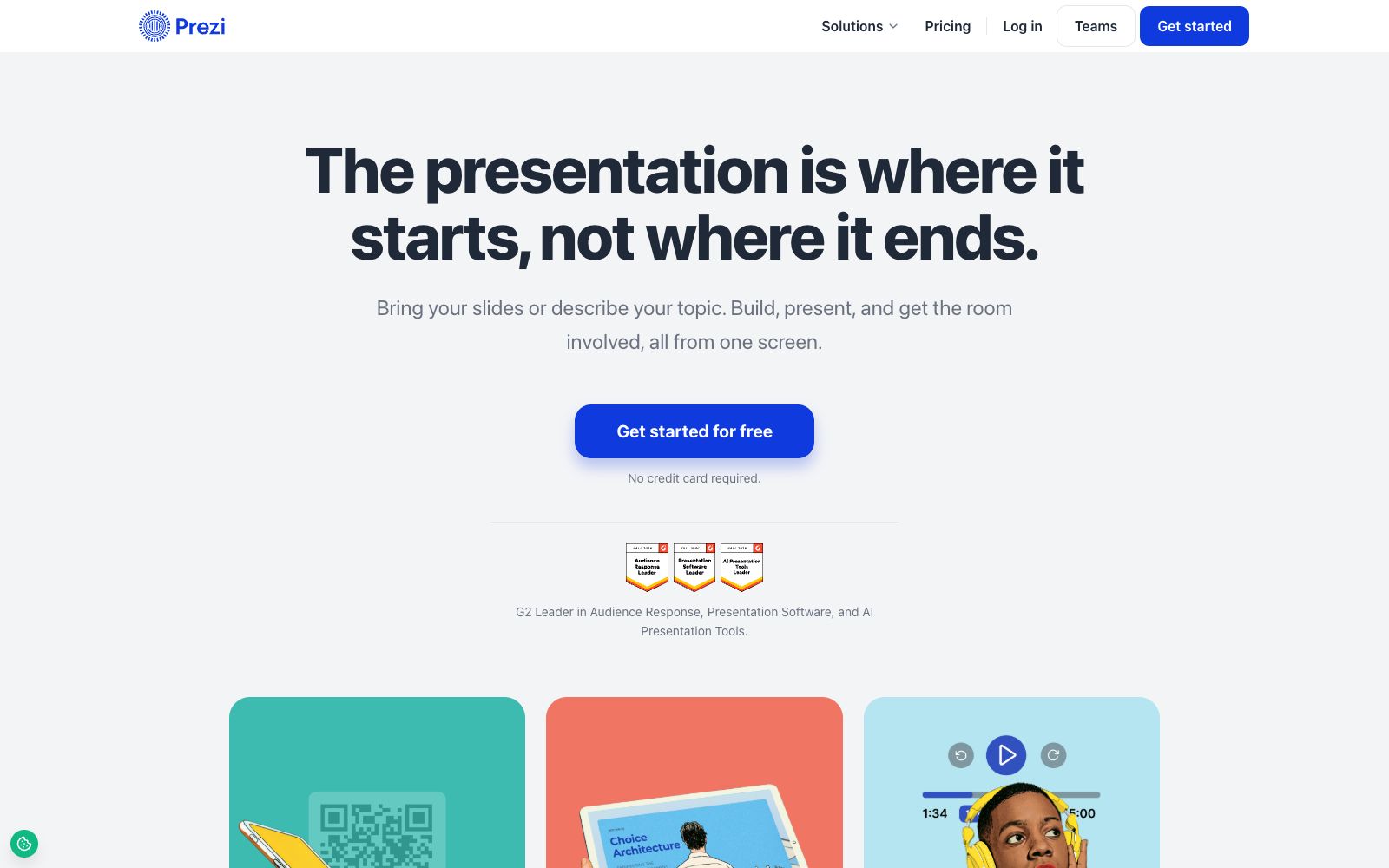
An interactive presentation platform for training and teams. Import existing slides or start with a single sentence. Scan the QR code to enable full-scene voting, quizzes and Q&A. Even quiet people will participate. The link remains valid after the event ends.
Updated: 2026-10-26
What is Prezi?
While most presentation tools focus on the moment of speaking, Prezi shifts the emphasis to after the presentation. The first sentence on its official homepage reads: A presentation is a beginning, not an end. It places interactive features such as polls, quizzes, Q&A, and word clouds directly next to the slides, so the speaker can access them all on the same screen during the talk. After the session ends, sharing a link means the content remains online, and it can even show which parts the audience actually engaged with. This design is clearly tailored for training and team scenarios. As the company itself puts it, this one tool replaces the four that were previously needed: delivering presentations, running interactions, collecting feedback, and analyzing results-it aims to bring all these together on a single screen.
Who is it for?
- Trainers and internal instructors, those who need to confirm whether the learners have really remembered the knowledge.
- Operators and team leaders who organize workshops and need to collect the opinions of the entire audience.
- Sales, pre-sales and customer success teams that need shareable materials after the presentation.
- People who have both online and offline attendees and want to engage the entire audience with the same set of activities.
Key features
7Start from existing materials
You can import PowerPoint, Google Slides, Canva, or PDF files, and also generate a presentation by describing the topic in one sentence.
Scan to Join
A single QR code allows everyone to ask questions, answer quizzes, and vote without installing apps or creating accounts.
Pre-plan Interactions
Polls, quizzes, Q&As, and word clouds can all be prearranged, and you can launch each one at the exact point in your presentation.
Question Approval Queue
Audience members can upvote questions, and the host uses the queue to control which questions are displayed on screen.
Unified for Remote and In-Person
Online participants join in the same way as those on-site, and presentations can also be delivered directly from a mobile phone.
Brand Setup Once
The official statement says you can add your logo and colors once, and all subsequent content will feature them.
Accessible After the Session
Share a link, and those who couldn't attend can catch up later-absence is no longer a problem.
How to use Prezi
- 1Try it out with a real class first; don’t just use it as a pure slide editor, as you won’t be able to leverage its advantages that way.
- 2Interactions must be planned in advance; starting a quiz on the spot will disrupt the rhythm and leave the audience caught off guard.
- 3The official says you can launch a poll in two minutes by importing ready-made materials, but if you generate content from scratch by describing the topic, you should allow more time.
- 4Post-meeting data is useful for improving the next session, but don't treat poll results as a serious evaluation-they measure the on-site atmosphere.
- 5Check the layout before exporting to a presentation file or PDF; the interactive elements cannot be carried over and need to be prepared separately.
Traffic & popularity
Data month Sep 2026
Prezi receives about 12.0M visits per month and ranks #5,131 worldwide.
Monthly visits
12 monthsTraffic sources
- Search51.0%
- Direct34.0%
- Referrals7.9%
- Social4.2%
- Mail1.3%
- Other1.5%
Top countries
- United States17.1%
- Mexico12.2%
- Colombia8.1%
- Peru5.2%
- Brazil4.0%
Estimated from third-party traffic data.
Similar tools
 ChatPPTChatPPT is a team-oriented AI presentation workbench that supports one-click classic generation and Agent collaboration. It can generate well-structured PPTs from themes, documents, web pages and images, making it suitable for business and brand presentations.
 AiPPTAn intelligent PPT creation tool driven by large AI models, which the official says supports generating a complete and professional PPT in one sentence, converting documents into PPTs in seconds, and offers AI automatic typesetting and polishing as well as a huge number of templates. The official website notes that it has been used by more than 30 million users.
 VismeA visual content platform integrating presentations, interactive infographics, design and video, with a built-in AI design assistant. Its official website emphasizes that users without any design foundation can also create professional content and branded materials.
 TreeMindTreeMind is a domestic AI mind mapping tool. It supports generating editable mind maps from a single sentence, image or document, provides more than 30 structures and over 200 themes, and supports multi-device synchronization and multi-person collaboration.
 SlideSpeakAn AI presentation tool that turns PDFs, Word documents, Excel spreadsheets, or a single theme into editable slides, exports native PPT files, and fully retains fonts and layouts.