


Pictory
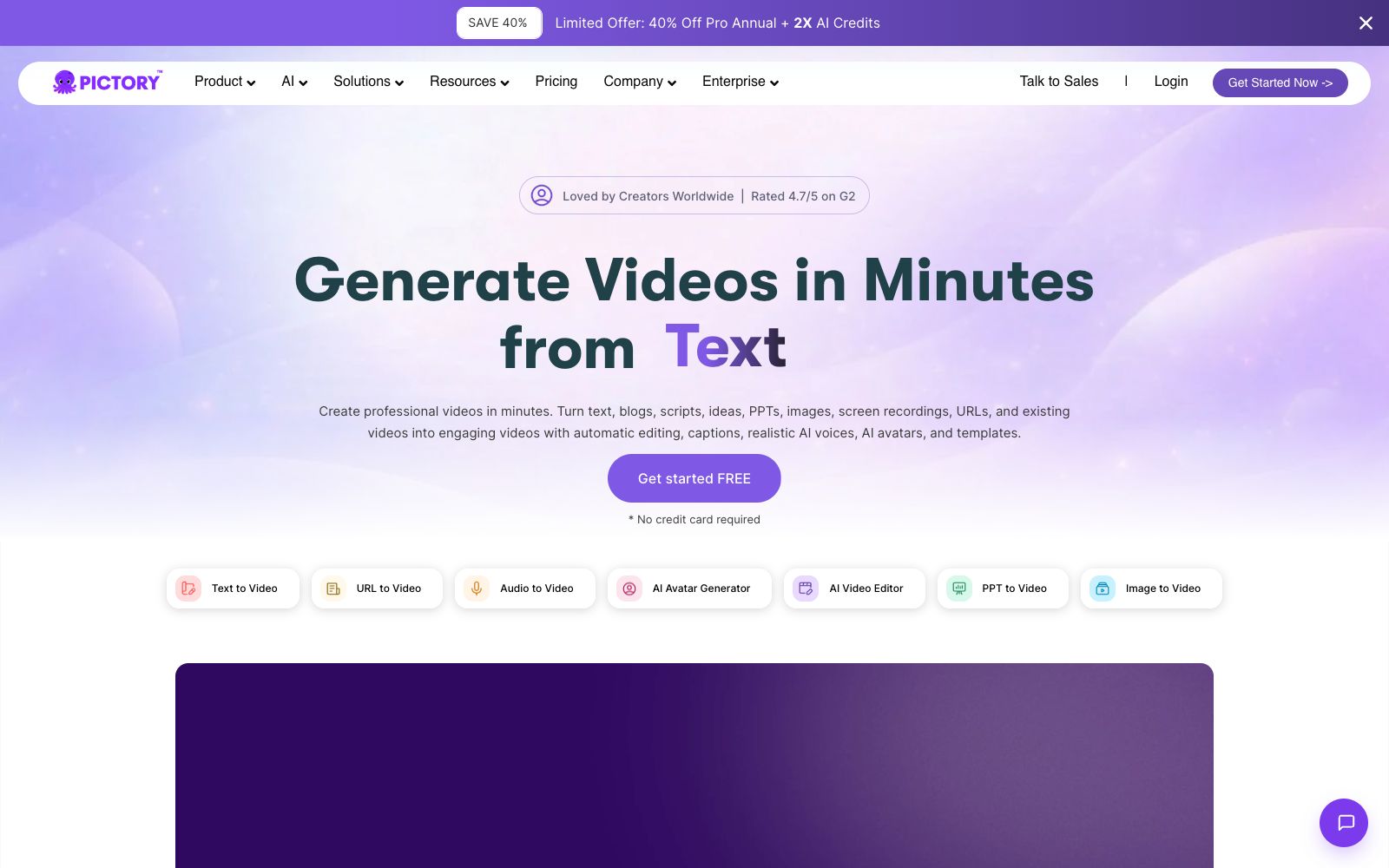
An AI video generator for content creators that turns copy, presentations, web links, audio files or existing videos into finished videos with subtitles and dubbing, no need to set up a camera or open additional editing software.
Updated: 2026-10-26
What is Pictory?
What usually takes the most time when making a video is not shooting, but finding materials, cutting clips, dubbing, and then resizing the video for each platform. Pictory’s idea is this: you just feed what you already have into it—a piece of copy, a PPT, a web link, an audio file—and it assembles a publishable video for you. The official website puts it straightforwardly: no camera needed, no shooting required, no timelines to deal with, and no learning curve.
Who is it for?
- Content creators and marketing professionals who have content but lack video production capabilities.
- Operations roles who need to quickly convert long articles, presentations, or podcast audio into short videos.
- Teachers in education and training scenarios who need to create explanatory videos but don't want to set up equipment.
- Account owners who need to refresh their old content and republish it in a different format.
Key features
6Text to Video
Convert text, prompts, scripts, articles, and blogs into videos, equipped with generative visuals, AI digital humans, subtitles, and realistic AI dubbing.
URL to Video
Input a link and directly generate the corresponding video.
PPT to Video and Image to Video
Convert presentations or image collections into explanatory videos and image-to-video content.
Audio to Video
Generate a video from an audio file.
AI Video Editor
Automatically clips and generates subtitles, and adapts to the size requirements of various platforms without having to remake the same video.
AI Script Generator and AI Studio
The official website lists both script generation and generative visual creation platforms as separate functional items.
How to use Pictory
- 1First, use your free credits to create a video with your own real content—don’t judge the effect using the official examples; the final video quality heavily depends on the clarity and structure of the input materials.
- 2The more structured your input, the smoother the output; it is recommended to delete trivial paragraphs from PPTs and articles before uploading them.
- 3When you need to publish the same content across multiple platforms, create a master version first and then adjust the dimensions for each platform, which is more convenient than redoing the entire video from scratch.
- 4The official website shows a G2 score of 4.7/5 and claims that more than 20,000 companies are using it; these are self-reported data and can be used for reference only.
- 5Whether the accents and speaking speeds of the digital human and AI dubbing match your audience, it is more effort-saving to adjust them once than to replace the materials.
- 6Go through the current terms before subscribing, especially regarding watermarks, export clarity, and commercial usage scope.
- 7The official website states that you can start for free without a credit card, so you can go through the entire process at zero cost first before making a decision.
- 8When converting long texts to videos, check the facts and figures captured by AI, and manually correct any errors.
Traffic & popularity
Data month Sep 2026
Pictory receives about 398.0K visits per month and ranks #99,010 worldwide.
Monthly visits
12 monthsTraffic sources
- Search47.2%
- Direct38.0%
- Referrals4.5%
- Social4.4%
- AI assistants2.7%
- Other3.2%
Top countries
- United States18.5%
- India11.3%
- Jordan8.8%
- Pakistan6.1%
- Mexico3.3%
Estimated from third-party traffic data.
Similar tools
 SparkVidAn online creation platform integrating multiple mainstream text-to-video models. Its official website states that it can call engines such as Seedance, Kling, and Veo on the same interface to generate videos from text or images, and supports reference video to motion conversion, camera control, and natural language video editing.
 Paiwo AIPaiwo AI (PixVerse) is an AI video creation platform available in China. It supports generating videos from text and images, and provides popular templates, start and end frames, motion imitation, multi-shot and other creation methods.
 VislaVisla is an enterprise-oriented AI video workflow platform that can automatically generate finished videos from scripts, PPTs or existing materials. It also provides screen recording, digital human dubbing and team collaboration review, making it suitable for marketing, training and sales teams to produce videos in batches.
 Vadoo AIVadoo AI is a creation platform that aggregates multiple video and image generation models in one workspace. It supports text-to-video, image-to-video and stylization conversion, and can also cut long videos into short ones, making it suitable for batch production of social media content.
 NemoVideoA chat-driven AI video editing assistant. Just tell it what you want or upload materials and you can get a finished video. It has built-in trend topic selection, automatic subtitle and dubbing features. The official says you don't need any editing skills at all.CliptalkAn AI video generator that, according to its maker, turns text, products, scripts, or links into complete videos—script, visuals, voiceover, and subtitles included. It supports more than 140 AI avatars and 30+ languages, while the free plan includes 50 credits and adds a watermark.