


opcode
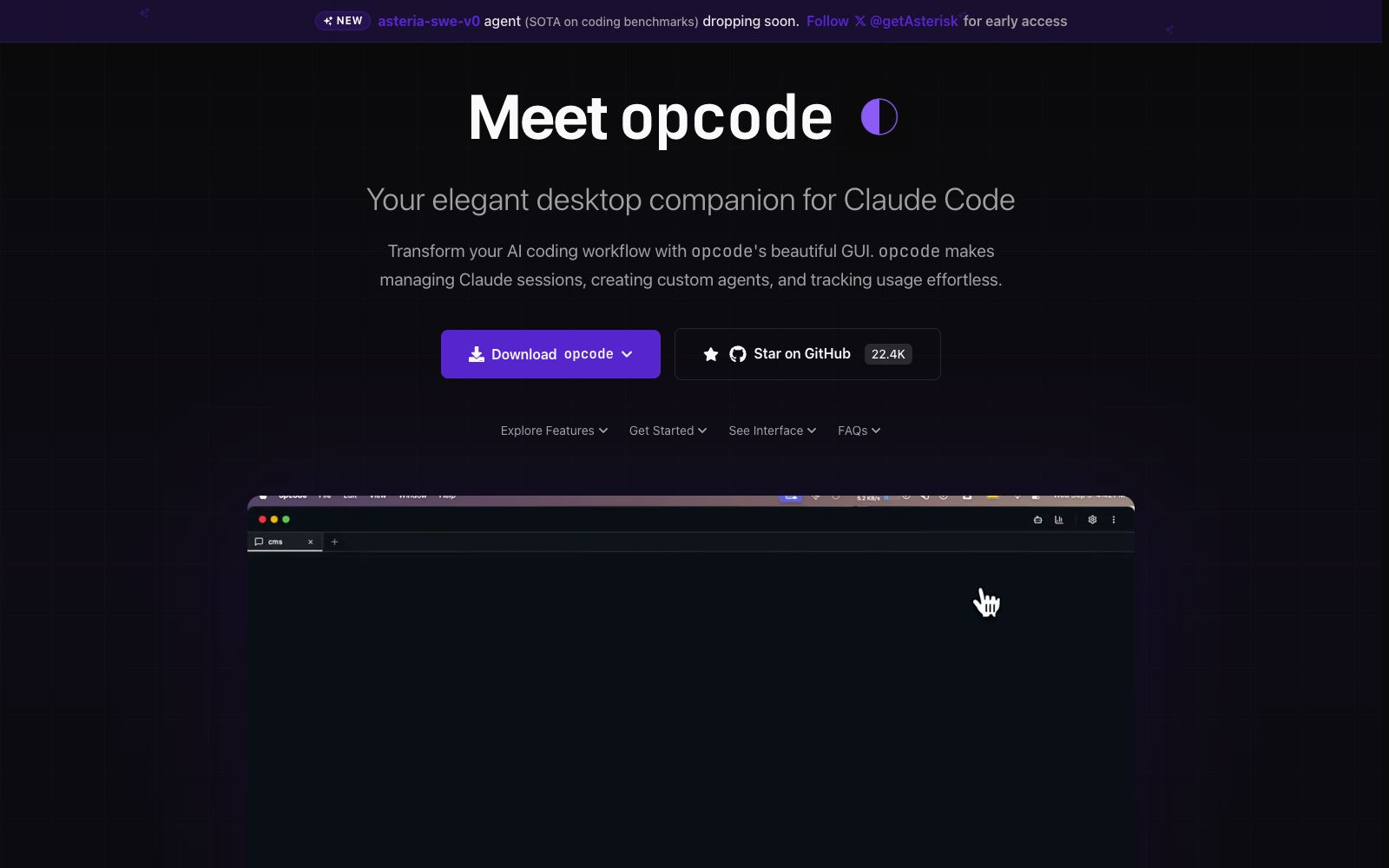
A desktop client built for Claude Code, officially described as managing Claude sessions through a graphical interface, creating custom Agents, tracking usage, and transforming command-line operations in the terminal into visual panels.
Updated: 2026-10-27
What is opcode?
Opcode is a desktop client built for Claude Code, officially positioned as an "elegant desktop companion": it moves the command-line operations originally performed in the terminal to a graphical interface, with separate sections for managing sessions, Agents, and usage metrics. For people who use Claude Code every day, it does not change the model's capabilities but determines whether you can keep track of what each session is doing when you have five projects open at the same time.
Who is it for?
- Developers who write code with Claude Code every day: When there are too many sessions, they need an overview, otherwise they have to rely entirely on memory.
- Technical leaders: They need to equip their teams with unified agents and keep an eye on API costs.
- People new to Claude Code: They are not familiar with command-line parameters, so a graphical interface makes it easier to get started.
- Freelance developers maintaining multiple repositories at the same time: They switch between projects frequently and need clear session boundaries.
- Teams that need to explain AI expenses to clients or bosses: They should be able to directly present usage data.
- People doing code migration and refactoring: One repository per session makes it easier to look back and figure out what was changed in each instance.
Key features
5Session Management
Officially described as managing Claude sessions through a graphical interface. When running multiple projects and tasks simultaneously, there is no need to distinguish them via terminal tabs or memory, the switching cost is significantly reduced, and it is easier to review past changes.
Custom Agent
You can create your own agent within the client, fix your commonly used role settings and working methods, call it directly next time, and no need to rewrite long prompts every time.
Usage Tracking
The official description states that it can track usage, making call volume and costs transparent, which is suitable for users who need to control budgets or account for expenses to their teams.
Graphical Operations
Converts command-line parameters into visible options and panels, reducing the likelihood of consulting documentation and typing incorrect commands, making it particularly user-friendly for those new to the tool.
Desktop Experience
Runs as a native application, directly connects to the local Claude Code environment. All code and project files are stored locally and are not uploaded to third-party servers.
How to use opcode
- 1Team unified configuration: Write prompts for commonly used agents as reusable templates and import them directly for new hires, which is more consistent than verbal handovers.
- 2First, make sure you have a working Claude Code installed on your local machine: Opcode is just a wrapper, not the model itself—it won’t work if the underlying environment isn’t set up properly.
- 3Turn high-frequency tasks into fixed agents: create one each for code review, test writing, and document revision, which is far more stable than writing prompts from scratch every time.
- 4Check the usage panel regularly, especially for long-running automated sessions, as token consumption often happens when you're not watching.
- 5Configure project directories and key permissions with the principle of least privilege, and keep track of the file scope accessible to the desktop client.
- 6It updates relatively quickly; run a small task to verify compatibility after upgrading; open-source licenses and commercial terms shall prevail as per the project repository.
Traffic & popularity
Data month Sep 2026
opcode receives about 6.6K visits per month and ranks #3,960,909 worldwide.
Monthly visits
12 monthsTraffic sources
- Direct40.2%
- Search34.6%
- Referrals11.1%
- Social5.9%
- Mail2.6%
- Other5.6%
Top countries
- South Korea23.3%
- United States15.0%
- India12.5%
- Canada12.2%
- Germany10.7%
Estimated from third-party traffic data.
Similar tools
 CodeMate.aiA private-focused AI programming assistant that provides in-editor coding agents, design-to-application conversion, automated PR reviews, and an AI terminal. The official emphasizes self-hosting and on-device architecture, ensuring code never leaves the local environment.
 MacroscopeAn AI code review tool for R&D teams that checks the correctness, security, testing and regression risks of each change before merging, automatically generates PR descriptions and summarizes multi-repository changes, and also includes a cloud-based coding Agent.
 SupermavenA speed-focused AI code completion tool, the official claims it supports a 1 million token context, with a response time of about 250 milliseconds. It covers VS Code, JetBrains and Neovim, and comes with a multi-model dialogue panel.
 AgentMailAgentMail is an infrastructure that provides dedicated email inboxes for AI agents. With a single API call, you can create an inbox, send and receive emails, manage conversation threads and attachments, and trigger workflows. It is suitable for lead follow-up, customer service replies, and multi-agent collaboration.
 CodeGPTCodeGPT is an AI programming agent embedded in mainstream development environments. It supports integrating multiple models with its own API Key. It first reads the code, provides modifiable solutions, and then takes action, making it suitable for teams that value data controllability.
 UI to Code AIA tool that converts screenshots, images, PDFs, or PSDs into front-end code, outputs React, Vue, Next.js, or HTML/CSS with real-time preview, and allows downloading the entire project package or copying individual components.