


Mural AI
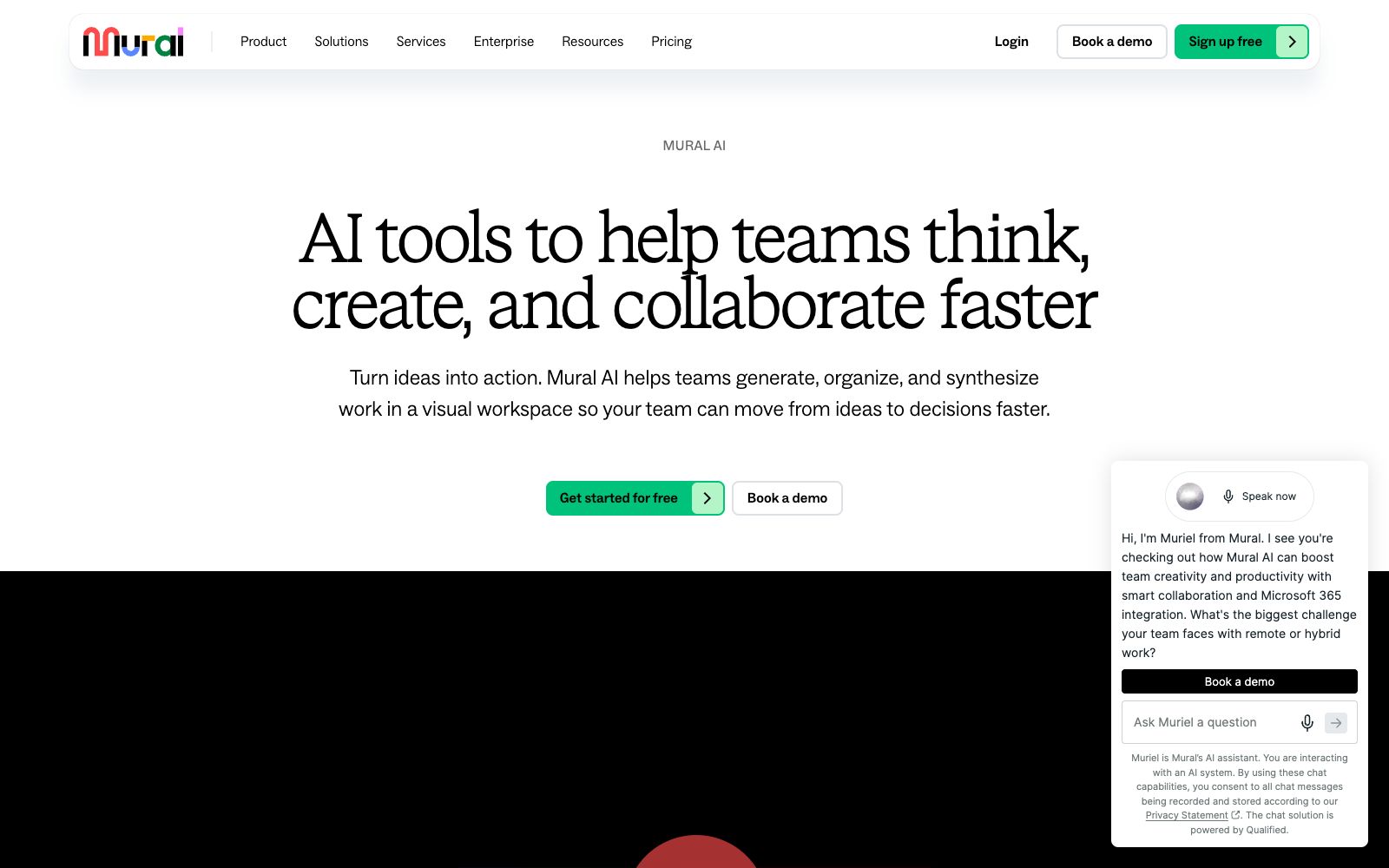
Mural AI is a visual collaboration whiteboard for teams, integrated with AI capabilities that help turn ideas into mind maps, categorize and group them, distill key points, and connect with Microsoft 365 Copilot, designed for brainstorming and strategic work.
Updated: 2026-10-26
What is Mural AI?
Mural AI is a collection of AI capabilities within the Mural visual collaboration platform. Its official website positions it as a tool that "helps teams think, create, and collaborate faster." It integrates generation, organization, and synthesis work onto a single visual canvas, enabling teams to move from ideas to decisions more quickly. The official website emphasizes prioritizing security, privacy, and human oversight when introducing AI.
Who is it for?
- Product and R&D teams: Use mind maps and clustering for brainstorming, requirement sorting, and roadmap planning.
- Strategy and Marketing Teams: Turn scattered discussions into structured conclusions, linking decision-making with subsequent action items.
- Consulting and design agencies: Use AI for summarization and grouping in client workshops to enhance collaboration efficiency and post-session organization.
- Large enterprise IT: Leverage the security and governance of the enterprise edition to integrate AI collaboration into unified permission management.
Key features
8AI Mind Map
Convert ideas into visual mind maps with one click, helping teams quickly sort out information structures and make it easier to start from a blank page.
Intelligent Grouping and Clustering
Automatically groups ideas on the canvas, identifies patterns, speeds up classification and induction, and reduces manual sorting time.
Content Extraction and Summarization
Convert the content on the canvas into a shared understanding and generate summaries to save the team time spent reading long discussions.
Feedback Classification and Sentiment Analysis
Categorizes feedback and understands emotional tendencies, helping teams focus on truly important opinions and disagreements.
Mural MCP Integration
Use MCP to let your AI chatbot create and edit content directly on the canvas, connecting your existing toolchain.
Microsoft 365 Copilot Integration
Integrates with Copilot to help you find the information you need, summarize content and advance work in your daily office environment.
Safe and Responsible AI
The official website features a dedicated section on security and privacy, emphasizing data protection and human oversight.
Find what you need
In conjunction with Microsoft 365 Copilot, quickly search for and summarize information in the office environment.
How to use Mural AI
- 1Before enterprise procurement, focus on the security and compliance statements and confirm that the data residency and deletion policies meet internal requirements.
- 2The free version has limited capabilities; team evaluations should be based on testing in actual collaboration scenarios, not just promotional materials.
- 3First experience the AI mind mapping and clustering features with the free version, and confirm that your team's workflow is a match before evaluating the enterprise version.
- 4Before connecting your chatbot via Mural MCP, clarify the data permissions and canvas access scope first.
- 5It is recommended that AI-generated content be manually reviewed. Key decisions should not rely solely on automatic summaries, and human oversight should be retained.
- 6For canvases containing sensitive customer or internal information, set permissions and retention policies in accordance with the security and privacy guidelines on the official website.
- 7Official features and integrations (such as Copilot and MCP) may be adjusted; double-check before official large-scale deployment.
Traffic & popularity
Data month Sep 2026
Mural AI receives about 3.9M visits per month and ranks #13,160 worldwide.
Monthly visits
12 monthsTraffic sources
- Direct64.7%
- Search13.7%
- Referrals12.8%
- Social4.5%
- Mail3.0%
- Other1.3%
Top countries
- United States36.5%
- Germany9.1%
- United Kingdom8.7%
- Canada4.7%
- France2.9%
Estimated from third-party traffic data.
Similar tools
 IdeamapA visual workspace for team brainstorming. After inputting a topic, AI generates and automatically clusters ideas. You can one-click expand them into a mind map, and support member collaboration, export and sharing.
 FigJamAn online collaborative whiteboard under Figma, officially positioned to let teams draw, brainstorm and organize ideas together, covering scenarios such as mind mapping, flow chart drawing, meetings and workshops, agile workflows and strategic planning.
 XiaohuazhuoA lightweight online real-time collaborative whiteboard that supports infinite canvases, multi-page canvases, file collaboration, audio and video calls, with built-in AI for generating mind maps and images, and can be used in conjunction with meeting tools.
 XmindXmind is a mind mapping and AI brainstorming tool that supports Web, desktop and mobile platforms. It offers various structures such as AI generation, Gantt charts and matrices, and holds ISO 27001 and SOC 2 security certifications.
 Miro AIMiro's new team AI platform, according to the official, allows the entire canvas to be used as a prompt, offering AI Playbooks for scenario-based workflows, Sidekicks assistants, process-level automation, and enterprise-grade governance capabilities.
 AyoaAI mind map and task management tool that organizes ideas with organic mind maps and directly converts them into to-do items. The interface has been optimized for people with ADHD and dyslexia, and it's free to create up to 10 mind maps.