

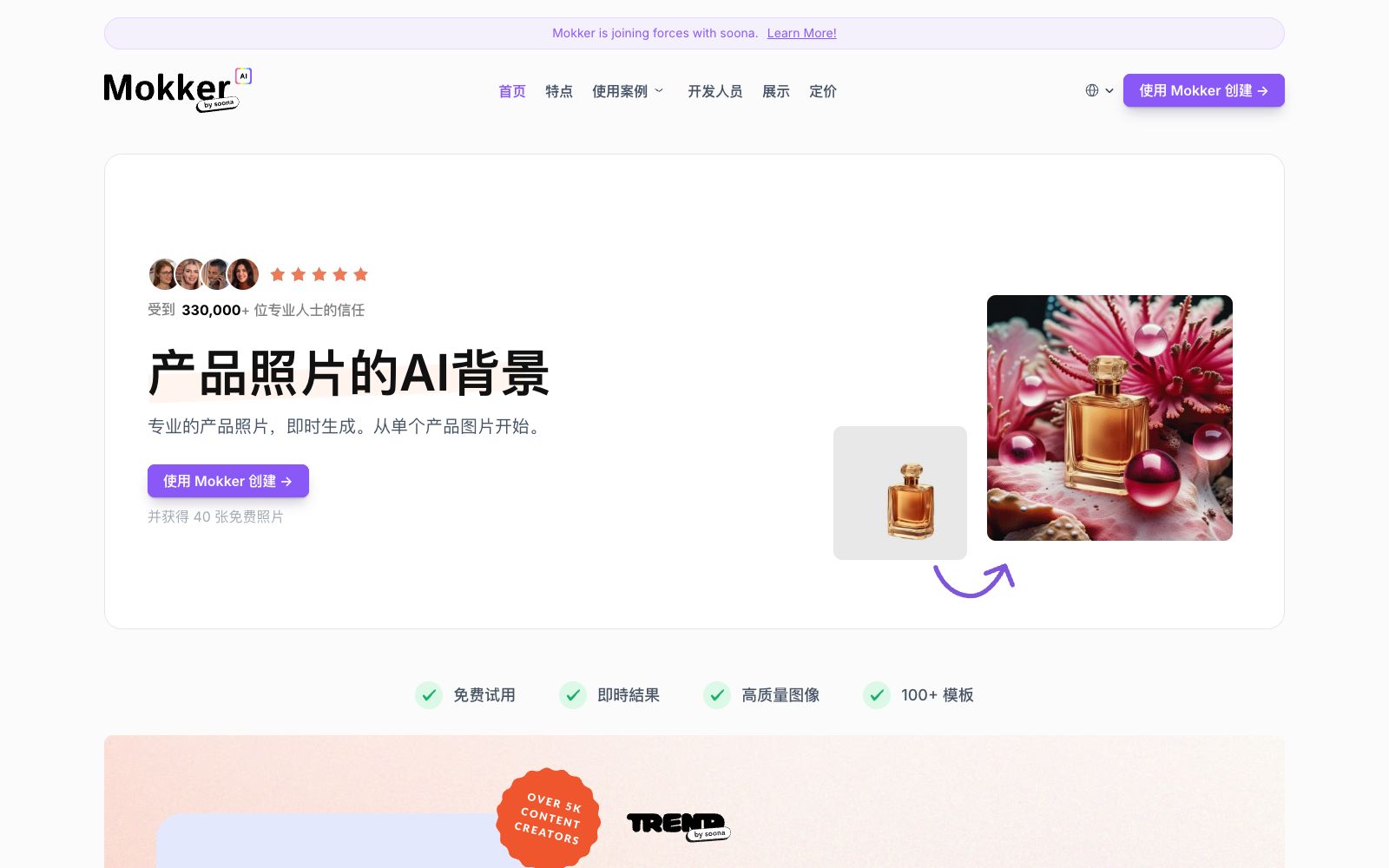

Mokker AI
AI background replacement tool for e-commerce product images. Upload a single product photo to apply hundreds of scene templates. It supports mood board reference, product replacement, size adjustment and color control.
Updated: 2026-10-26
What is Mokker AI?
Mokker AI is an AI background replacement tool focused on product images. Its official website title is "Mokker AI - Instant AI Background Replacement". It advocates that "upload product photos, and Mokker AI will magically replace the background in a realistic way, no longer needing to use Photoshop". The process has only three steps: upload photos, select templates, and receive the results. The official website states that it is trusted by more than 100,000 professionals, and users can get 40 free photos upon registration.
Who is it for?
- E-commerce sellers and store operations who need to quickly create product images for new items.
- Small and medium-sized brands that do not have a professional photo studio and want to save the cost of setting up props.
- Ad delivery optimizers who create advertising materials and need to compare multiple versions with different backgrounds.
- Social media operators who prepare content of various sizes for different channels.
- Visual designers who want to unify the color tones of product images with brand colors.
Key features
7AI Product Photo Generator
Generate professional product photography effects from a single product image.
Mood Board
Upload your own photos as references, and the AI will try to understand their unique styles and apply them to the final output.
Product Replacement
Retain existing product photography and only replace the product itself to maintain consistency in product shooting.
Resize
Generate content in various sizes from website banners to Stories with one click.
Color Variation
The official website states that it enables color control over AI-generated photos for the first time, making it easy to produce images that align with brand tones.
AI Templates
Provides over 100 templates for direct use.
Simple Mode
The official website states that you can still achieve high-quality product photography effects in Simple Mode.
How to use Mokker AI
- 1Try to use original photos with a solid-color background, complete subjects, and clear edges; the matting quality directly determines the composite effect.
- 2Upload your ideal style image using the Mood Board, which brings you closer to the expected result than repeatedly revising the prompts.
- 3For multi-channel campaigns, use the Resize feature to generate banner and story sizes in one go.
- 4The homepage of the official website shows that Mokker is merging with soona. Accounts and service terms may change, so please confirm before use.
- 5The scope of free credits and commercial authorization shall be subject to the latest instructions on the official website.
- 6Try to shoot the same batch of products from the same angle and with the same lighting, then apply the template uniformly to ensure consistent output styles.
- 7The official website mentions that you get 40 free photos upon registration; it is recommended to use up this quota for your main SKUs first before deciding to renew the subscription.
- 8If product images are used for e-commerce advertising, pay attention to the relevant regulations of each platform for AI-generated images.
Traffic & popularity
Data month Sep 2026
Mokker AI receives about 84.9K visits per month and ranks #355,863 worldwide.
Monthly visits
12 monthsTraffic sources
- Direct40.4%
- Search34.0%
- Referrals10.3%
- Social6.3%
- Mail2.9%
- Other6.1%
Top countries
- United States22.5%
- India11.0%
- Germany6.5%
- Italy5.8%
- United Kingdom5.4%
Estimated from third-party traffic data.
Similar tools
 BgSubA domestic online AI matting and background replacement tool, the official claims that images are not uploaded and processing is completed locally. It supports background removal, background replacement, AI color adjustment, free adjustment and artistic filters.
 soonasoona is an e-commerce creative content platform. Officially, it offers photography, video and UGC production, allowing remote participation in shooting and real-time review of footage. It is equipped with AI scenes, material management and competitor analysis, targeting brand sellers.
 VisualGPTVisualGPT is an AI creative suite for e-commerce and creators. Its official website states that one engine can handle product images, virtual try-ons, advertising materials and portrait editing. It is built with multiple image and video models and provides commercial authorization.
 ChuangkitA domestic online design and video editor, its official website states that it provides 80 million image materials and over 1 million templates. It supports intelligent background removal, intelligent elimination, image sharpening, AI product image processing, watermark removal and other features, with copyright protection for commercial use.ICliclicCliclic is an AI product image background editing tool. You can freely change the background and generate hundreds of scene images by uploading your products. It supports custom dimensions and is suitable for e-commerce businesses and brands to quickly create commercial photography materials.
 PicLumenPicLumen is an all-in-one AI image and video generation platform. Its official website states that it can generate images, videos and music with professional tools and workflows, and provides industry solutions for e-commerce, marketing, short plays and other fields.