

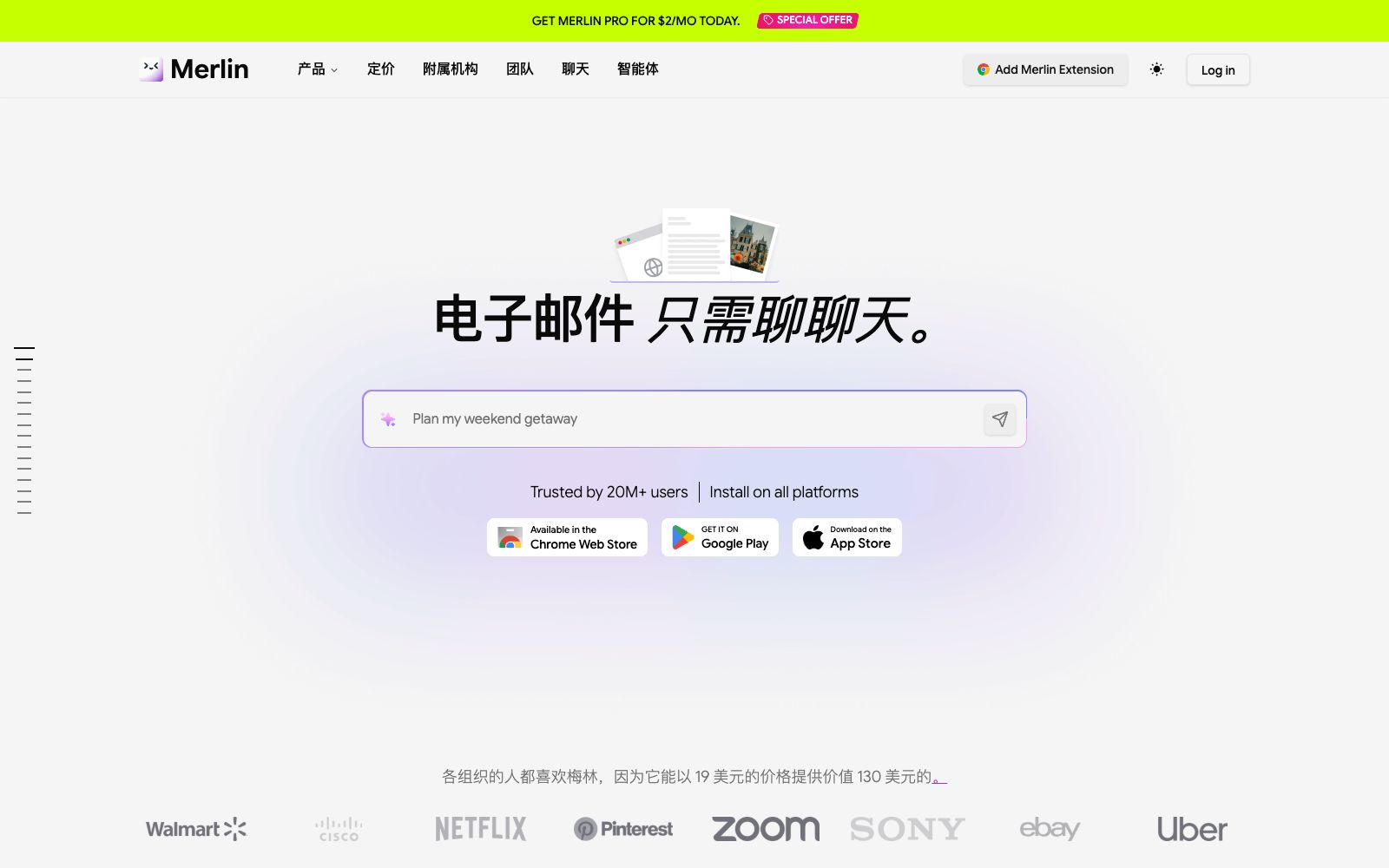

Merlin
Merlin is a browser AI assistant extension that allows you to bring up a sidebar conversation on any web page, summarize long texts and video content with one click, support word-by-word explanation and rewriting, and aggregate multiple mainstream large models for switching at any time.
Updated: 2026-10-26
What is Merlin?
Merlin is an AI assistant extension that runs in a browser. Its core usage method is "ask as you highlight": call up the sidebar on any webpage to directly ask questions, summarize or rewrite the content of the current page without copying and pasting text to another tab. It also aggregates multiple mainstream large models, allowing users to switch models on demand for different tasks without registering and logging in to multiple accounts separately. For people who spend a lot of time reading, writing and researching information on webpages every day, it moves the act of "asking AI" from a separate tab into the page being browsed, eliminating repetitive actions like copying, pasting and switching back and forth. Whether it's research papers, industry reports or foreign language information, users can directly ask AI questions while reading, keeping understanding and follow-up questions on the same screen. For ordinary users who are not familiar with complex prompts, asking questions directly about the page is the most natural way to get started.
Who is it for?
- Ideal for knowledge workers, students, and researchers who read a large amount of web content daily, especially those who want to reduce tab switching and let AI answer questions "based on the context of the current page directly". It is also suitable for operations professionals and workplace staff who need to frequently process foreign language materials, emails, and social media copy. On your first try, start with summarizing a long article or translating a foreign language passage, and you will intuitively feel the efficiency changes it brings.
Key features
5In-page conversation
Bring up the sidebar on any page you're browsing to ask questions, and the answers will automatically incorporate the context of the current page, eliminating the need to copy and paste or switch between tabs back and forth.
Page Summary
One-click key point extraction for long articles, news and video pages to quickly grasp core information, ideal for skimming through a large amount of materials.
Word Selection Operation
Select any text to get explanations, rewrites, translations or polish; it's ready to use as you select when reading foreign materials and processing copy.
Multi-Model Aggregation
Aggregates multiple mainstream large models, allowing switching by task type during conversations. It leverages the respective strengths of different models in reasoning, writing, and translation, equivalent to having multiple assistants built into the same sidebar for on-demand use.
Writing Assistance & Free Quota
Draft and polish emails and social media copy; offer a certain number of free uses per day to meet daily lightweight needs.
How to use Merlin
- Start with high-frequency scenarios like summarizing long articles and translating fragments, and you can immediately feel the improvement in efficiency.
- before installation, check the extension's permission description to clarify what data it can read.
- Power users can pin frequently used tasks to shortcuts to reduce repeated input, making the extension truly a portable assistant in the browser.
- for complex reasoning questions, it is recommended to switch to more suitable models or scenarios, and do not treat it as a universal tool.
- After installation, try summarizing and word selection on several commonly used websites to confirm whether the output meets expectations before deciding whether to subscribe.
- The results it provides are suitable as first drafts and starting points, and key content still needs to be verified by yourself.
Things to know
Traffic & popularity
Data month Sep 2026
Merlin receives about 2.4M visits per month and ranks #24,750 worldwide.
Monthly visits
7 monthsTraffic sources
- Direct50.7%
- Search19.0%
- Social12.4%
- Referrals8.6%
- Display ads4.3%
- Other5.0%
Top countries
- India19.2%
- United States15.1%
- China5.2%
- Italy4.2%
- Vietnam3.1%
Estimated from third-party traffic data.
Similar tools
 MonicaThe AI intelligent assistant produced by Beijing Butterfly Effect Technology has a memory function. It allows free conversations with DeepSeek V3 and R1 on the web version, and provides translation and summarization capabilities via apps and browser plugins.
 ChatGPTChatGPT is a conversational AI assistant developed by OpenAI. It can answer questions, write content, generate images, write and debug code. It is available on web, desktop and mobile platforms, with both free and paid usage options.
 Walles.AIAn AI assistant plugin in the form of a browser sidebar, officially said to allow chatting alongside any web pages, PDFs and videos, supporting word selection processing, video summarization, online answering and note export.
 SelectTranslateChrome browser translation extension that supports bilingual web pages, documents, video subtitles, images and online meeting translation. Its official website states that it is built with more than 20 AI models and supports mutual translation of over 100 languages.
 QwenAlibaba Tongyi Qianwen's official unified platform serves both ordinary users and developers. It allows one-stop access to the Qwen series of open-source and closed-source models, covering dialogue, image and video understanding, image generation and editing, document processing, and voice and video dialogue.
 Compose AIBrowser writing extension that automatically completes sentences where you type and provides personalized suggestions in your tone. Officially, it can save about 40% of writing time. It has been used by more than 10,000 teams and 400,000 users, and is available for free installation.