


Walles.AI
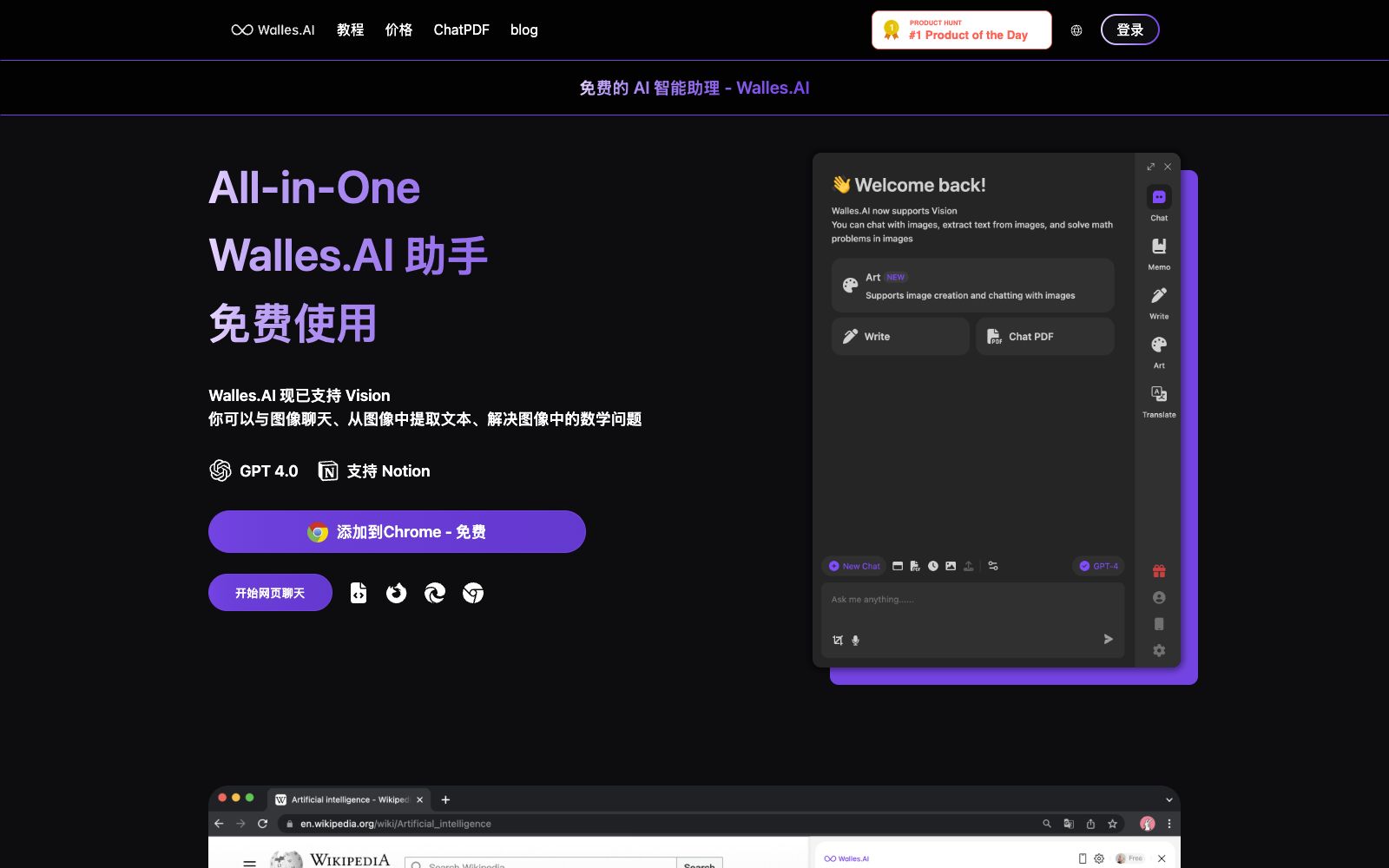
An AI assistant plugin in the form of a browser sidebar, officially said to allow chatting alongside any web pages, PDFs and videos, supporting word selection processing, video summarization, online answering and note export.
Updated: 2026-10-26
What is Walles.AI?
The description of the product on the official website of Walles.AI is "as your co-pilot". It takes the form of a sidebar that stays in the browser and can be summoned with shortcut keys. It covers more scenarios than word-for-word translation: you can have direct conversations with current web pages, PDF documents and videos, and also export conversations and notes to Notion and FlowUs. The official states that it supports Chrome extensions, iOS, Mac and Android, the Windows version is marked as coming soon on the page, and it emphasizes that the answers come with citations that can jump back to the original text.
Who is it for?
- Researchers and students who read a large number of foreign webpages and papers and need to ask questions while reading.
- People who often watch course and lecture videos and want to check the summary first before deciding whether to watch them.
- Efficiency users who use Notion or FlowUs as their knowledge base and want AI outputs to be directly added to the library.
- Editors and operators who need to quickly grasp long articles before writing and don't want to copy and paste back and forth.
Key features
6Chat with any webpage
The official claims that you can have ChatGPT-like conversations with webpages, PDF documents or videos, and invoke the sidebar with Cmd+M or Ctrl+M.
One-click Processing of Selected Text
After selecting text on a webpage, ask the AI to explain, translate, summarize, and rewrite it.
Video Summary
You can get a summary and outline as soon as you open a video. The official website also mentions that a summary panel will be displayed next to the video, saving you the time of watching the entire video.
Export to Notion & FlowUs
After binding, you can export or sync your notes and historical conversations to these two platforms.
Search Enhancement
When enabled, AI answers are displayed alongside search engine results, and the official states that this feature is also available on certain Q&A and code community websites.
Image Chat & OCR
The official states that it supports image chat and OCR, can also generate images, and provides reference positioning and the ability to jump back to the original text for comparison.
How to use Walles.AI
- 1Install it first, try the word selection and the sidebar activation shortcut, and then talk about in-depth use after building up muscle memory.
- 2If authorization fails when binding Notion, the official website advises logging in to the Notion website first and following the prompts to resolve the issue.
- 3Before exporting, confirm that there is a valid save location in the target platform, and the official clearly indicates that an invalid location will cause synchronization failure.
- 4The sidebar reads the content of the current page, so pay attention to the authorization scope when dealing with intranet systems, contracts and financial pages.
- 5The summary comes with citations, and it is recommended to go back to the original text to verify important conclusions before citing them.
- 6The official website lists fast platform support and frequent feature updates; for the status of platforms such as Windows, please refer to the official website and store pages.
Traffic & popularity
Data month Sep 2026
Walles.AI receives about 3.5K visits per month and ranks #7,188,932 worldwide.
Monthly visits
12 monthsTraffic sources
- Direct57.8%
- Search18.1%
- Social13.7%
- Referrals5.7%
- Mail1.5%
- Other3.3%
Top countries
- Russia72.5%
- United States7.8%
- India7.6%
- Indonesia7.2%
- Brazil4.8%
Estimated from third-party traffic data.
Similar tools
 MerlinMerlin is a browser AI assistant extension that allows you to bring up a sidebar conversation on any web page, summarize long texts and video content with one click, support word-by-word explanation and rewriting, and aggregate multiple mainstream large models for switching at any time.
 SiderAI Sidebar and Agents in the Browser: Understand the current web pages, PDFs and videos, automatically run workflows on real websites, or transform the website itself in one sentence, supporting multi-model switching and cross-device use.