


Memo AI
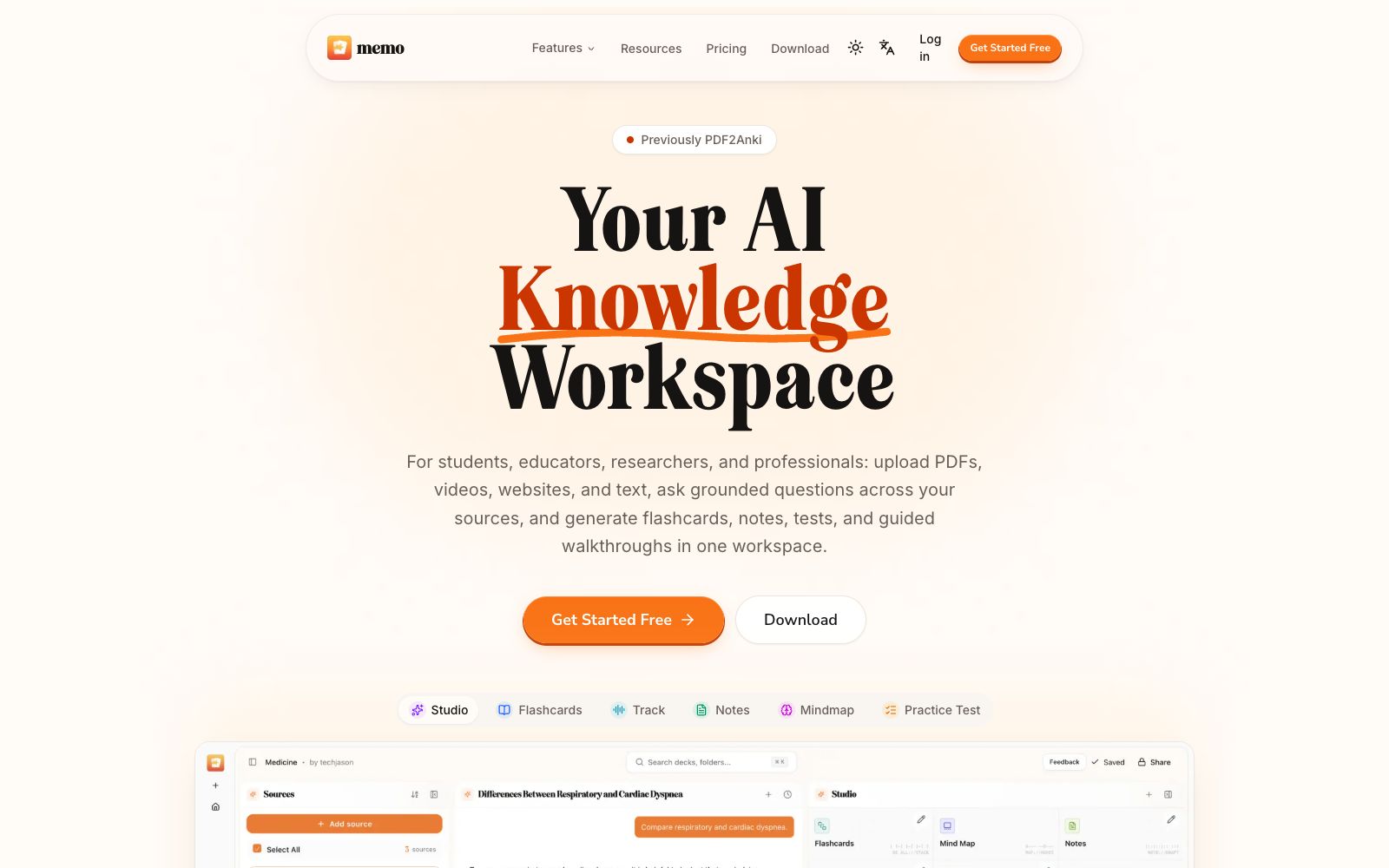
An AI knowledge workspace that can upload documents, videos, websites and text, supports source-based citation Q&A, and generates flashcards, notes, practice tests, mind maps and guided explanations from the same materials.
Updated: 2026-10-26
What is Memo AI?
Memo AI is an AI knowledge workspace designed for students, teachers, researchers, and professionals, formerly known as PDF2Anki. After users upload documents, slides, videos, websites, or text to the workspace, they can conduct citation-included Q&A around the source materials, and then generate flashcards, notes, practice tests, mind maps, and guided learning content from the same set of materials, creating a continuous workflow from learning materials to mastery.
Who is it for?
- Students who need to organize courseware, papers and teaching videos into notes, flashcards and practice tests.
- Researchers, teachers and knowledge workers who need to ask questions based on materials and retain source citations.
- Training and HR teams that want to convert employee training documents into practice materials and guided explanations.
- People who have materials in various formats and want to complete reading, Q&A, and review all in one workspace.
Key features
6Add your sources
Allows you to add documents, slides, videos, or paste text to gather your learning and research materials first before starting processing.
Ask anything
Have a conversation with your own documents, request explanations or dive into specific topics. The official website emphasizes that answers are based on the files and accompanied by citations.
Generate outputs
Generate flashcards, practice tests, notes, summaries, and guided explanations from your sources without having to re-upload materials for each type of learning format.
Flashcard Generator & Practice Tests
Converts knowledge points into review cards and self-tests, helping users shift from passive reading to active recall.
Notes & Mindmap
The same content can be organized into linear notes or converted into a mind map, allowing understanding from both the perspective of details and the overall structure.
AI Professor, AI Copilot and Track Mode
The official website lists an AI Professor, a study assistant and a tracking mode, which provide different entry points for continuous learning and guided learning processes.
How to use Memo AI
- 1Create workspaces by course, project, or research question; do not mix all materials indiscriminately. When the boundaries of sources are clear, citations and Q&As are easier to verify.
- 2First, ask about the structure and core concepts of the materials, then generate notes and mind maps, and finally create flashcards and take tests to avoid mass-replicating misunderstandings.
- 3Click on citations to return to the original text and check the context, pay special attention to numbers, experimental conditions, and author qualifications. Answers based on sources may also omit important details.
- 4Keep one knowledge point per flashcard and mix memory and application questions in practice tests; if you get an answer wrong, go back to the relevant notes instead of just memorizing the answer.
- 5Confirm copyright and confidentiality requirements before uploading papers, course videos, and company materials; features, downloads, quotas, and subscription rules may change, so check the official website before use.
Traffic & popularity
Data month Sep 2026
Memo AI receives about 115.7K visits per month and ranks #275,698 worldwide.
Monthly visits
12 monthsTraffic sources
- Direct55.9%
- Search34.8%
- Social3.4%
- Referrals3.3%
- AI assistants1.8%
- Other0.9%
Top countries
- Hong Kong, China52.3%
- Canada6.4%
- Vietnam5.4%
- United Kingdom5.2%
- United States3.6%
Estimated from third-party traffic data.
Similar tools
 VunoteVunote is an AI tool that transforms YouTube videos and audio into structured study notes: it generates timestamped notes and searchable transcripts, supports multi-video organization, mind maps, research reports, review cards, and allows for further questioning based on the notes.
 Algor EducationAn AI learning platform developed by Algor Lab in Italy, which can convert PDFs, handouts, web pages or videos into concept maps, mind maps, flashcards and quizzes, and edit and review in the same study set, suitable for exam preparation and lesson planning.
 NodeLandNodeLand is a learning tool that combines visual mind maps, flashcards and Feynman-style explanations. Officially, it is designed around three types of exercises: connection, recall and review, and shares the same account.
 QuizletA learning tool and resource platform that converts recorded content and handwritten notes into study guides, flashcards, practice quizzes and games. It supports on-the-go review, podcasts and collaborative learning with others, and is free for teachers.
 FunBlocksAn AI tool matrix for mind mapping, documentation, presentations and writing, with AIFlow as the core workbench, combines thinking models for structured reasoning. The official website states that the free quota is ten AI accesses per day.
 GitMindGitMind Sihu is an all-platform AI mind map and flowchart tool. It supports one-click generation of mind maps from text, documents, videos and images. It provides applications such as mind maps, whiteboards and meeting minutes, supports multi-device synchronization, and covers learning and office scenarios.