


LTX Studio
The AI video production workbench launched by Lightricks covers the entire production process from concept, storyboard, style setting to character and scene control, and is targeted at professional production scenarios such as film and television teams, advertising companies and TV stations.
Updated: 2026-10-26
What is LTX Studio?
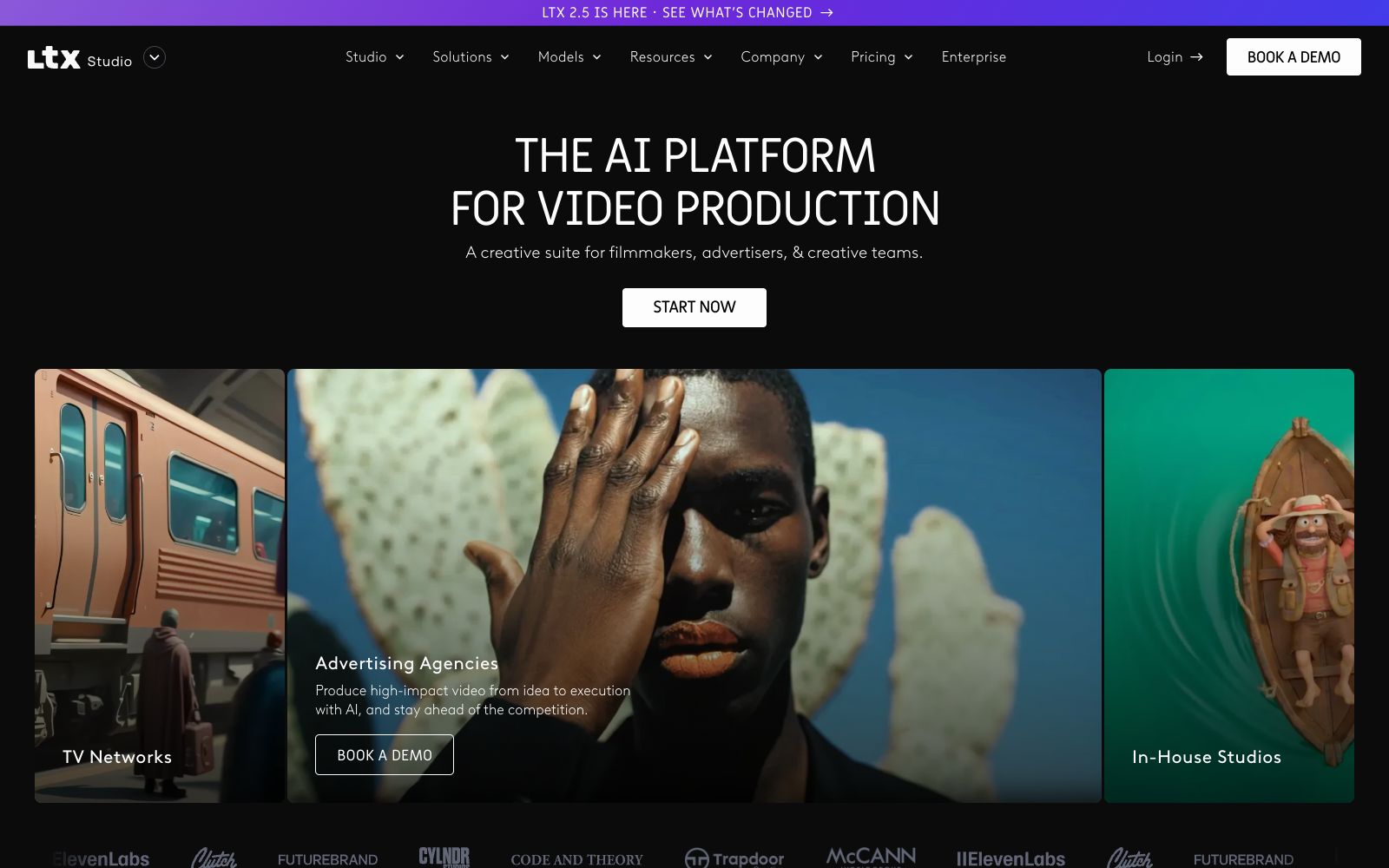
LTX Studio is an AI video production workbench launched by Israeli company Lightricks. Its official website positions it as an "all-in-one creative studio" for film and television teams: covering a complete production pipeline from concepts, space generation, shot control, styling to elements, rather than a single-point generator. Its target users are clearly defined—TV stations, advertising agencies, and in-house brand studios. The official website provides a booking demo entry for each of these three types of customers. The current version mainly promotes the LTX 2.5 model.
Who is it for?
- Advertising agencies and in-house brand teams that need to integrate AI into their existing production workflows
- Small and medium-sized film and television teams that produce TV dramas, documentaries, and column content
- Directors and storyboard artists who value shot control and are not satisfied with random results
- Long-term creators who need to accumulate style assets for each project
- Enterprise customers who prefer to book a demo before making a purchase
Key features
6Gen Space Generation Space
In a dedicated workspace, generate visual materials and videos ready for direct production using text prompts, image references, or a mix of both. It supports text-to-image, text-to-video, image-to-video, and video-to-video conversion.
Control Camera Control
Precisely direct each shot by controlling camera movement and defining actions with keyframes, which is the key differentiator from "one-click generators".
Style and Elements Style Control
Manage style and elements separately to ensure consistency across a series of content—the same set of settings can be reused across different shots.
LTX 2.5 Model
The homepage indicates the launch of LTX 2.5 and provides an access point for change notes, serving as the currently flagship model version.
Industry-Focused Solutions
The official website organizes solutions based on three scenarios: TV stations, advertising agencies, and in-house studios, emphasizing "focus on the story, not the process."
Production Toolchain
The official website features a dedicated tool section that links together the various stages of the video production process, eliminating the need for constant switching between different applications.
How to use LTX Studio
- Before entering LTX Studio, clarify the script and storyboard first: its strength lies in accurately implementing existing ideas, not wandering aimlessly with inspiration.
- For camera control, it is recommended to first adjust the keyframes at low resolution to get the motion trajectory right before exporting the final render, which can save a lot of computing power.
- Once the style and elements are finalized, save them as project assets and reuse them directly in subsequent shots to ensure a consistent look for the series content.
- The tools are quite complex, so it is advisable for the team to unify the operation methods before officially starting the project.
- The pricing and commercial scope are subject to the current terms on the official Pricing page.
- for content involving clientad delivery, pay attention to copyright and authorization.
Traffic & popularity
Data month Sep 2026
LTX Studio receives about 184.9K visits per month and ranks #269,975 worldwide.
Monthly visits
12 monthsTraffic sources
- Search51.9%
- Direct21.8%
- Referrals10.8%
- Social10.4%
- AI assistants2.7%
- Other2.5%
Top countries
- United States17.1%
- India10.2%
- Germany5.1%
- Italy3.9%
- Brazil3.8%
Estimated from third-party traffic data.
In these collections
Similar tools
 MoonvalleyAn AI video generation platform for film and television creation. Its official Marey model is trained with licensed materials and available for commercial use, supporting pose transfer, camera control, motion transfer and trajectory control.
 AniShortAniShort is a collaborative creation platform for AI film and television short dramas. It covers the entire workflow from script analysis, storyboarding, character assets to video generation and synthesis, and supports multi-canvas team collaboration, film and television Agents, and custom Skills.
 Keling AIKuaishou has launched an AI video and image generation platform, featuring native 4K video, motion control, keyframe and audio-video synchronization capabilities, supporting ultra-long video shot segmentation and opening up developer APIs.
 MovieFlowAn AI video platform that generates narrative short films by inputting a single sentence or a complete screenplay. It breaks down stages such as screenwriting, storyboarding, and shooting into callable Agents. It also provides two editing methods: canvas and workflow, with multiple video and image models to choose from.
 TopviewTopview is an AI Video Agent designed for short films and marketing videos: provide a script, reference video or product link, and the Agent will plan scenes and shots and select models. A short drama studio and 3D shot arrangement are also available.
 Elser AIElser AI is an all-in-one AI anime generator and OC creation platform. It generates consistent anime characters, images, storyboards and videos from text, and also includes creative tools such as sound effects and character voices, as well as a local-first desktop workspace.