


Jetwriter
A browser-based AI writing assistant that can rewrite, correct, translate, summarize, and explain selected text on any website. It integrates deeply with Gmail and is powered by models including GPT-5.1, Claude, and Gemini.
Updated: 2026-10-26
What is Jetwriter?
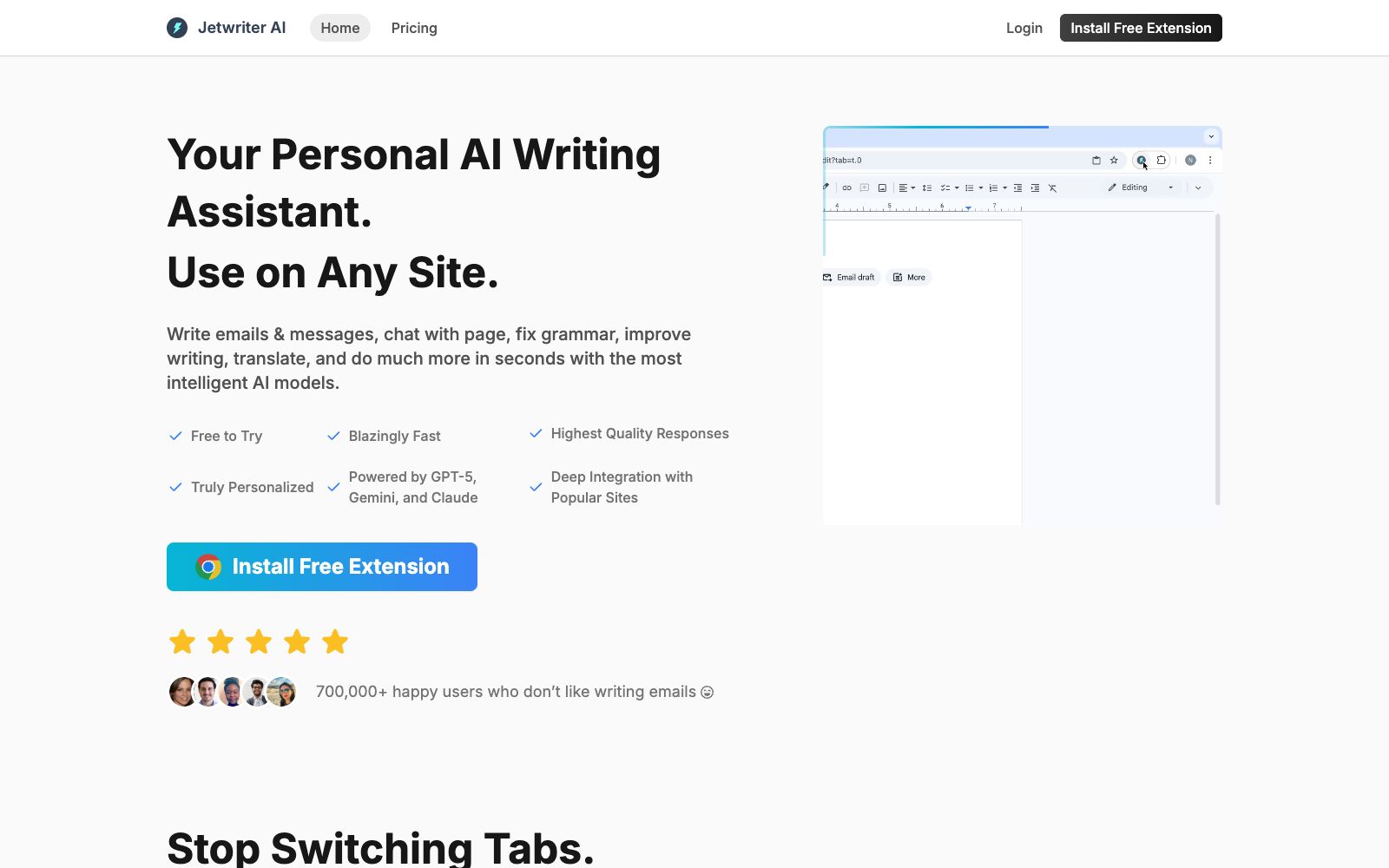
Jetwriter is a personal AI writing assistant with the official slogan "Your Personal AI Writing Assistant, Use AI on Any Site". Its core solution is the "tab switching" problem: writing emails, replying to messages, correcting grammar, translating, summarizing, explaining and rewriting can all be done directly on the page you are browsing without copying text to other tools. For people who often need to switch repeatedly between writing tools and reading pages, Jetwriter aims to make AI appear right where you need it, instead of making you stop to look for it elsewhere. The official states that it is powered by the current top AI models such as GPT-5.1, Claude and Gemini, has over 700,000 users, covers Chrome extensions, web and mobile platforms, and is available for free trial.
Who is it for?
- Knowledge workers who process a large volume of emails and web text every day, especially those who frequently deal with English emails; users who have a strong demand for "using AI without leaving the current page"; and those who want to access a writing assistant on mobile devices like smartphones at any time and maintain a consistent reply style. Freelancers, consultants, and others who maintain client relationships through email communication and need to maintain a consistent tone for a long time will also benefit from it. For those who need to frequently process multilingual materials and often read materials on foreign websites before writing replies, one-step word selection, translation and rewriting can save a lot of copy-pasting effort.
Key features
5Available on any webpage
Select any text on the page to trigger proofreading, translation, summarization, explanation, and rewriting with one click, and use AI on any website.
Deep Gmail Integration
The official statement says it learns from your past emails and drafts to generate replies that match your personal style.
Auto-draft replies
Automatically generates drafts when you receive emails that need a response, allowing you to quickly compose emails and messages; unnecessary actions can be turned off with one click.
Full-page Conversation
You can directly ask questions about the content of the current page, which is equivalent to equipping each webpage with an assistant that understands the context.
Customizable Actions
You can add your own quick operations (Add Your Own Action), and also disable the default one-click actions to streamline them as needed.
How to use Jetwriter
- It is recommended to install the extension first, run only the two functions of error correction and translation for a few days to get a feel for the accuracy, and then gradually enable advanced features such as automatic email replies.
- Enabling too many one-click actions may interfere with normal input, so it is sufficient to simplify them on demand.
- Spend a few minutes every week to check whether the writing style it has learned is still appropriate.
- if there is a deviation, clear the historical records and retrain.
- If multiple people share the device, pay attention to account isolation to avoid mixing up writing style data.
Things to know
Traffic & popularity
Data month Sep 2026
Jetwriter receives about 33.2K visits per month and ranks #1,313,832 worldwide.
Monthly visits
12 monthsTraffic sources
- Direct62.1%
- Referrals13.0%
- Mail11.9%
- Social6.3%
- Search5.3%
- Other1.4%
Top countries
- United States20.3%
- India17.4%
- Germany11.8%
- France3.8%
- Canada2.8%
Estimated from third-party traffic data.
Similar tools
 HyperWriteAI writing assistant that provides hundreds of writing and research tools such as predictive auto-completion, online search and citation, and AutoWrite generation, enabling a one-stop full process from drafting to polishing within the AI document editor.
 EmailTriagerAn AI email assistant that runs in the background learns your writing style, automatically categorizes incoming emails and drafts ready-to-send replies. It's one-click to install and free to try, turning email processing into review and send.
 Compose AIBrowser writing extension that automatically completes sentences where you type and provides personalized suggestions in your tone. Officially, it can save about 40% of writing time. It has been used by more than 10,000 teams and 400,000 users, and is available for free installation.
 wordtuneEnglish Writing Polishing Assistant: provides context-aware rewriting suggestions tailored to your personal style, allows one-click switching between formal and casual tones, supports spelling and grammar proofreading as well as continuation, and is free to use with no credit card required.
 RytrA cost-effective AI writing assistant, it offers 40+ content scenario templates, auto-completion and plagiarism detection, supports My Voice personalized tone. The official claims that over 8 million users have saved a total of 25 million hours, and it is available for free.
 DeepLAn AI translation tool focusing on translation accuracy, it supports text, document and speech translation, provides glossary, tone and style configuration. The official claims that it is trusted by more than 200,000 enterprises worldwide and used by millions of people every day.