


iArt.ai
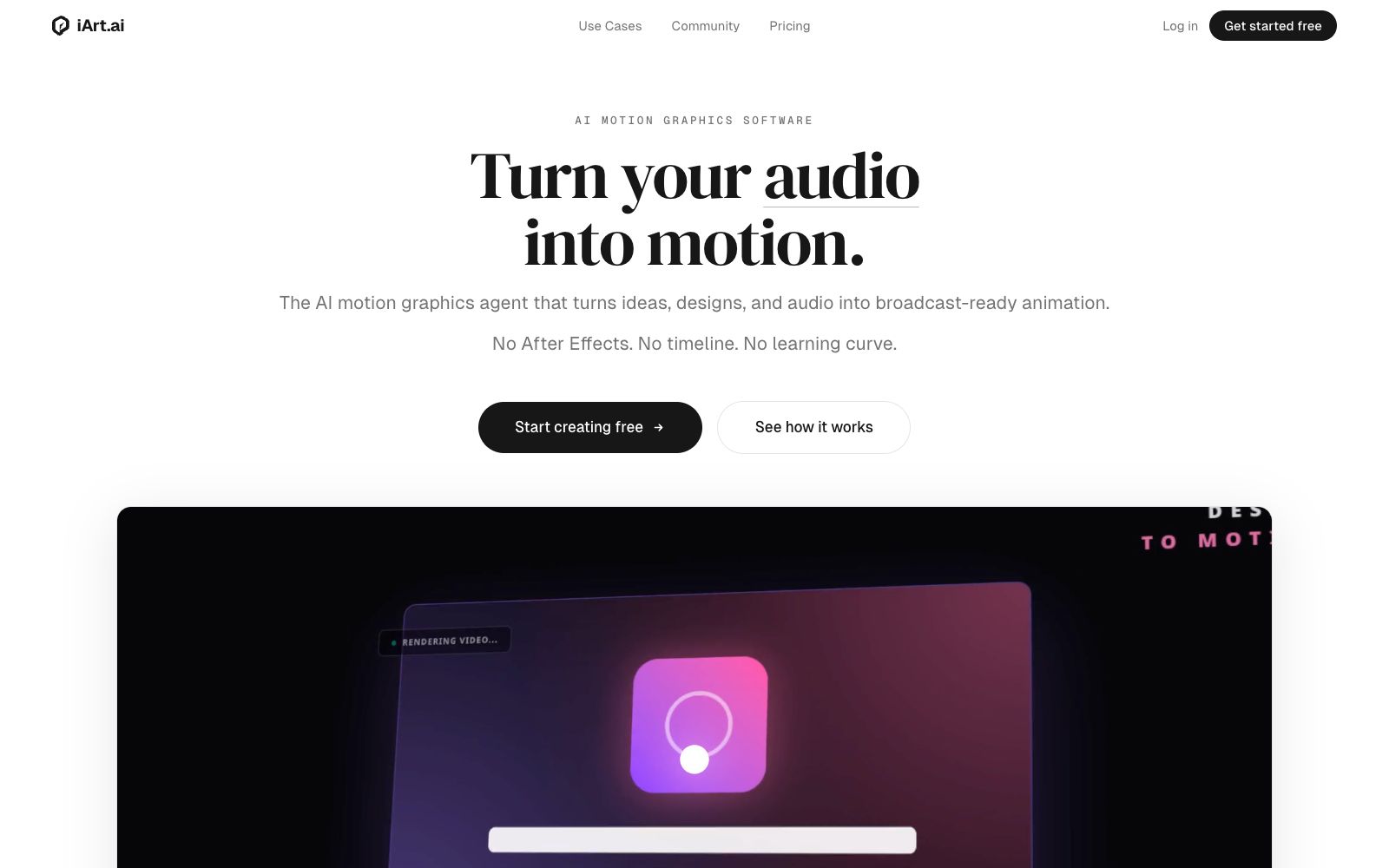
The official website of iArt.ai positions itself as an AI motion graphics software, an alternative to After Effects. It can generate storyboard animations and commentary videos in one sentence; you can input text, images, PDFs, audio and web links, with voice cloning and background music available, and export MP4 or transparent materials, making it suitable for product promotion and knowledge explanation.
Updated: 2026-10-26
What is iArt.ai?
The official website of iArt.ai positions itself as an AI motion graphics software, an AI agent for motion graphics, and places After Effects in the position of being replaced. The website states that there is no need for a timeline and no learning curve. Its difference from common text-to-video tools lies in its focus on code-based typography animation — the website says that each frame output in Animation mode is rendered by editable animation code, and the text is truly typeset text; changing one part will not affect the rest. When real-shot texture is required, it switches to AI Video to generate cinematic shots.
Who is it for?
- People who need to clarify abstract logics such as algorithms, processes and strategies. The official website lists explaining the indescribable as the primary scenario
- Design and marketing students who have mockups or brand posters and want to bring them to life but don't know how to use After Effects
- Creators who run self-media and short video accounts and need a large number of subtitle effects and opening and closing credits
- Educators and researchers who need to visualize courseware, charts and data; the official website lists usage scenarios such as graphic summaries and chart animations
Key features
6Generate storyboard animation in one sentence
The process described on the official website is describing requirements or uploading materials, the AI builds the layout, fonts, rhythm and transitions scene by scene, then exports or shares them. The official website claims that the video can be produced in minutes.
Anything can be used as material
Text, images, SVG logos, PDFs, slides, audio, videos, data files, and web links can all be imported. The official website states that iArt can read and extract content from them.
Voice and Animation Synchronization
You can input a script and select a voice. The official website states that the Pro and Ultra versions support cloning your own voice. Each scene starts on the sentence it narrates, with the voiceover and animation kept in sync.
Audio-to-text motion effects
Upload a narration, song or podcast clip, and the official website states that it will transcribe word by word and place the animated text on the corresponding words. The finished product is suitable for Reels, Shorts and TikTok.
Transparent Channel Overlays
Create lower thirds, transitions and subscribe buttons in Animation mode. The official website states that you can export transparent WebM files for use in OBS or overlay them on your own materials.
Edit videos with voice commands
The example given on the official website is to shorten the title by two seconds and change the accent color to navy blue. Since the output is real animation code, modifying one part will not affect the others.
Things to know
Usage Tips
- Start with the path from concept to animation: clarify the logical order instead of just throwing out a vague topic description.
- The official website offers a free trial, while exports require payment; the pricing table lists a $20 monthly plan. 1080p resolution is available in the Pro tier, and 4K in the Ultra tier—confirm which tier your desired resolution falls into first.
- For overlays like opening and ending credits, choose transparent WebM; for sharing the finished video, use MP4 or a shareable link, and don't select the wrong export type.
- Voice cloning is available in the Pro and Ultra tiers. Before commercial release, please confirm the platform terms and obtain the speaker's personal authorization.
- When iterating, make fine adjustments by modifying a single sentence; this saves credits compared to regenerating the entire video and also preserves the parts you are already satisfied with.
Traffic & popularity
Data month Sep 2026
iArt.ai receives about 127.5K visits per month and ranks #250,538 worldwide.
Monthly visits
12 monthsTraffic sources
- Direct40.3%
- Search34.6%
- Referrals10.2%
- Social6.3%
- Display ads2.8%
- Other5.8%
Top countries
- United States18.4%
- India16.4%
- Brazil11.7%
- Indonesia8.6%
- United Kingdom6.6%
Estimated from third-party traffic data.
In these collections
Similar tools
 TapVidTapVid is a motion graphics narration video engine that turns approved scripts, screenshots, links and brand assets into shot-by-shot editable product videos that strictly retain the original copy and visuals.
 Ankon AIA whiteboard explainer video generation tool for creators. According to the official website, inputting a topic, script or PDF allows it to automatically complete script writing, fact-checking, voiceover, frame-by-frame whiteboard drawing and subtitle generation, and output publishable titles, descriptions and chapter information.
 AutoAEAutoAE is an AI tool that turns a single sentence, script or image into dynamic graphics. Templates allow for replacing text and materials, enabling the export of watermark-free 1080p videos in minutes. It can also be integrated into programming agents. Ideal for short video hooks, product launches and lip-sync packaging.
 SwishySwishy is an AI motion effect design and animation platform. Officially, it claims that you can create professional motion effects, dynamic fonts and video animations without After Effects, and it supports exporting to MP4, MOV and GIF.