

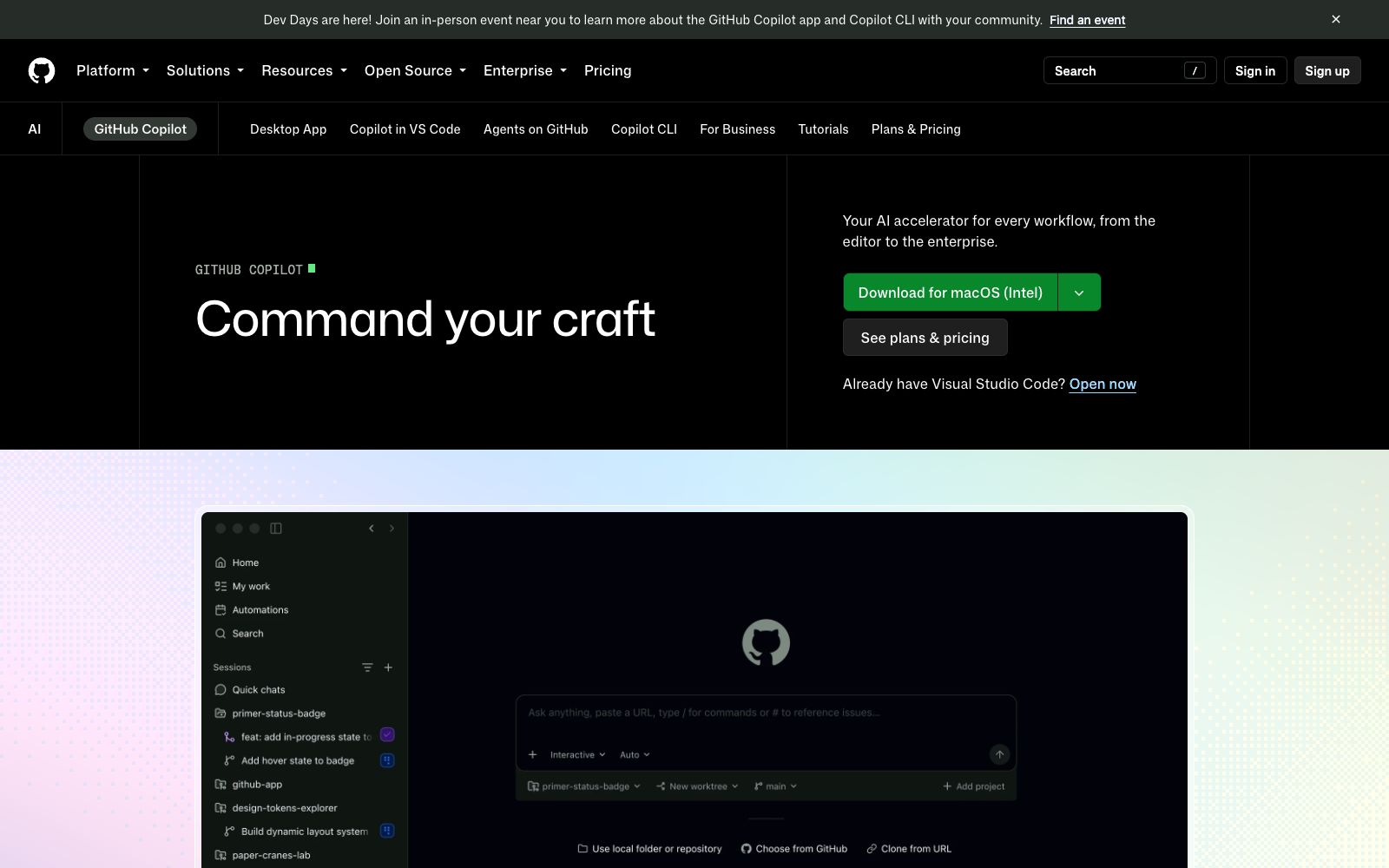

GitHub Copilot
GitHub's official AI coding assistant spans editors, the terminal, desktop, and the GitHub website, supporting the full workflow from issues and code generation to PR review and merge, with multiple model and agent controls.
Updated: 2026-10-26
What is GitHub Copilot?
GitHub Copilot is GitHub's official AI programming assistant, officially positioned as "your AI programming agent". Its coverage has long gone beyond code completion within the editor: it can participate in the entire workflow from opening an issue to writing, reviewing and merging PRs, and can be used in editors, terminals, desktop applications and GitHub's web interface. The official emphasizes "not one size fits all" — you can choose from multiple leading large models based on speed, accuracy or cost; it also emphasizes "your agent, your way" — you can either use the official Copilot or connect self-built agents or existing third-party agents. The official also provides a case: Grupo Boticário increased developer productivity by 94% with the help of Copilot, and claims to offer multiple plans such as a free tier and a Pro tier.
Who is it for?
- Individual developers and teams already using GitHub; enterprises that wish to centrally manage the permissions, usage volume and compliance of AI coding tools; developers who want to seamlessly use AI assistants between editors and command lines; and individual learners new to AI programming who want to get started with a low barrier. For open-source project maintainers, its auxiliary capabilities in issue handling and PR review can also reduce maintenance burdens; for teams with strict norms, the management and control capabilities of the enterprise version provide a means of centralized closure.
Key features
5In-editor completion and conversation
It provides real-time code completion in mainstream editors such as VS Code, and also supports conversational generation, explanation, and refactoring of code.
Full Process Participation
From opening an issue to reviewing and merging PRs, the official states that it can participate in every step, reducing context switching.
Multi-platform Support
Available in code editors, terminal CLI, desktop applications, and GitHub web interface.
Multiple Models Available
The official states that you can choose from multiple leading large models to balance speed, accuracy, and cost.
Agent System and Enterprise Management & Control
Supports Copilot's built-in Agents, self-built Agents, and third-party Agents, and manages the progress of multi-step tasks on GitHub; it also provides usage management and security control for MCP integration, suitable for organizational-level access.
How to use GitHub Copilot
- Start by completing operations within the editor, and after familiarizing yourself, gradually enable the CLI, desktop applications, and Agent tasks.
- when the team is onboarded, first define rules such as "which repositories allow AI commits" and "which operations require manual confirmation", and compile usage conventions for the team (do not include secrets in prompts, do not enable AI commits for sensitive repositories).
- Pay attention to official updates—Agent-related capabilities iterate rapidly, so review enterprise-level control items regularly.
- Periodically check new capabilities against the official update log, turn on switches that suit your team, and turn off those that are unnecessary, keeping your usage in sync with product evolution.
Things to know
Traffic & popularity
Data month Sep 2026
GitHub Copilot receives about 793.4M visits per month and ranks #37 worldwide.
Monthly visits
12 monthsTraffic sources
- Direct53.3%
- Search24.4%
- Social9.5%
- Referrals9.3%
- AI assistants2.0%
- Other1.5%
Top countries
- United States18.7%
- China11.8%
- India10.3%
- Russia7.8%
- Germany4.2%
Estimated from third-party traffic data.
In these collections
Similar tools
 CodeBuddyTencent Cloud has launched an AI full-process intelligent programming tool, which the official says is available in three forms: IDE, editor plug-ins and CLI. Based on conversational large models such as Hunyuan, it covers demand analysis, design draft to code conversion, code completion and one-click deployment.
 DevinDevin is an autonomous AI software engineer launched by Cognition. It handles cross-repository engineering tasks in parallel on the cloud: PR review and visual QA, code migration and refactoring, issue triage, document generation, and it can also learn your codebase.
 tabnineAn enterprise-level AI code assistant focusing on code privacy and compliance, offering completion and agent capabilities. It can be deployed controllably in the enterprise's own environment through an enterprise context engine and has been acquired by Tricentis.
 CodeGeeXThe intelligent programming assistant launched by Zhipu AI provides code generation and completion, comment generation, code translation and intelligent Q&A. It is compatible with mainstream IDEs such as VS Code and the JetBrains series. The model weights are open-source, and it is available for personal and enterprise private deployment scenarios.
 OpenCodeOpenCode is an open-source AI programming agent that can write code in terminals, IDEs and desktop clients. It supports LSP, multi-session parallelism and 75+ models, and prioritizes privacy without storing code.
 OpenAI CodexOpenAI's Capabilities for Code Scenarios and Entry to Development Documentation. Developers can create API Keys, install SDKs to make their first successful calls, and learn about agent construction and multimodal model selection from here.