


DraftKey
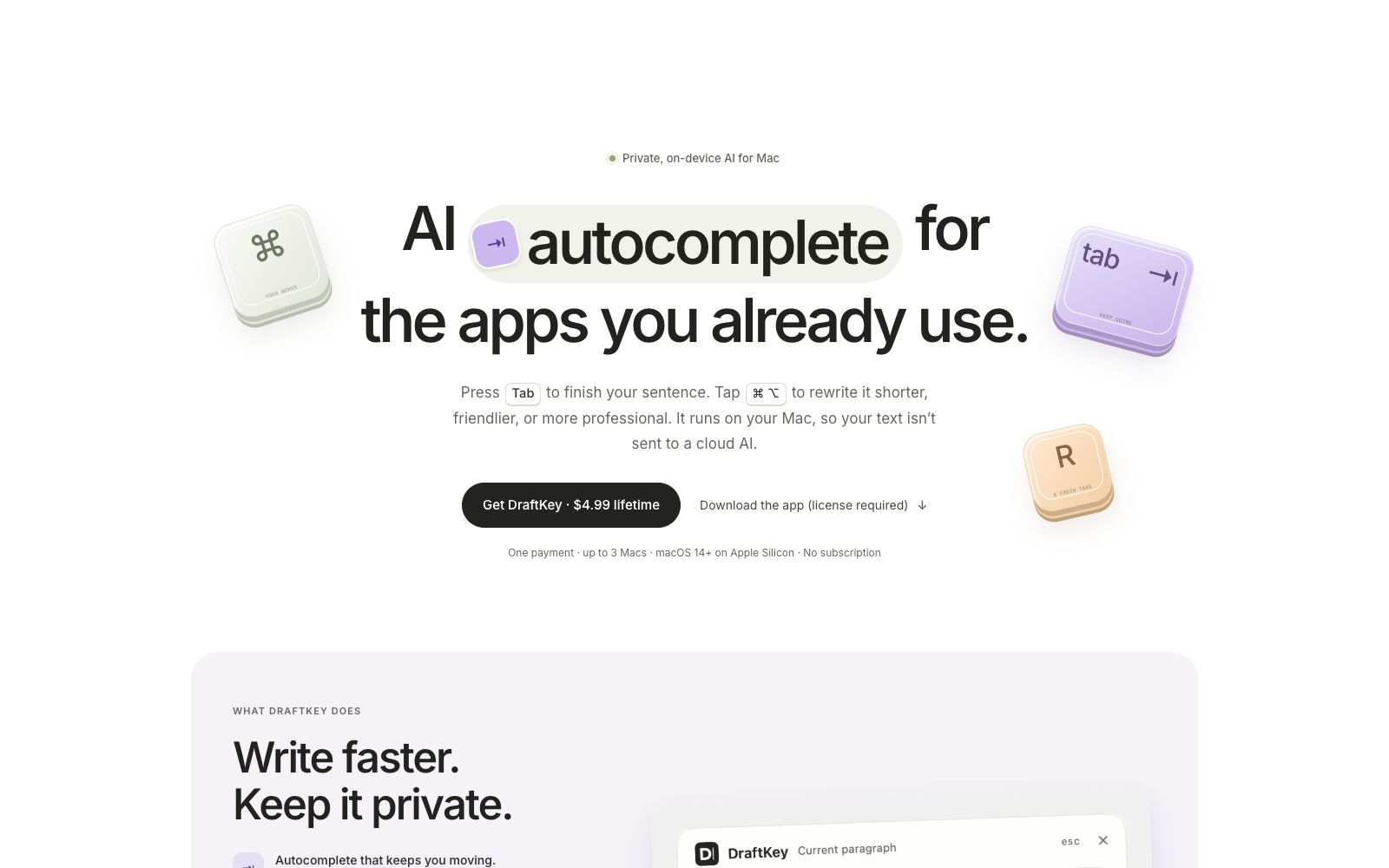
DraftKey is a private writing assistant that can complete sentences with keyboard shortcuts in compatible text boxes and rewrite selected text into a shorter, friendlier, or more professional version. The writing model runs locally and can be used offline after setup, making it ideal for emails, messages, and daily documents.
Updated: 2026-10-27
What is DraftKey?
DraftKey is a private AI writing assistant for Mac. Its core feature is to complete and rewrite text in the existing text input boxes you use, instead of copying content to chatbots. You can press Tab to accept the next sentence suggestion, press Command + Option to open the writing tool, and modify the current paragraph or selected text into a shorter, clearer, more friendly or more professional version. The writing model runs natively on Apple Silicon Macs. After setup, it can be used offline, and your text will never be sent to cloud AI services. The official website offers a one-time purchase price of $4.99, with authorization for up to 3 Macs you own.
Who is it for?
- People who frequently write emails, messages, follow-up content and daily documents on Mac and want to reduce app switching.
- People who need to quickly shorten paragraphs, make them clearer, fix grammar, or adjust the tone to be friendly or professional.
- People who value text privacy and do not want to upload drafts to cloud-based AI services.
- People who own multiple Macs, want a one-time purchase to cover up to 3 devices, and are used to keyboard shortcuts to maintain their writing flow.
Key features
5Tab Auto-Completion
As you type in compatible Mac text fields, DraftKey will suggest the next words and phrases; press Tab to accept, or keep typing to ignore. Completion occurs within the current app, eliminating the need to open a separate writing interface.
Shortcut Rewriting
Press Command + Option to open the writing tool, and perform requests such as fix and rewrite, make shorter, make clearer, make friendlier, make more professional, or custom on the current paragraph or selected text; review the result first, then insert it back to the original position.
Local Private Operation
The writing model runs on your Mac and can be used offline after setup; as stated on the official website, your text will not be sent to cloud-based AI services. Internet access is only used for model downloading, license activation, and update checks.
Controllable Application Scope
You can choose which applications DraftKey works with; it is compatible with compatible Mac text fields, with some custom editors and secure fields excluded.
Extras & Licensing
The license includes the last 10 clipboard text histories and mechanical keyboard sound effects, neither of which rely on AI models; a single purchase can be used on up to 3 of your Macs with no subscriptions or accounts required.
Things to know
Usage Tips - First check the system requirements: macOS 14 or later, Apple Silicon, 8 GB of RAM, and reserve approximately 2.2 GB of space for model download; a license is required after downloading the app.
- Press Tab to accept completions in compatible text fields, and continue typing if you don’t adopt them; press Command + Option to open the writing tool, select rewrite, make shorter, make clearer, make friendly, make professional or custom request, and insert after reviewing.
- Select the apps you want DraftKey to work with in the settings; don't expect auto-completion in custom editors or secure input fields, as the official website explicitly states these fields may be excluded.
- In terms of free access, the official website does not offer a free version or a subscription trial, and the price is a one-time purchase of $4.99; the page sample previews do not call real-time AI and cannot be used as free access.
- Licensing and refunds are in accordance with the official website instructions: One license is valid for up to 3 Macs you own, with no account required; there is no automatic guarantee of refunds. Refunds for changing your mind are at the official's discretion, and refunds required by law will always be honored. You can contact contact@aura-technologies.co. Open the clipboard history with Command + Option + V, and only keep the last 10 pieces of text.
Traffic & popularity
Data month Sep 2026
DraftKey receives about 2.2K visits per month.
Monthly visits
4 monthsEstimated from third-party traffic data.
Similar tools
 Compose AIBrowser writing extension that automatically completes sentences where you type and provides personalized suggestions in your tone. Officially, it can save about 40% of writing time. It has been used by more than 10,000 teams and 400,000 users, and is available for free installation.
 Xiaoyu AI WritingAn online AI writing assistant for Chinese scenarios, officially said to have more than 4,000 writing templates covering papers, office work, self-media and short video scripts, and supporting rewriting, expansion and polishing.