


Freepik
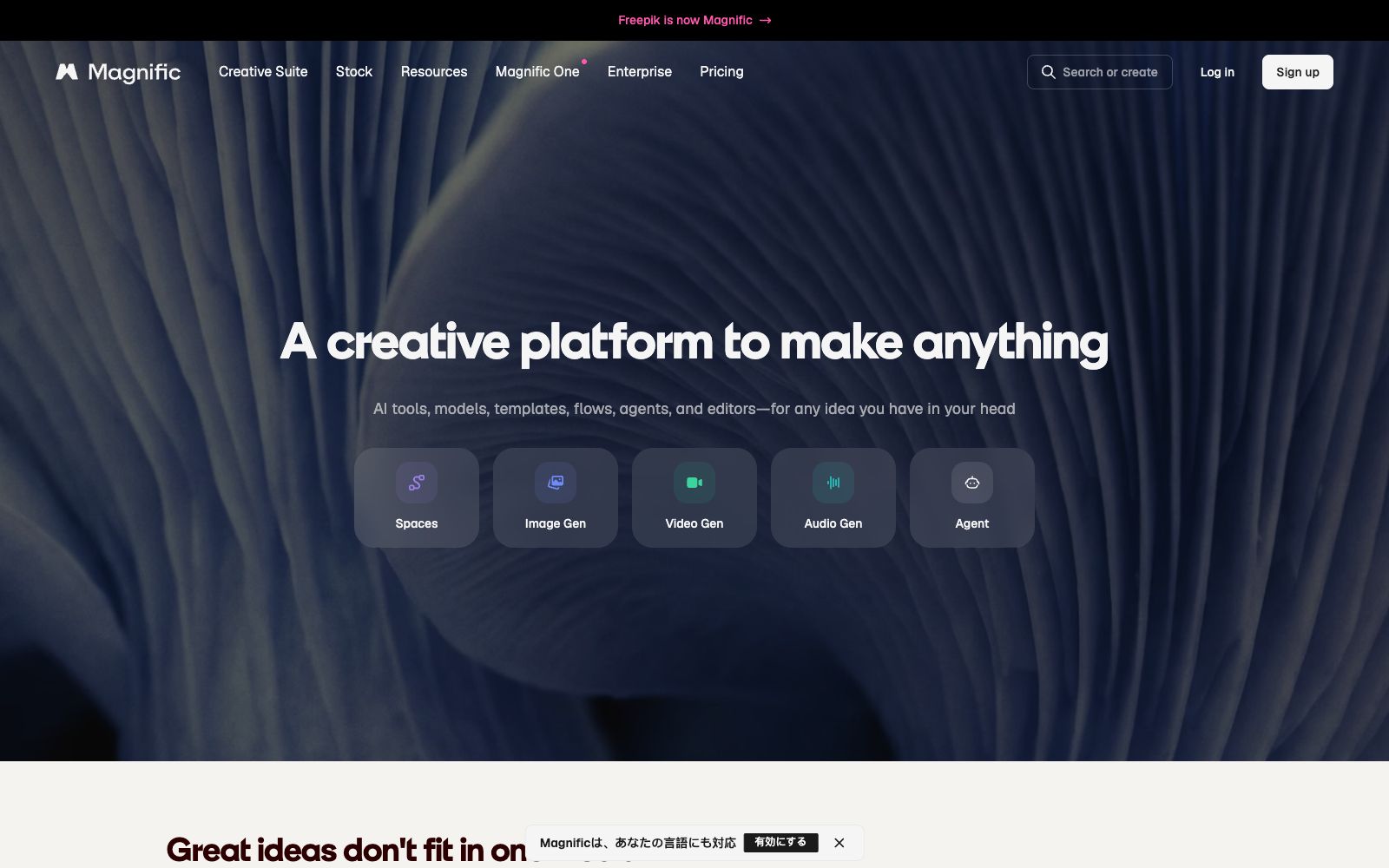
Magnific, under Freepik, is an AI creative platform. According to the official statement, it integrates image, video, and 3D generation and editing tools, and supports integration with plug-ins such as After Effects and Photoshop.
Updated: 2026-10-26
What is Freepik?
Freepik has now integrated its AI capabilities under the Magnific brand. Officially, Magnific is a creative platform that "brings any creative idea to fruition", covering the generation, editing and delivery of images, videos, audio and 3D content. It brings together models, templates, workflows, agents and editors, and emphasizes access to the professional software commonly used by designers, making it suitable for creators who can complete their work from inspiration to final product within a single ecosystem. For those who already use Adobe tools extensively, this integration can significantly reduce the friction of exporting and importing files.
Who is it for?
- Designers and studios that need AI-generated images and videos to manage their outputs in a single platform.
- Professional users who already use Adobe, Figma, Blender and other software and want AI to be directly integrated into their workflows.
- Marketing teams creating brand materials, e-commerce images, and social media videos to maintain visual consistency.
- Creators working on concept art and 3D rendering who need multi-modal generation capabilities.
Key features
6Image Generation and Editing
The official version includes an image generator, image editor, upscaler, background replacement, relighting, character generation, skin enhancement, and more.
Video Generation and Editing
It provides a video generator and a video editor, and supports turning static frames into cinematic shots to expand dynamic content.
Audio Generation
The official statement mentions that it includes audio generation and Text to Speech (TTS), to supplement audio materials.
3D & Spatial
Offers Spaces design space, 3D workflows, and Connections capabilities to create spatialized content.
Professional Plugins
Officially stated to be compatible with After Effects, Premiere Pro, Final Cut Pro, DaVinci Resolve, Photoshop, Figma, Illustrator, InDesign, Blender, ComfyUI, etc.
Model Styles
Officially, it provides corresponding models for styles such as photorealism, illustration, cinematic, 3D rendering, concept art, vector graphics and branding.
How to use Freepik
- 1First, try image and video generation on the web version, confirm the model styles, and then decide whether to connect plug-ins to professional software.
- 2The plugin mode is suitable for fixed workflows, but you need to pay attention to software versions and permission configurations to avoid environment incompatibility.
- 3Free and paid tiers differ in terms of models, exports, and commercial licensing. Confirm the terms before commercial use; paidassets require authorization.
- 4Pay attention to the scope of authorization when referencing generated materials; for commercial use, refer to the official statement, and exercise caution when disclosing brand assets externally.
- 5Official models and features may be adjusted. Check the current terms again before official use and confirm that the plan covers your needs.
Traffic & popularity
Data month Sep 2026
Freepik receives about 2.4M visits per month and ranks #28,311 worldwide.
Monthly visits
12 monthsTraffic sources
- Direct51.1%
- Search23.7%
- Social9.9%
- Referrals7.9%
- Display ads3.1%
- Other4.3%
Top countries
- Bangladesh12.9%
- Indonesia10.9%
- Russia10.3%
- United States6.0%
- Thailand4.8%
Estimated from third-party traffic data.
Similar tools
 MagnificAn AI creative platform upgraded from the original Freepik, its official website states that it brings together various mainstream models for images, videos and audio, covering the entire process of creation from advertising blockbusters, product images to film and television production, while retaining the material library capabilities.
 RenderforestRenderforest is an AI creative platform, which, according to the official statement, can generate videos, images and audios with one click. It integrates models such as Seedance and Kling, and provides more than 1,200 video templates and logo creation services.
 KreaKrea is an all-in-one creative generation suite that aggregates multiple mainstream models, supports AI image and video generation, real-time canvas editing, and image quality enhancement, and connects all workflows with a unified agent.
 FlowstepFlowstep is an AI interface design tool. Officially, it claims to generate multi-screen UIs with prompt words, supports conversational editing or manual modification, and enables exporting code, copying to Figma, and integrating into IDE via MCP.
 Fusion BrainFusion Brain is an all-in-one AI creation platform covering capabilities such as text-to-image generation, image editing and video generation. The official website is temporarily inaccessible, and the specific functions and pricing shall be subject to the official subsequent announcement.
 Triverse AIAn AI modeling tool for game and 3D creators, supporting generating models from images or text and automatically producing PBR textures, and exportable to Unity, Unreal and Blender in GLB, OBJ and STL formats.