


Excalidraw
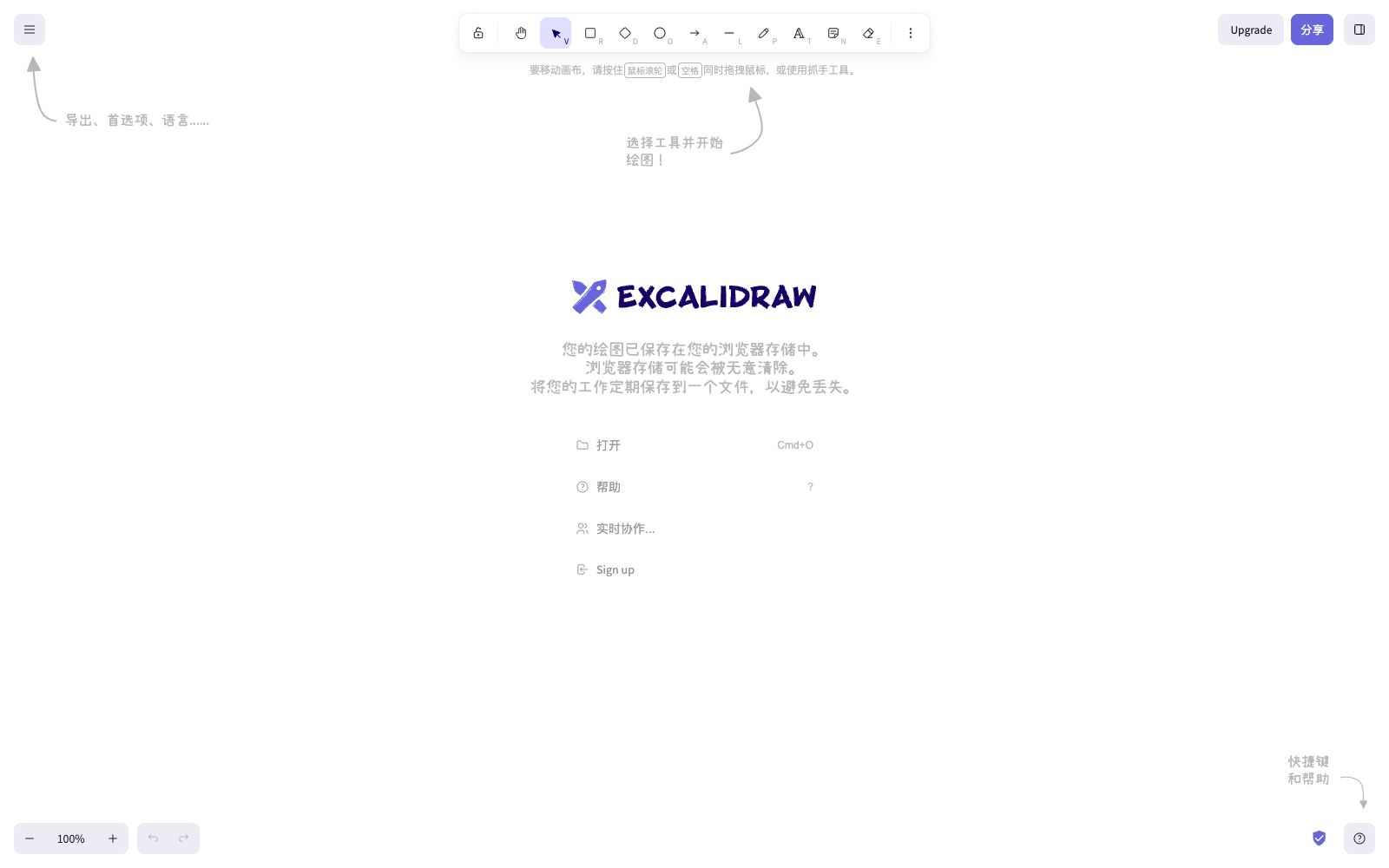
An open-source online collaborative whiteboard tool, officially described as enabling easy drawing of hand-drawn style charts. It is suitable for creating diagrams, prototypes, and sketches, supports real-time multi-person collaboration, and provides a component package that can be embedded in your own applications.
Updated: 2026-10-26
What is Excalidraw?
Excalidraw is a virtual collaborative whiteboard tool. As described on its official website, it "lets you easily sketch diagrams that have a hand-drawn feel to them". Its orientation is different from that of serious design tools: instead of pursuing pixel-perfect precision, it uses rough lines to lower the psychological threshold, making people willing to draw first and then discuss. The app itself can be used directly by opening it in a browser, and the official website also offers a paid version of Excalidraw+.
Who is it for?
- Designers and product managers who create low-fidelity sketches to quickly align on direction with stakeholders
- Teams that conduct user interviews and requirement discussions and need to draw and share screens while listening
- Teams of developers who want to embed a lightweight whiteboard into their own products
- Teachers and training instructors, for classroom scenarios where a sketchy style lowers the barrier for students to get started
- Teams that care about the ownership of collaborative content and wish to reduce compliance concerns
- Remote collaboration teams who need to sketch out ideas first before discussing
Key features
6Hand-drawn style graphics
All elements have a default hand-drawn look, and the official states it is suitable for taking interview notes, drawing charts, prototypes and sketches.
Real-time Collaboration
Multiple people can draw together on the same canvas, making it suitable for interviews, discussions, and workshops.
Graphics Library
You can reference the graphics library to quickly access commonly used symbols and reduce manual drawing errors.
Embeddable Integration
The official website provides npm packages and developer documentation, which the official says allows you to integrate Excalidraw into your own application.
Open-source code
The editor and core packages are open on GitHub, and the official blog documents the development process and functional evolution.
Offline-friendly
Runs in a web browser with local storage support, so you can open it without installing a client.
How to use Excalidraw
- 1The hand-drawn style is not suitable for final deliverables, and formal drawings are still recommended to be completed with professional drawing tools.
- 2Do not default real-time collaboration content in meetings as meeting minutes; save important conclusions as text separately.
- 3Before integrating it into your own application, check the API and limitations in the developer documentation, as the official documentation is still being continuously improved.
- 4Control the sharing scope of team collaboration canvas links according to sensitivity, and pay special attention when the links contain customer or internal information.
- 5The official documentation mentions that handwritten fonts for Chinese, Japanese, and Korean have been added; pay attention to the actual effect of font coverage when changing the language.
- 6The user shall confirm the copyright of materials and images by themselves; the tool does not grant authorization on their behalf.
- 7The official website also offers the commercial version of Excalidraw+, which has different features and privacy terms. Please check the differences before choosing it.
Traffic & popularity
Data month Sep 2026
Excalidraw receives about 2.2M visits per month and ranks #31,761 worldwide.
Monthly visits
12 monthsTraffic sources
- Direct66.3%
- Search24.7%
- Referrals3.2%
- Social2.7%
- AI assistants2.0%
- Other1.2%
Top countries
- India17.1%
- United States15.9%
- China5.6%
- United Kingdom3.7%
- Indonesia3.5%
Estimated from third-party traffic data.
Similar tools
 FigJamAn online collaborative whiteboard under Figma, officially positioned to let teams draw, brainstorm and organize ideas together, covering scenarios such as mind mapping, flow chart drawing, meetings and workshops, agile workflows and strategic planning.
 DGMAn online hand-drawn note and diagramming tool for professionals, based on smart graphics and an infinite canvas. It supports real-time team collaboration and multi-page management, and can generate code with Visual AI. It is built on the open-source canvas library DGM.js.
 XiaohuazhuoA lightweight online real-time collaborative whiteboard that supports infinite canvases, multi-page canvases, file collaboration, audio and video calls, with built-in AI for generating mind maps and images, and can be used in conjunction with meeting tools.
 DifyDify is an open-source LLM application development platform for production-grade Agentic workflows. It enables the building of Agents, knowledge pipelines (RAG) and workflows on a unified canvas, and supports cloud, VPC or self-hosted deployment.
 Miro AIMiro's new team AI platform, according to the official, allows the entire canvas to be used as a prompt, offering AI Playbooks for scenario-based workflows, Sidekicks assistants, process-level automation, and enterprise-grade governance capabilities.
 ContinueOpen-source AI code assistant project, focusing on integrating any model for custom completion and conversation; the team has been acquired by Cursor, and the open-source code repository is still freely available for self-deployment and modification.