

DGM
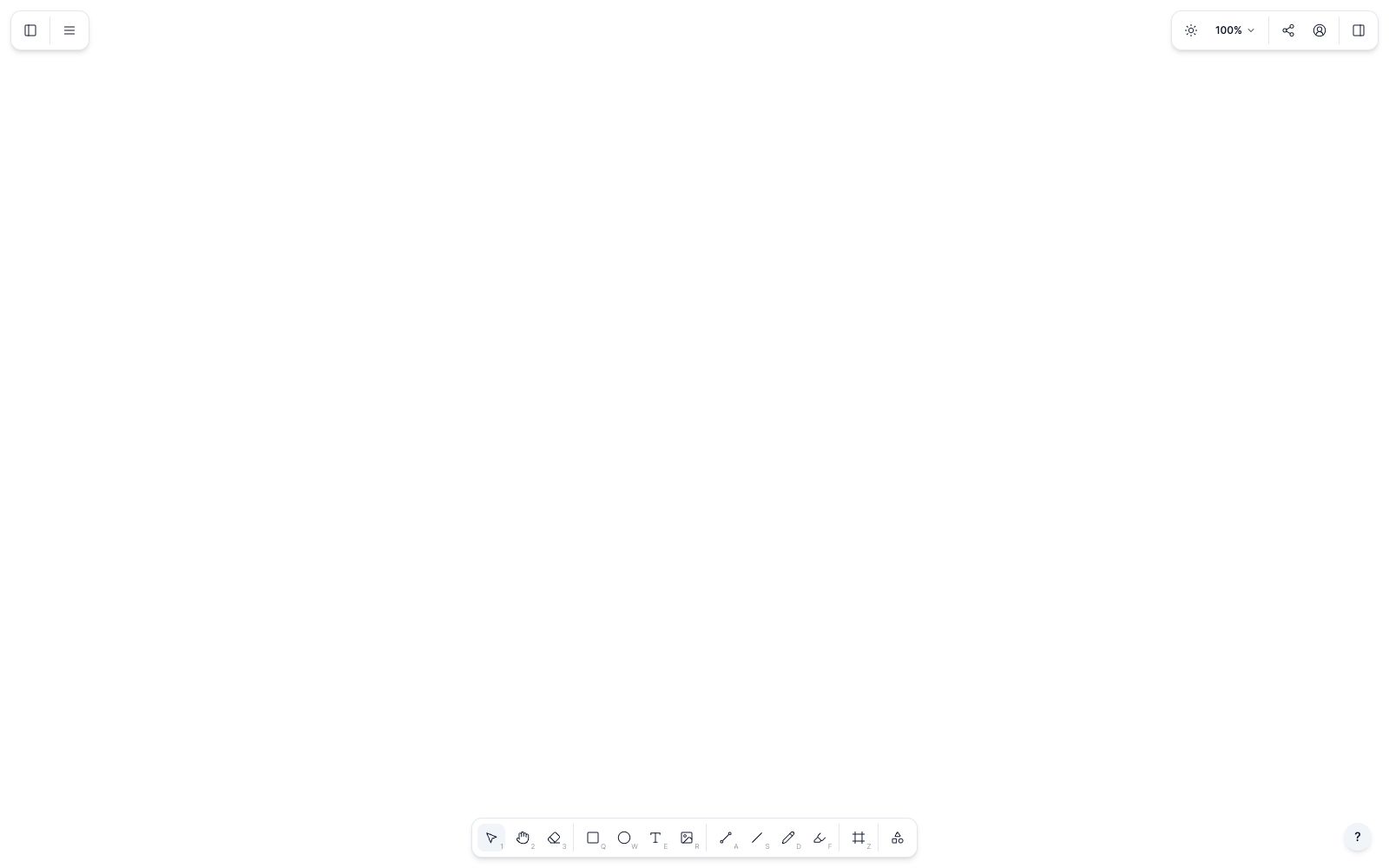
An online hand-drawn note and diagramming tool for professionals, based on smart graphics and an infinite canvas. It supports real-time team collaboration and multi-page management, and can generate code with Visual AI. It is built on the open-source canvas library DGM.js.
Updated: 2026-10-26
What is DGM?
DGM is an online sketchnotes tool, officially described as "An online sketchnotes for professionals", with the official website marked ©2026 MKLabs Co., Ltd. Built on the open-source canvas library DGM.js of the same name, it enables quick sketching and diagram creation with intelligent graphics, supports real-time team collaboration, and is said by the official to also allow code generation via Vision AI. Different from conventional whiteboard tools, it focuses more on hand-drawn illustrations and graphic semantics rather than unlimited sticky notes.
Who is it for?
- Product managers and engineers who need to turn meeting minutes and technical plans into hand-drawn style diagrams.
- Lecturers giving technical presentations and course handouts who need to quickly create reusable diagrams.
- Remote teams that need multiple people to draw the same sketch simultaneously in a browser.
- Developers who want to integrate the open-source canvas library into their own products, as DGM.js is open-sourced on GitHub.
Key features
7Smart shapes
The official description states that smart shapes make it easy to draw diagrams with complex annotations, and you can also customize shapes with scripts, constraints, and extended attributes.
Real-time collaboration
The official stated that it leverages the yjs plugin of DGM.js to achieve real-time synchronization of documents, supporting multi-cursors and multi-selection areas.
Vision AI Code Generation
The official meta description mentions that it can generate code based on the screen, converting sketches into editable outputs.
Hand-drawn style
Supports both hand-drawn and solid color styles. The official stated that the hand-drawn effect is provided by roughjs, which is suitable for expressing low-precision sketches.
Freehand drawing
Supports freehand drawing and stroke endpoint adjustment, and is officially provided by perfect-freehand.
Image export
The content of the canvas can be exported as PNG and SVG, and can also be copied to the clipboard and pasted directly into other applications.
Multiple Pages & JSON
A single document supports multiple pages and different page sizes, and graphics can be imported and exported in JSON format.
How to use DGM
- 1First, try drawing a sketch using the web version of the DGM App to confirm if the annotation capabilities of smart shapes match your diagram type.
- 2For collaboration, first confirm the other party's account access portal. Real-time synchronization relies on the network, and it is recommended to export locally in case of network disconnection.
- 3It is recommended to export important results in both PNG/SVG and JSON formats, as JSON facilitates subsequent import and editing.
- 4If you want to embed DGM.js into your own system, first read the open source license terms on the License page, and check them again before commercial use.
- 5Official features and rules may be adjusted; the code generated by Vision AI is an auxiliary output, and key logic requires manual review.
Traffic & popularity
Data month Sep 2026
DGM receives about 1.1M visits per month.
Monthly visits
4 monthsEstimated from third-party traffic data.
Similar tools
 XiaohuazhuoA lightweight online real-time collaborative whiteboard that supports infinite canvases, multi-page canvases, file collaboration, audio and video calls, with built-in AI for generating mind maps and images, and can be used in conjunction with meeting tools.
 ExcalidrawAn open-source online collaborative whiteboard tool, officially described as enabling easy drawing of hand-drawn style charts. It is suitable for creating diagrams, prototypes, and sketches, supports real-time multi-person collaboration, and provides a component package that can be embedded in your own applications.
 BiorenderA scientific diagram software for scientific research scenarios, featuring an AI diagram generation assistant and an icon library. It allows the creation of data charts, schematic diagrams and slides on the same platform, and the official claims that no design skills are required.