


Diffusion Studio
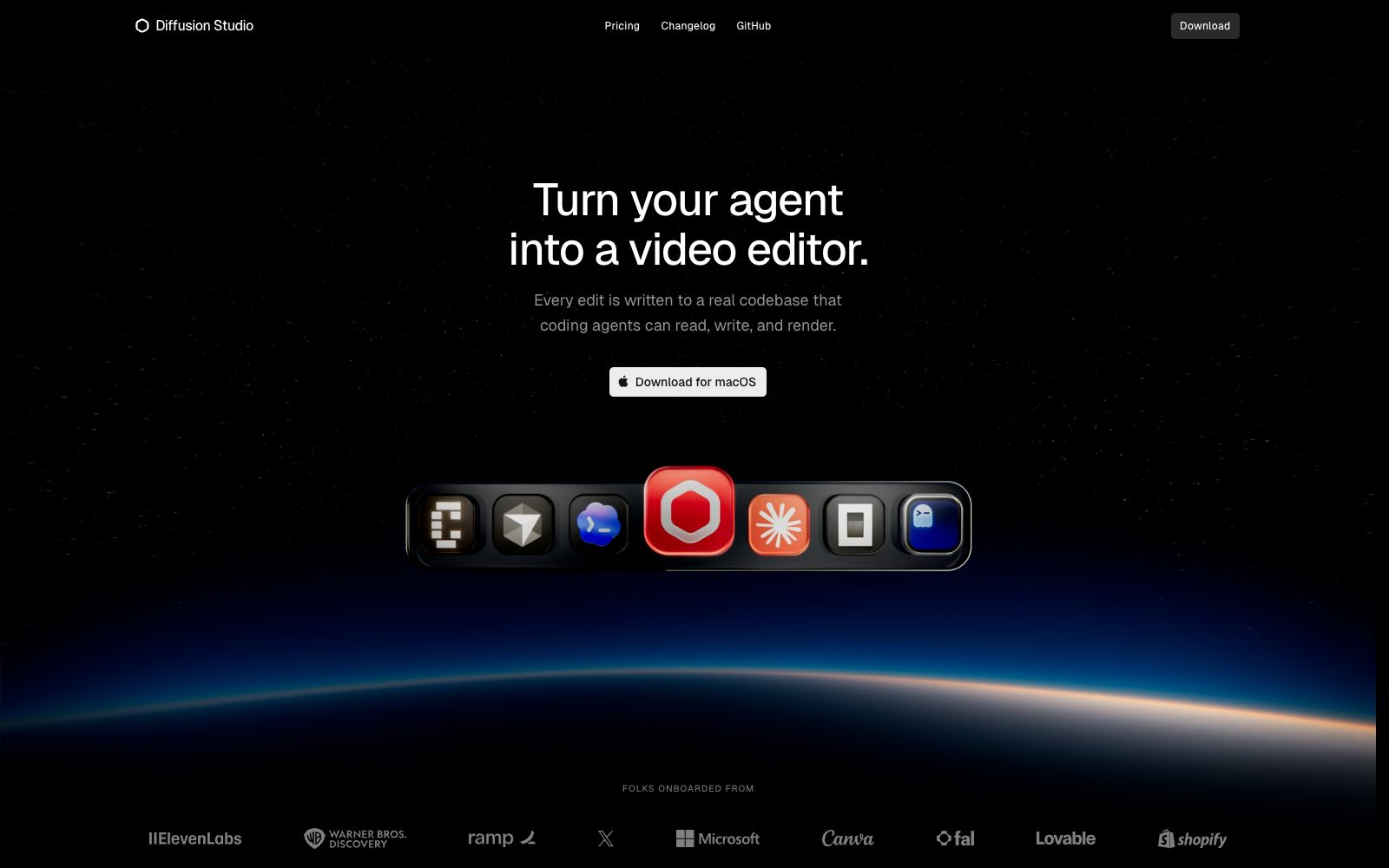
Diffusion Studio official website positions itself as a professional video editor for coding agents: Claude Code, Codex, Cursor, etc. can analyze materials, clip segments, transcribe and generate media. Every modification is written into the real codebase, supporting both browser and desktop usage.
Updated: 2026-10-26
What is Diffusion Studio?
The official positioning of Diffusion Studio is "Turn your agent into a video editor" — turning coding agents into video editors. The key difference between it and ordinary AI video editing tools lies in that the official website states that every edit is written into a real codebase. The agent can read, write and render, so the editing results are versionable and reproducible code, rather than one-time interface operations.
Who is it for?
- Developers who use Claude Code, Codex, and Cursor and want to integrate video editing into their existing workflow.
- Teams that need to codify their editing workflows into reusable skills and hand them off to agents for batch execution.
- Creators who are used to the feel of design tool operations and find the learning curve of traditional video editing software too steep.
- Independent creators who don't want to switch tools fromassets to final cut, and the official website states that import to export all takes place in the same workspace.
- Teams that value self-hosted and open-source control, with the official website indicating it is open source and offering installation methods via GitHub and Homebrew.
Key features
6Agent-Driven Editing
The official website states that the agent can analyze footage, cut clips, transcribe, generate media, and codify your editing methods into reusable skills.
Infinite Canvas + Timeline
The official description states that you first explore assets on an infinite canvas, then return to the timeline for arrangement. The two are connected, and visual context is not lost during organization and iteration.
Precision Attribute Adjustment
The official website states that you can adjust time, position, scaling, and layout from a single inspector.
Built-in Effects and Audio
The official website states that you can overlay visual effects, mix audio, and add filters without having to exit the editor.
Motion Feel
The official website lists Bezier curves, spring easing, and motion presets for refining every movement.
Performance Specifications
The official website states that the response time for canvas panning, zooming, and dragging is under 120ms, and it supports 4K playback and export without the need for agent files.
How to use Diffusion Studio
- First install the desktop version as instructed on the official website, then point your coding agent to your assets directory and have it perform low-risk tasks such as analysis and transcription first.
- Organize your footage on the canvas and define the structure on the timeline.
- don't let the agent do it all in one go.
- you can still take over manual editing after the changes are made.
- For important projects, integrate the code repository into version control.
- The official website emphasizes "every edit stays in code," which is the key to traceability.
- Pricing by credits: The official website lists a free tier of 50 credits (one-time), Pro at $20 per month including 2500 credits, Plus at $35, and Max at $100.
- Exports themselves do not deduct additional credits.
- Before using the team version, read the instructions on collaboration and platform support in the official website's FAQ.
- The official homepage only provides a download link for macOS, so Windows users should first confirm the available version.
Traffic & popularity
Data month Sep 2026
Diffusion Studio receives about 131.2K visits per month and ranks #246,053 worldwide.
Monthly visits
12 monthsTraffic sources
- Direct41.5%
- Search34.4%
- Referrals14.1%
- Social8.5%
- Display ads1.5%
Top countries
- United States29.6%
- Brazil20.4%
- India17.0%
- Thailand7.7%
- Portugal6.9%
Estimated from third-party traffic data.
In these collections
Similar tools
 PalmierPalmier Pro is a video editor built for AI. Officially, it claims to use Claude or Codex for automatic clipping, generate materials on the timeline, and then export them to professional editing software for further refinement, making it suitable for agency workflows.
 SubframeSubframe is a design tool connected to the codebase, as well as a canvas-enabled coding agent. It allows infinite canvas design, previewing and editing online applications, and agent code modification all in one tool.
 PandaStudioPandaStudio is a desktop AI video editor. According to its official website, it supports screen recording and camera shooting, clips videos based on transcripts, generates subtitle graphics, creates AI titles and covers, and can be published to YouTube; its built-in intelligent agent can edit according to text instructions, and Claude Code and Codex can also drive it.
 VidefyVidefy is a video creation platform for browsers: According to its official website, you can use an AI creative director to generate videos from ideas or materials, as well as perform manual editing. It also enables the generation of images, dubbing, subtitles, digital humans, multilingual versions and variants, followed by testing and scaling up the well-performing versions.
 InVideoAn AI video platform for creators and teams, focusing on AI agent-assisted editing: upload materials and describe requirements to complete rough cutting. It has built-in storyboards, scripts, timelines and multi-person collaboration, suitable for large-scale production of marketing videos.
 LispaLispa is the cloud control plane for coding agents. It integrates Claude Code, Codex, Grok and Gemini into a single workspace. After the agent tasks are built and tested in the cloud, the results are viewed and merged through a browser.