

Coze
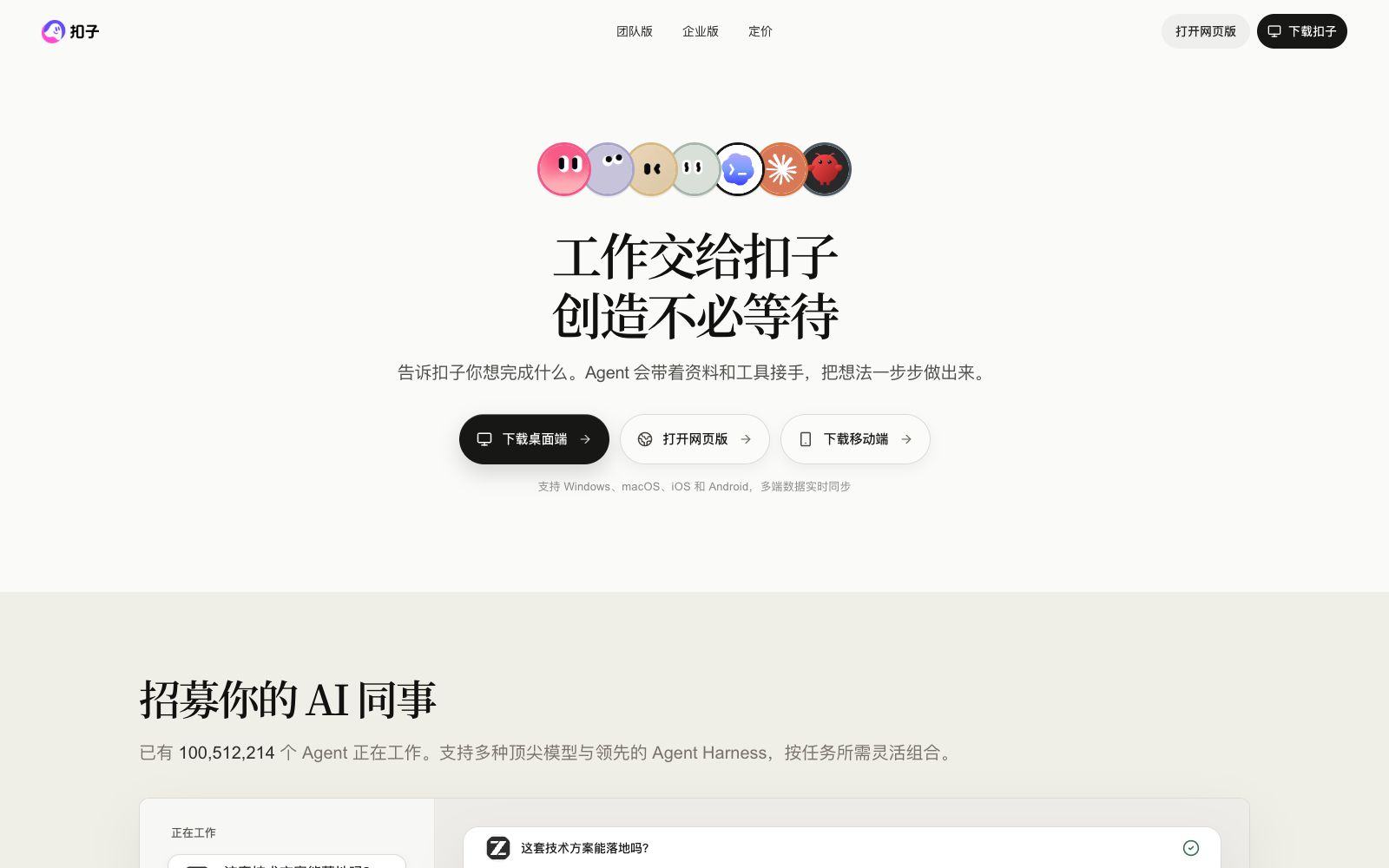
Coze is an all-in-one AI development platform under ByteDance. You can build intelligent agents and visual workflows without complex instructions, and deliver results directly on computers and mobile phones, covering scenarios such as PPT creation, data analysis, mini-program and web page development.
Updated: 2026-10-26
What is Coze?
Coze, a one-stop AI development platform under ByteDance, is officially positioned as a "workplace AI partner". It focuses on delivering results without complex instructions and is easy to use and get started with. It emphasizes that an Agent not only thinks but also has an operable device environment: it can leave the computer, use a mobile phone to add instructions, check progress and receive results. When the time comes, the Agent starts work on its own, and uses a cloud disk to connect all workstations. The official page covers scenarios such as PPT creation, data analysis, mini-program development, APP development, web page development, graphic design, lesson planning, report writing and self-media content, turning "recruiting AI colleagues" into a process accessible to ordinary people. It also separately provides a "Coze Coding" entry for developers, enabling people without programming backgrounds to build applications. Unlike assistants that focus solely on conversation, it emphasizes "wherever work happens, the Agent is there", allowing AI to directly participate in delivery rather than just giving suggestions. Workflows can be broken down into multiple links, each independently debugged, making it easier to locate problems when they occur.
Who is it for?
- For operational and office staff who want to turn daily workflows into AI assistants, developers who need to quickly prototype AI agents, and content creators who run self-media, prepare for teaching, and write reports. For operations personnel without programming backgrounds, visual workflows are a low-threshold entry point to turn ideas into automated processes. Scenarios such as teaching lesson preparation, report writing, self-media content creation, and podcast video production are also covered by the official platform, so teachers, administrators, and content creators can all find applicable usage methods.
Key features
7Visual Workflow
Arrange multi-step logic on the canvas, turning prompt logic into a visible execution path for easier debugging and handover.
Agent Building
Create scenario-specific Bots without writing code, covering office work, teaching, content creation and other scenarios.
Mobile-side Control
You can continue to direct the process even when away from your computer — append instructions, check progress, and receive results via your mobile phone, keeping you in full control of complex tasks at all times.
Scheduled and Autonomous Tasks
The official states that the Agent will start working on its own at the appointed time, which is suitable for automating periodic work.
Scenario Coverage
The official organizes examples according to scenarios such as PPT creation, data analysis, mini-program development, APP development, web development, graphic design, lesson planning, report writing, self-media content creation, and podcast video production. You can build a corresponding assistant by following the process.
Multi-platform Release
Can be published to web, mini-programs and other entry points; one set of logic can be used across multiple places. After release, you can still iterate on the canvas, and the changes take effect immediately.
Multi-person and Team Collaboration
It offers separate versions for individuals, teams, and enterprises, with the enterprise version emphasizing multi-person collaboration and permission management.
How to use Coze
- Start with a small, specific scenario (such as automatically sorting competitor data or generating weekly reports at a fixed time) and refine it before expanding.
- This is more practical than building complex workflows from the outset.
- First, select a high-frequency, repetitive small task to get the process right, then gradually add steps and device capabilities for greater stability.
- When you need features like phone control or scheduled startup, confirm whether your current plan supports them before deciding when to upgrade.
- For sensitive data integrated into workflows, pay attention to permission isolation.
- do not give all credentials to the same Agent.
Things to know
Traffic & popularity
Data month Sep 2026
Coze receives about 1.1M visits per month and ranks #38,820 worldwide.
Monthly visits
12 monthsTraffic sources
- Direct68.6%
- Search19.1%
- Referrals6.6%
- Social2.6%
- Display ads1.7%
- Other1.4%
Top countries
- China92.3%
- United States4.2%
- Taiwan, China1.1%
- Hong Kong, China0.7%
- Singapore0.5%
Estimated from third-party traffic data.
In these collections
Similar tools
 FlowiseFlowise is an open-source visual AI agent development platform. It builds multi-agents and chat assistants with modular building blocks, supports RAG, manual review and execution tracking, and can be deployed locally or on the cloud.
 TBoxBaibox is an all-in-one AI-native application development platform under Alipay. No coding skills are required. You can create and publish an agent to the Alipay Mini Program in three steps with natural language. The platform is built with a variety of popular features such as e-commerce, office tools, and content creation.
 DifyDify is an open-source LLM application development platform for production-grade Agentic workflows. It enables the building of Agents, knowledge pipelines (RAG) and workflows on a unified canvas, and supports cloud, VPC or self-hosted deployment.
 BetterYeahBetterYeah is an enterprise-level AI agent development platform. It provides the NeuroFlow development framework and pre-built agents for sales, marketing, customer service and other scenarios, and supports knowledge base, plug-ins and private sandbox deployment.
 Coze StudioCoze Studio's open-source entry, where the official team releases a development platform, a compass for operation and maintenance optimization, and a Go-based open-source agent framework. It is suitable for technical teams that want to build their own agent platforms or perform secondary development.