


Cora
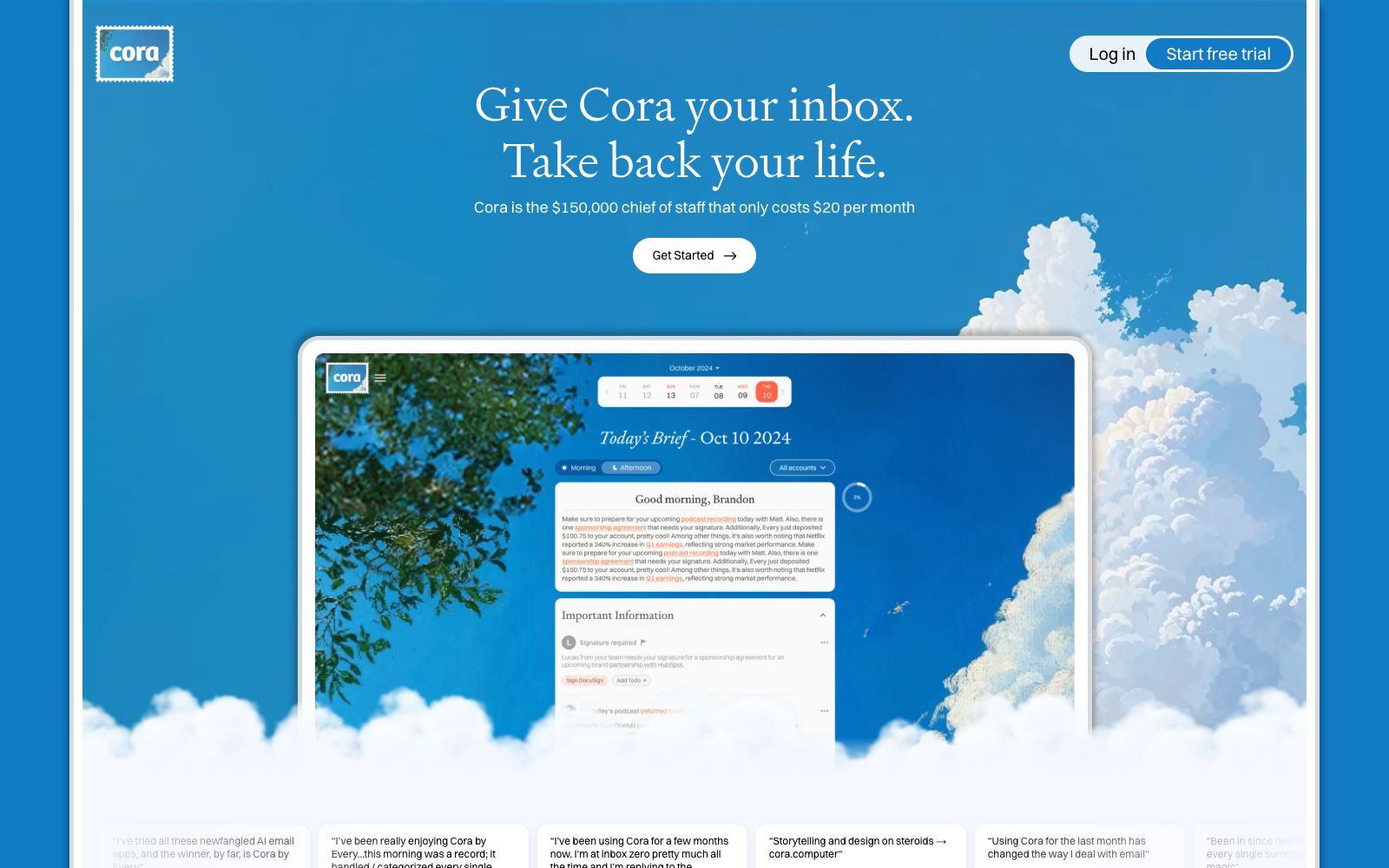
Cora is an AI assistant that takes over your inbox. Officially, it will sort your emails for you, draft replies in your tone, and turn the rest into a briefing twice a day, while emphasizing that security and privacy are built-in.
Updated: 2026-10-26
What is Cora?
The opening of Cora's official website reads "Hand over your inbox, take back your life", positioning itself as an AI-powered chief advisor: it first filters emails for you, drafts replies in your tone, and compiles the rest into a brief newsletter sent twice a day. The official website lists its subscription plan alongside a $20-per-month option, and highlights security and privacy as built-in features. Multiple user feedbacks are also displayed on the homepage.
Who is it for?
- Entrepreneurs and managers whose inboxes are perpetually full and who spend a lot of time handling emails.
- Consultants and sales professionals who want to maintain their personal tone while speeding up response times.
- People who subscribe to a large number of newsletters and want AI to read them first before deciding whether to check them out.
- Busy office workers who want to empty their inboxes but don't have time to go through each email one by one.
Key features
6Email Filtering
Officially, Cora first filters and categorizes your inbox and selects the emails that require your personal attention.
Draft replies in your tone
The official description says it writes replies in your voice instead of using generic templates that are obviously not personalized.
Daily Briefing
The official description states that it compiles the remaining emails into a briefing and delivers it twice a day, allowing you to only read the briefing instead of constantly checking your inbox.
Continuous Learning
The official website states that Cora will get to know the user's habits and preferences from the inside out, and the more you use it, the closer it gets to your personal judgment.
Built-in Security and Privacy
The official lists security and privacy as a separate section of built-in capabilities, serving as the foundational commitment for an entire inbox-integrated product.
Professional and Unlimited Plans
The pricing section on the official website lists two tiers of plans and provides a free trial entry point. The specific benefits are subject to the official website.
How to use Cora
- 1Connecting to an email inbox is a high-permission action. Confirm the official authorization scope, read granularity, and revocation method first before connecting your main email account.
- 2In the first few weeks, read every reply drafted by Cora before sending it, so that it can learn your true tone and common expressions.
- 3The brief is just a filtered result, so it is recommended to set up separate unfiltered rules for important clients and contract emails.
- 4Do not leave emails related to finance, legal affairs or human resources to automatic replies; manual confirmation is always more reliable.
- 5The official website mentions the $20 plan and a free trial; the specific price, included benefits, and cancellation method are subject to the pricing page on the official website.
- 6For shared team mailboxes and official mailboxes that require record-keeping, please confirm the email compliance requirements of your organization before connecting.
- 7The official lists security and privacy as a separate section. It is recommended to read it completely before connecting to confirm how your email content is stored and processed.
Traffic & popularity
Data month Sep 2026
Cora receives about 14.3K visits per month and ranks #2,122,276 worldwide.
Monthly visits
12 monthsTraffic sources
- Direct56.1%
- Search37.2%
- Mail3.1%
- Referrals2.4%
- Social1.2%
Top countries
- United States84.5%
- Germany6.3%
- Czech Republic4.4%
- Canada3.2%
- Brazil1.6%
Estimated from third-party traffic data.
Similar tools
 ShortwaveShortwave is an AI-powered email assistant for inboxes. It can organize, draft, search and schedule emails in one sentence, integrate with tools like Slack and calendars, and turn your inbox into an automated workspace.
 Carly AICarly AI is an email-driven AI assistant. CCing it allows you to create an agent that handles emails, schedules, leads and research. Its official website states that it can connect to thousands of applications and answer missed calls.
 Toolhouse AITurn conversations into productive AI workers: Assign tasks via email or messages, have the agent use email, spreadsheets and CRM to get them done, and send the results directly to your inbox.
 Fyxer AIAn AI assistant for email automatically categorizes incoming messages and pins important emails to the top, drafts replies in your tone, and also takes meeting minutes and arranges schedules. The official version offers a short-term free trial for work email accounts.
 EmailTriagerAn AI email assistant that runs in the background learns your writing style, automatically categorizes incoming emails and drafts ready-to-send replies. It's one-click to install and free to try, turning email processing into review and send.
 SaneBoxAn AI email sorting service that its maker says automatically keeps important messages in the inbox and moves less important ones to a follow-up folder. It also provides follow-up reminders, unsubscribe options, and a daily digest, and is compatible with Gmail, Microsoft 365, IMAP, and other services.