


Clipy
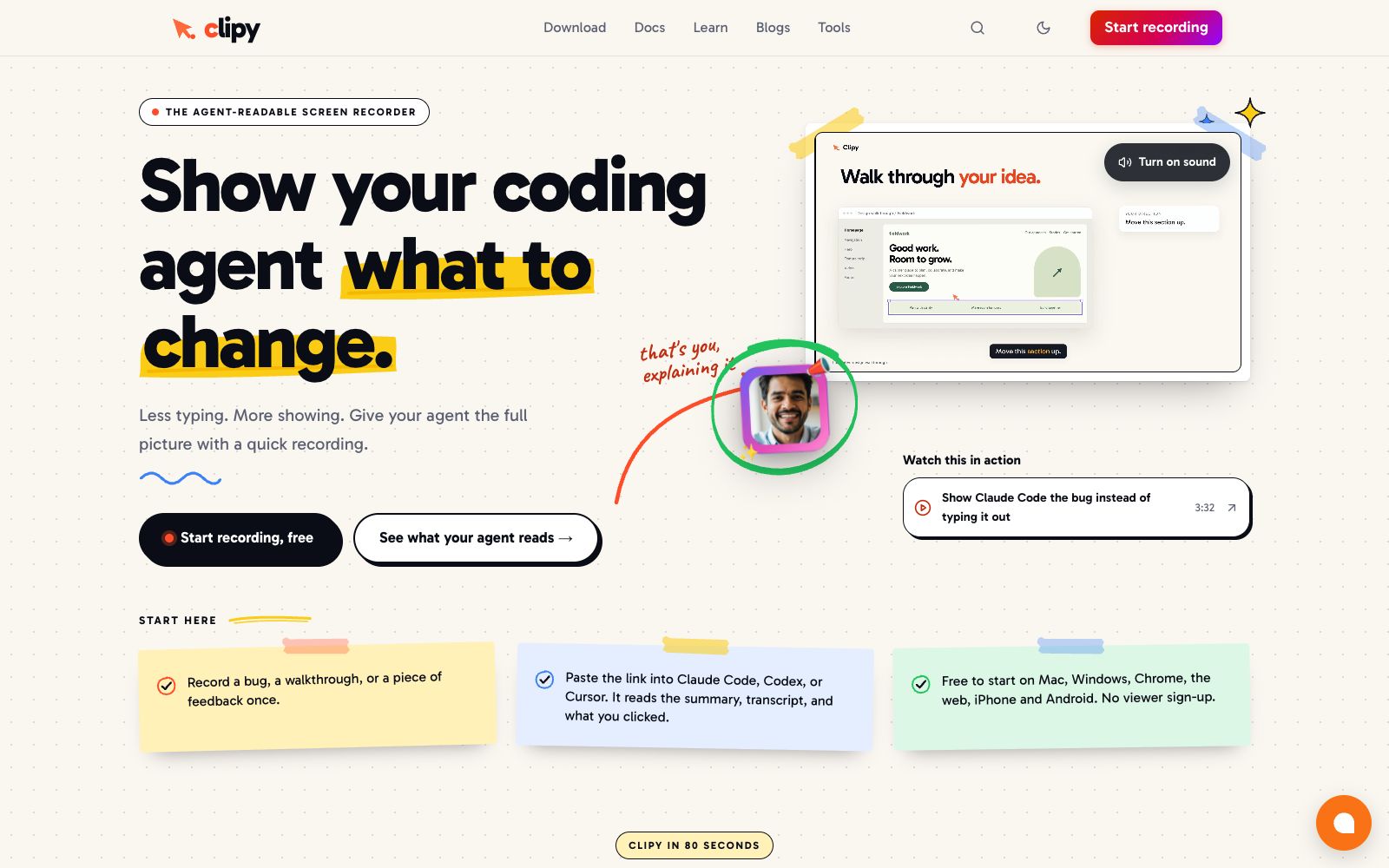
Clipy is a screen recording tool for coding agents. Record a defect reproduction or interface feedback once. Humans watch the video, while Claude Code, Codex and Cursor read the summary, transcription, clicks and key frames. The official website says it starts for free, and viewers don't need to register.
Updated: 2026-10-26
What is Clipy?
Clipy's official website positions itself as an agent-readable screen recorder with the slogan "Show your coding agent what to change" — record bugs, walkthroughs or feedback and hand them over to the agent for modification. Its difference from ordinary screen recording tools lies in the output: in addition to a playable video, it also generates summaries, transcribed text and key moment frames. The same sharing link serves both humans and agents, and the official website states that viewers do not need to register.
Who is it for?
- Developers who need to hand over interface defects along with reproduction steps to Claude Code or Cursor for troubleshooting.
- Design and product students who need to explain spacing, layout and interaction changes but don’t want to type out every detail.
- Delivery and agent teams that handle customer feedback and need to place the customer's exact words alongside visual examples.
- Positions for QA walkthroughs, marketing demos, support Q&A, and roles that want a single link to be viewed by both humans and agents.
Key features
6One recording for two audiences
The official website states that the same link is a playable video for humans, and for Claude Code, Codex and Cursor, it provides summaries, transcripts, clicks and key moment frames.
Flare Cursor Highlighting
Press and hold Control while moving the pointer in a Mac app or Chrome extension to leave a highlighted trail. The official website states that this trail is click-through, allowing the underlying app to function normally; the end of the trail records the screen frame, pointer coordinates, and what you said at that moment.
Flexible recording formats
You can choose tabs, windows, full screen, or just camera. It supports system and microphone audio, and offers HD to 4K resolution. You can record directly in the browser without installation, and there's no registration requirement for viewers.
Default Private
The official website states that shared links are unlisted by default, will not appear in public feeds, and can be deleted at any time.
Supports existing materials
The official website provides a Loom video downloadentry point, allowing you to import existing recordings into your coding workflow and then supplement the visual context required by the agent.
Agent closed-loop
In the official website example, after the agent reads the context, it modifies the code, records the verification proof by itself and uploads the link back, forming a three-step process of recording, fixing and documenting.
Things to know
Usage Tips
- Before recording, clarify the desired outcome first: The official website's three-step method requires presenting the phenomenon, reproduction steps, and expectations simultaneously for the agent to locate the issue easily.
- A single static layout issue is usually sufficient with a screenshot and one sentence; use recording only for defects that appear after multiple steps, and don't record everything.
- When using the Mac app or Chrome extension, hold down Control to circle "this button", which is much more reliable than making the agent guess the position from pixels.
- The link is unlisted by default but is still a shareable URL. When dealing with customer interfaces or internal data, first confirm whether it can be sent externally, and make good use of the delete-at-any-time feature.
- The benchmarks announced on the official website are based on its own synthetic tasks and 20 main Codex experiments, and the official website states that this cannot be extended to all tasks, models or competitors; do not treat it as a general revenue promise.
Traffic & popularity
Data month Sep 2026
Clipy receives about 65.5K visits per month and ranks #673,821 worldwide.
Monthly visits
12 monthsTraffic sources
- Search61.9%
- Direct27.8%
- AI assistants4.4%
- Referrals3.4%
- Social2.5%
Top countries
- United States17.6%
- Philippines6.5%
- India5.7%
- Canada4.5%
- Brazil4.2%
Estimated from third-party traffic data.
In these collections
Similar tools
 JamA screen recording tool for R&D teams that automatically attaches console logs, network requests and device information during recording, generates AI titles and reproduction steps, and can be directly transferred to Linear, Jira or AI programming agents.
 Diffusion StudioDiffusion Studio official website positions itself as a professional video editor for coding agents: Claude Code, Codex, Cursor, etc. can analyze materials, clip segments, transcribe and generate media. Every modification is written into the real codebase, supporting both browser and desktop usage.
 ScrawlScrawl is a screen recording tool for Mac and Windows. It records operations and voice via shortcut keys, generates frame sequences with transcribed text, and can be directly pasted to AI agents to ask questions.