


Clipto
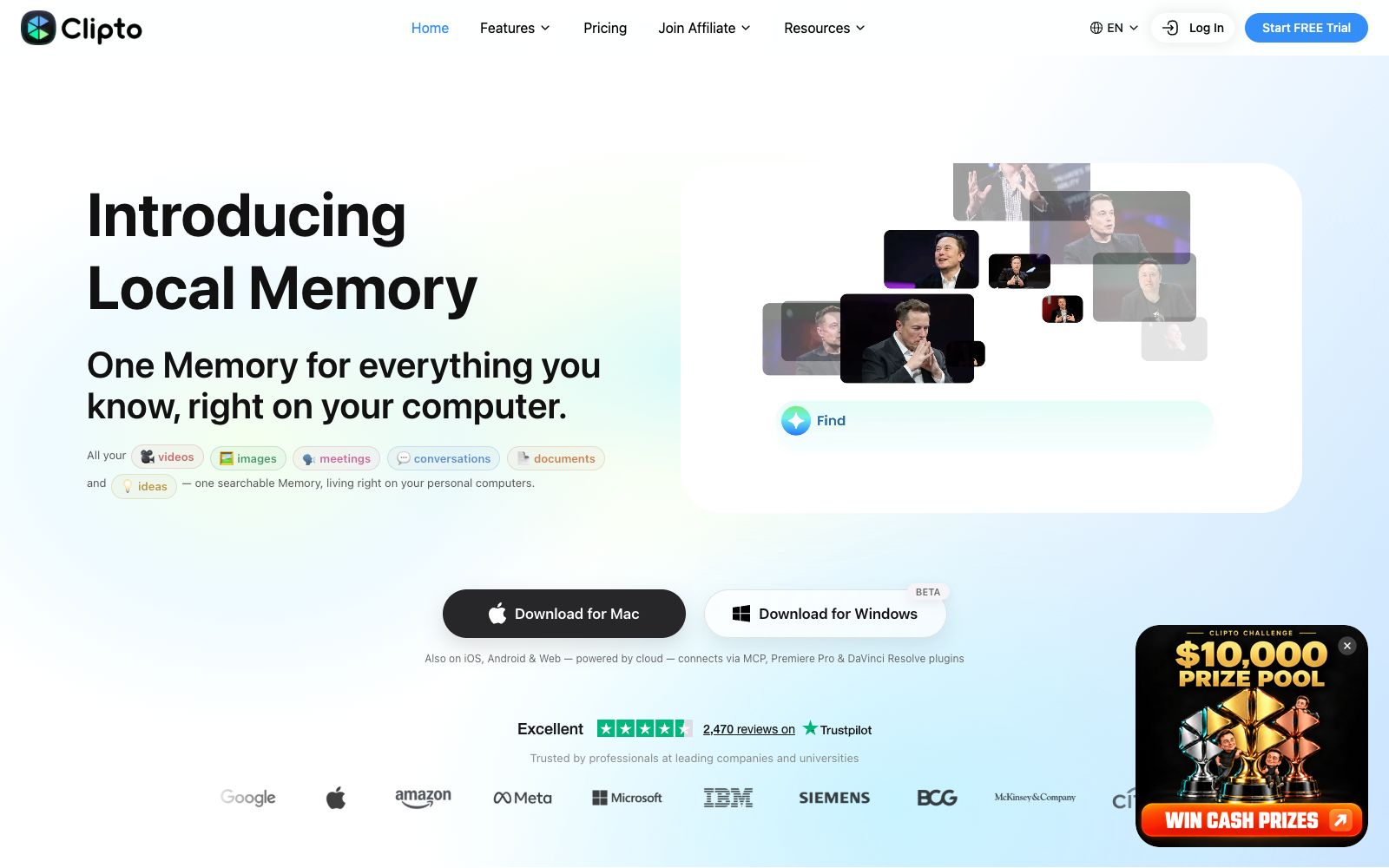
A local-first media AI memory platform that converts videos, audios, images, documents and conversations into searchable memories. It supports transcription, summarization and retrieval, and can integrate with other AIs via MCP and editing plugins.
Updated: 2026-10-26
What is Clipto?
The positioning of Clipto's official website is "Local AI Memory Platform for Your Media". Its core feature is organizing scattered videos, audio recordings, screenshots, and documents into a locally stored memory that can be retrieved repeatedly, rather than just being another cloud storage drive for files. The official website specifies that the Mac version requires an Apple chip and at least 16GB of RAM, the Windows version needs at least 12GB of RAM, and it offers iOS, Android, and cloud web versions.
Who is it for?
- Video creators with massive amounts of footage who need to repeatedly review past clips to find a specific line
- Product and research teams with a large volume of meeting recordings and interview recordings
- Students and researchers who use lecture videos and thesis PDFs as review materials
- Journalists and content analysts who need to process interview materials and verify quotes
Key features
5AI Transcription
The official website lists items such as Video to Text, Audio to Text, Meeting Transcription and YouTube Transcript Generator.
Knowledge Library
The official description states that it transforms various materials into reusable memory, and after the original files are imported, a comprehensible structure is gradually formed.
AI Video Search
The official website states that you can search through local materials using natural language.
AI Editing Assistant / Video Summarizer
Provides the ability to summarize video content and generate summaries for YouTube videos.
MCP & AI Tools (Model Context Protocol)
According to the official website, through MCP, Premiere Pro and DaVinci Resolve plug-ins, this memory can be connected to external AI and editing workflows.
How to use Clipto
- First import a batch of the materials you refer to most often to build your memory, then add new materials incrementally step by step.
- Don't expect to get good results immediately after importing all materials at once.
- The advantage of running locally is privacy, but you should pay attention to the hardware requirements specified on the official website (Mac requires an Apple chip and more than 16GB of RAM).
- If the configuration does not meet the standards, the experience will be significantly reduced.
- For recordings of customer interviews and internal meetings, confirm whether uploading to the cloud is permitted before importing them, and pay attention to account settings when using the cloud synchronization feature.
- If you need to integrate with third-party large models or editing software, first test the MCP or plugin chain with small samples, confirm the permission scope and data flow, and then release all the materials.
Traffic & popularity
Data month Sep 2026
Clipto receives about 611.0K visits per month and ranks #103,044 worldwide.
Monthly visits
12 monthsTraffic sources
- Search47.0%
- Direct31.4%
- Social10.9%
- Display ads4.9%
- Referrals4.8%
- Other1.0%
Top countries
- United States25.4%
- Brazil10.1%
- India7.9%
- Vietnam5.0%
- United Kingdom4.6%
Estimated from third-party traffic data.
Similar tools
 AihaojiAihaoji is an AI audio and video to graphic tool. It supports importing Bilibili and Douyin links as well as local files. It can convert videos to text, perform AI summarization, translation, extract key frames from PPTs and sync to Notion.
 MeterlessMeterless's Nightshift turns a Mac, Windows PC, or DGX Spark into a local AI hotspot, giving local applications access to multimodal services. It also runs task queues automatically when you step away, so work keeps moving without you.
 remioA local-first personal AI assistant and knowledge base for knowledge workers, which automatically aggregates web pages, meetings, emails and documents for unified retrieval and answering, can generate editable presentations, and supports self-contained models and mainstream international models.
 MemoryRouterA persistent AI memory layer across ChatGPT, Claude, Codex and other tools, officially said to migrate ChatGPT memories, connect various AI tools via MCP, and make backgrounds and project contexts follow users at all times.